
Pracvio Practice Block

Pracvio Practice Block

توسط

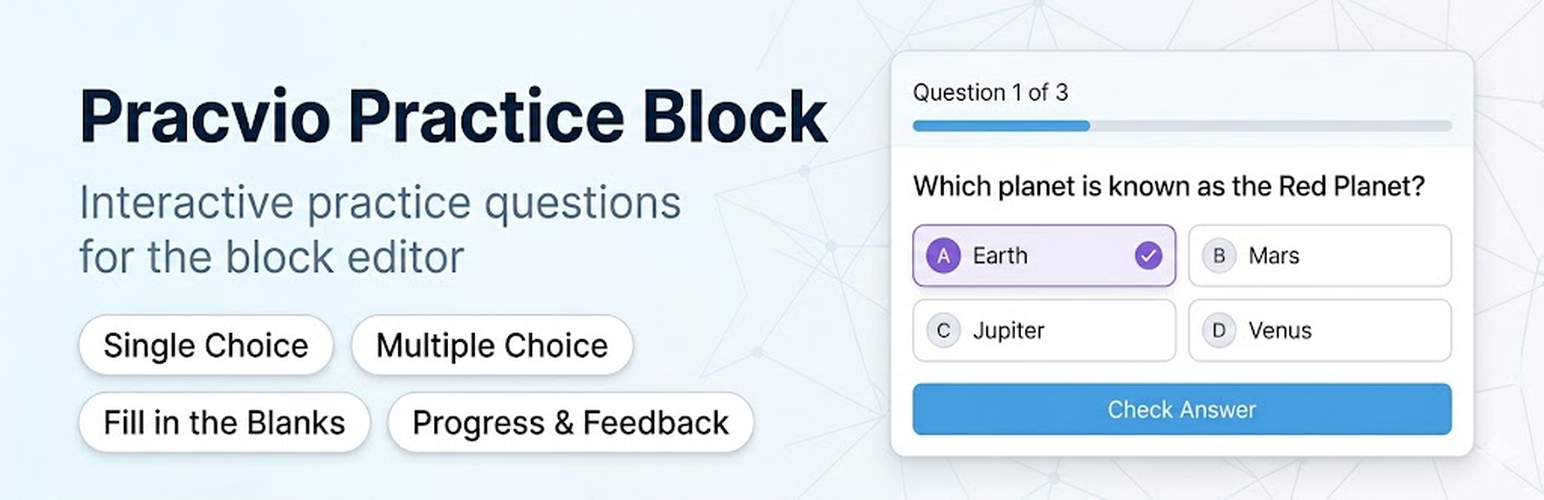
Pracvio Practice Block adds an interactive practice-question block to the WordPress block editor. It is designed for worksheets, learning pages, revision pages, and self-practice content.

Current question types:

  • Single Choice Question
  • Multiple Choice Question
  • Fill in the Blanks

The block supports rich question content, answer options, optional explanations, frontend progress, answer checking, retry controls, and a completion score.

Important: this block checks answers in the visitor’s browser. It is intended for practice and learning content, not secure exams or protected assessments.

  1. Upload the plugin folder to /wp-content/plugins/pracvio-practice-block/ or install it from the WordPress Plugins screen.
  2. Activate the plugin.
  3. Open the block editor and add the Pracvio Practice Block.
  4. Add questions and publish the page.

سوالات متداول

Does this plugin store user answers?

No. The current version is for frontend self-practice and does not store submissions.

Can this be used for secure exams?

No. Correct answers are available to the browser so the block should be used for practice, worksheets, and learning pages only.

Which question types are included?

Single Choice Question, Multiple Choice Question, and Fill in the Blanks.

Is True / False supported?

Yes. Create a Single Choice Question with two options: True and False.

×
نظری برای این آیتم موجود نیست.
0 0 رای ها
امتیازدهی
اشتراک در
اطلاع از
0 نظرات
قدیمی‌ترین
تازه‌ترین بیشترین رأی
بازخورد (Feedback) های اینلاین
مشاهده همه دیدگاه ها
هیچ نسخه‌ای برای این آیتم موجود نیست.
بدون امتیاز

قیمت:

رایگان

نگارش

آخرین انتشار

20 خرداد 1405

آخرین بروزرسانی

1 هفته پیش

نصب های فعال

-

نگارش وردپرس

وردپرس 6.5+

تست شده از نسخه

وردپرس 7.0

نگارش PHP

PHP 7.4+

نسخه ها

0 نسخه




