
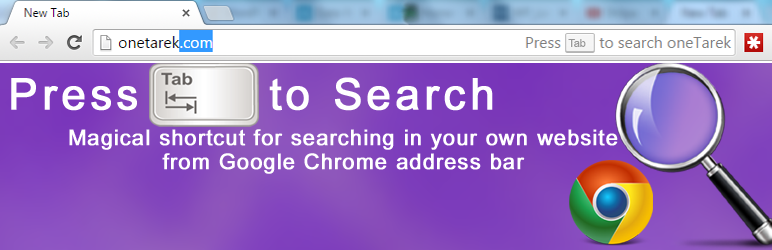

Let your users automatic search your website from address bar
You may see in Google Chrome or Chromium browser the term “Press Tab to search” behind sites site URL when typing in addressbar. This is a magical shortcut for Chrome. For example when you type youtube.com in Google Chrome address bar you see the text “Press Tab to search” on the right side of addressbar. If you press tab and type some words and press enter, then google chrome shows you the search result page in youtube.com. You can let chrome to add this feature for your own WordPress website. This “Press Tab to Search” plugin makes your website ready for this feature. This plugin add Open Search Description in your website. When visitors type your website address they can search your website by pressing tab.
Live Example: Type “onetarek.com” in your chrome browser






