
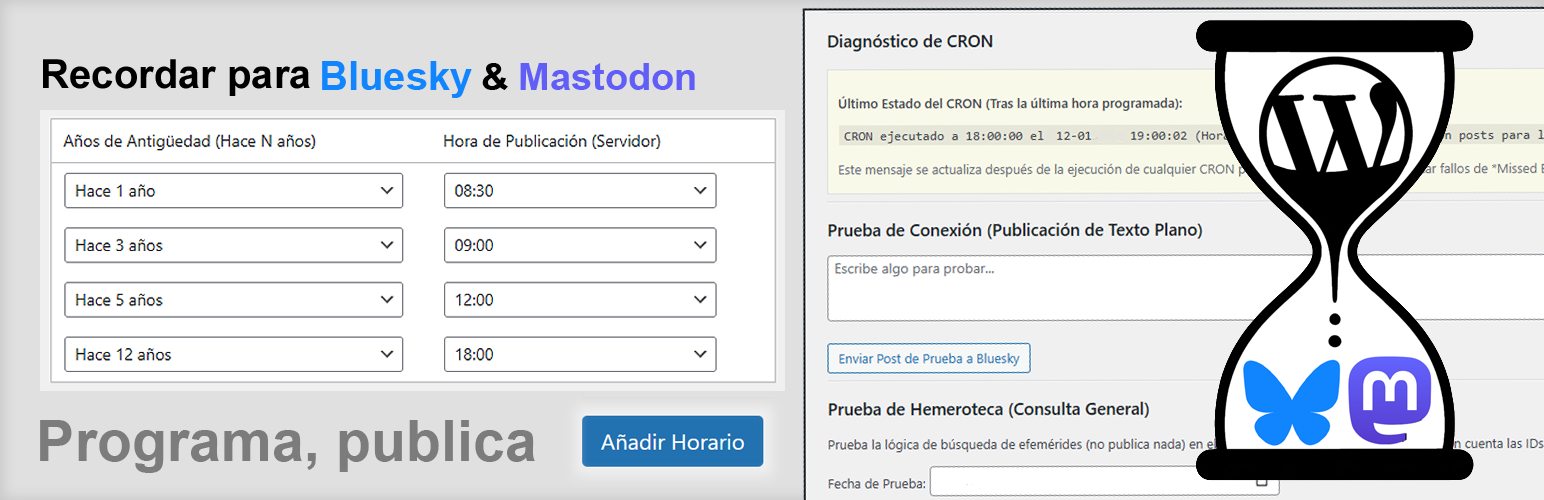
Recordar for Bluesky & Mastodon

Recordar for Bluesky & Mastodon

توسط

Recordar for Bluesky & Mastodon is a plugin designed to automate the publication of archive content (ephemeris/on this day) to Bluesky and Mastodon.
It integrates with the WordPress CRON system to:

  • Dual Publishing: Connect both Bluesky and Mastodon simultaneously.
  • Smart Scheduling: Automatically publish old posts (“On a day like today, N years/months ago”) at user-defined times.
  • Full Multilanguage Support: Detects and allows filtering posts by language (e.g., ‘es’, ‘en’, ‘de’) if using plugins like Polylang or WPML.
  • Immediate Publication of New Posts: Optionally, send a post to your networks immediately upon publication in WordPress.
  • Editorial Control: Exclude specific posts (by ID) to prevent automatic publication.
  • Link Handling (Embeds): Generates the link embed with image, title, and excerpt. Supports native image uploading for both networks.
  • Diagnostic Tools: Includes connection tests, Archive query tests, and CRON status/reset tools.
  • Granular Control: Pause the entire system globally, or enable/disable each social network individually.
  • Lists Laboratory: Create and save draft schedules offline before applying them.

Requirements:
* A Bluesky account (Handle + App Password).
* A Mastodon account (Instance URL + Access Token).

  1. Upload the recordar-for-bluesky folder to your /wp-content/plugins/ directory.
  2. Activate the plugin through the ‘Plugins’ menu in WordPress.
  3. Go to the new Recordar for Bluesky menu entry in your WordPress admin.
  4. Enter your credentials for Bluesky and/or Mastodon.
  5. Define the schedules and age of the posts you want to publish automatically.
  6. Make sure to save changes to schedule the CRON tasks!

سوالات متداول

How do I get a Mastodon Access Token?

Go to your Mastodon instance settings (usually under Preferences > Development).
Click “New Application”, give it a name (e.g., “WordPress”), select the permissions read and write, and save.
Then click on the application name to reveal and copy the “Access Token”.

What is a Bluesky App Password?

It is a password generated within your Bluesky account settings used specifically for third-party apps (like this plugin) to post on your behalf.

How does time synchronization work?

The plugin automatically detects your WordPress Timezone settings (Settings > General).
You no longer need to calculate offsets manually. The CRON will fire exactly at the local time you configure.

What happens if a post has an excluded ID?

If a post is in the excluded IDs list, the plugin will never automatically publish it, neither as an ephemeris nor immediately as a new post.

Will I lose my lists if I uninstall the plugin?

By default, NO.
Since version 1.9.0, data persistence is enabled by default to protect your lists.
You can change this behavior in the “Uninstallation Options” section of the settings if you want a complete cleanup upon uninstallation.

What do the status icons in the schedule list mean?

After running a “Simulate Search” in the Testing Zone, the Active Schedule table updates to show results at a glance.
A green checkmark (✅) indicates that content was found for that period.
A grey dash (➖) indicates no matching post was found for today.

×
نظری برای این آیتم موجود نیست.
0 0 رای ها
امتیازدهی
اشتراک در
اطلاع از
0 نظرات
قدیمی‌ترین
تازه‌ترین بیشترین رأی
نسخه حجم فایل SHA256 تغییرات دانلود
2.2.2 23 کیلوبایت -
دانلود
×
بدون امتیاز

قیمت:

رایگان

نگارش

2.2.2

آخرین انتشار

18 اردیبهشت 1405

آخرین بروزرسانی

3 ماه پیش

نصب های فعال

-

نگارش وردپرس

وردپرس 6.0+

تست شده از نسخه

وردپرس 6.9.4

نگارش PHP

PHP 7.4+

نسخه ها

1 نسخه




