
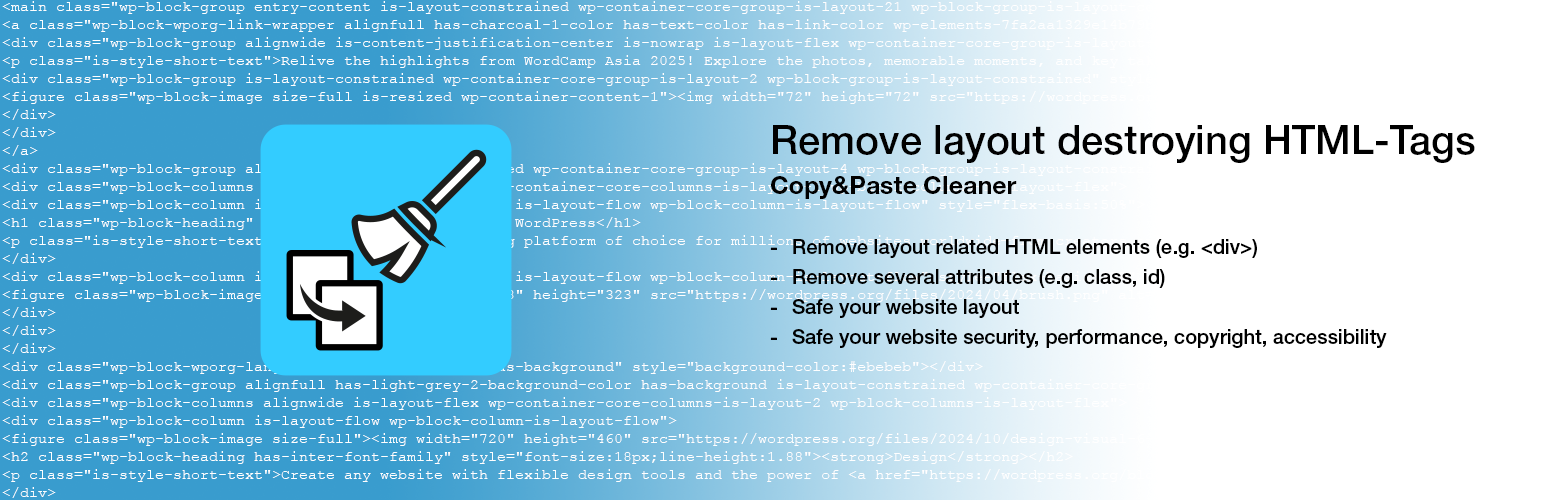
Remove layout destroying HTML-Tags

Remove layout destroying HTML-Tags

توسط

Copy&Paste Cleaner. If you want to quickly fill a post or a page with content that already exists, copy&paste is often used and it can destroy the layout of a website!

The basic problem is that if you copy&paste content from different sources into the visual editor, any formatting is copied over. Specifically, whether from text documents, other websites, online-shops and cms or even from social media, something comes along everywhere.

As there are often DIVs in addition to harmless HTML elements, these can cause the rendering of your own website to be faulty or interrupted.

To avoid this, this plugin checks the existing formatting and attributes and removes all those that could lead to a problem and then saves it directly.

If you copy and paste into the text editor, there is usually no problem.

Tested with these page builders:

  • Classic editor
  • Gutenberg
  • Divi 4.27
  • Elementor 3.33
  • WPBakery 8.7

Privacy GDPR

This plugin processes the analyzed and converted HTML only within the respective website. No content is stored or transferred to other servers or services for processing. Data protection in accordance with the GDPR is therefore guaranteed at all times.

Installation from within WordPress

  1. Visit Plugins > Add New.
  2. Search for Remove layout destroying HTML-Tags.
  3. Install and activate the Remove layout destroying HTML-Tags plugin.

Manual installation

  1. Upload the entire remove-layout-destroying-html-tags folder to the /wp-content/plugins/ directory.
  2. Visit Plugins.
  3. Activate the Remove layout destroying HTML-Tags plugin.

سوالات متداول

Why is the img element also being removed?

The img element is removed for copyright reasons, as well as performance and security. You should insert any image data regularly and equip it with the appropriate attributes. This is also better for accessibility and SEO.

Is it working with Beaver, Gutenberg, Divi, Elementor or WPBakery?

At the moment it works fine with Classic Editor, Gutenberg, Divi, Elementor and WPBakery page builder. Integration for Beaver is in process.

Why are the alt, aria-* and title attributes removed?

These attributes are important for accessibility, but should be added and adapted individually so that the context is maintained.

Why are emojis being removed too?

Although emojis are based on the international Unicode, they are sometimes displayed differently. This means that an emoji can look completely different on iOS, Android and Windows and have a corresponding effect. These are filtered out to avoid misunderstandings in terms of content and to avoid potential display errors.

How does it work in Gutenberg?

There are two ways to use it in Gutenberg: you can clean up the entire post or page or just the content of a block. To clean up a block, simply use the icon in the toolbar. If you want to clean up the entire content at once, go to the sidebar and use the Clean up HTML button in the HTML Cleanup section.

×
نظری برای این آیتم موجود نیست.
0 0 رای ها
امتیازدهی
اشتراک در
اطلاع از
0 نظرات
قدیمی‌ترین
تازه‌ترین بیشترین رأی
نسخه حجم فایل SHA256 تغییرات دانلود
0.4.2 15 کیلوبایت -
دانلود
×
★★★★★
★★★★★
5.0 /5 (1 نظر)

قیمت:

رایگان

نگارش

0.4.2

آخرین انتشار

17 اردیبهشت 1405

آخرین بروزرسانی

3 ماه پیش

نصب های فعال

100+

نگارش وردپرس

وردپرس 6.7+

تست شده از نسخه

وردپرس 6.9.4

نگارش PHP

PHP 7.4+

نسخه ها

1 نسخه




