
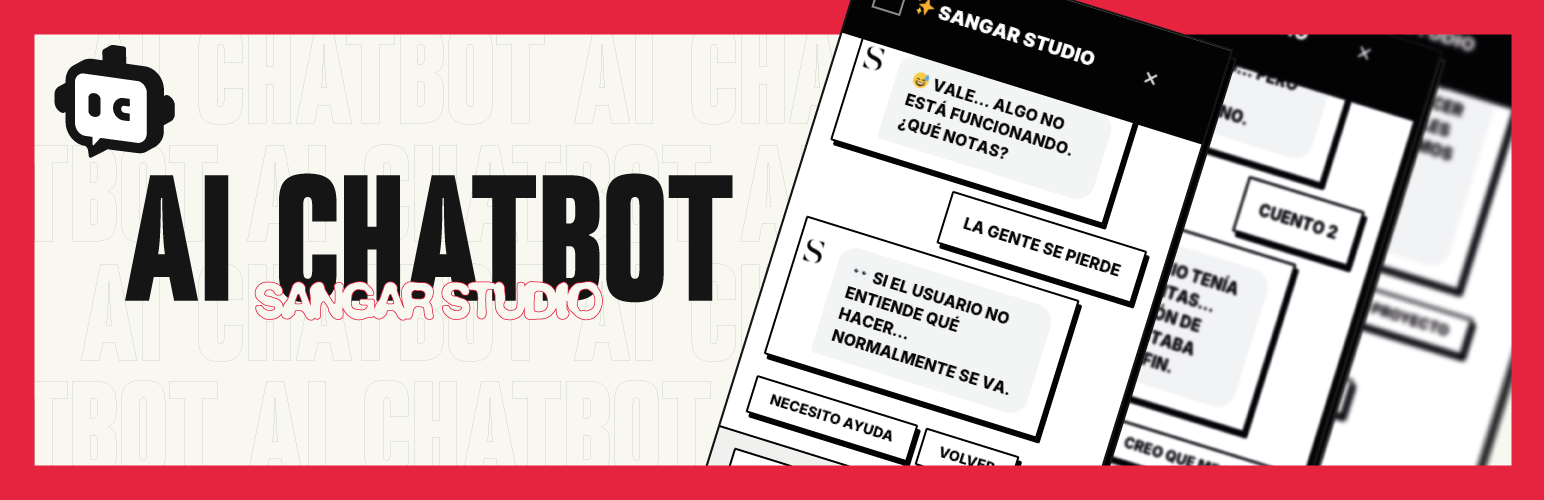

Design premium interactive conversation flows directly within WordPress using a powerful visual editor. Combine a structured Customer Journey builder with optional OpenAI (GPT-4o-mini) intelligence fallback to engage visitors, answer FAQs, and capture high-converting leads automatically.
Key Features:
* Visual Customer Journey Builder: An intuitive drag-and-drop workspace (powered by Drawflow) to manage static branches and paths.
* OpenAI Hybrid Intelligence: Seamless optional fallback to GPT-4o-mini when conversation departs from defined paths.
* Direct HubSpot & Webhook Sync: Instantly push captured lead records (name, email, phone) directly into HubSpot or external automation platforms like Zapier/Make.
* Proactive Engagement Prompts: Drive engagement using customized automated chat bubble prompts.
* Lead Analytics & Charting: Track visitor counts, conversion rates, and daily lead acquisition trends via visual dashboard line charts.
External Services
This plugin relies on or integrates with external third-party web services to provide artificial intelligence capabilities and contact synchronization. These integrations are completely optional but require your own API keys/tokens to function:
-
OpenAI API (https://api.openai.com)
- Purpose: Generates intelligent fallback conversational responses when the user departs from the defined visual Customer Journey.
- Data Sent: Sends the user’s text message input and the conversation’s step context. No user profile metadata or database information is transmitted.
- When Sent: Sent dynamically each time a visitor submits a chat message, but only when AI Fallback is enabled and active.
- Privacy Policy: https://openai.com/policies/privacy-policy
- Terms of Service: https://openai.com/policies/terms-of-use
-
HubSpot API (https://api.hubapi.com)
- Purpose: Automatically synchronizes and saves captured leads as contacts directly in your HubSpot CRM dashboard.
- Data Sent: Transmits lead contact fields including First Name, Last Name, Email address, and Phone number.
- When Sent: Sent instantly on demand when a new lead is captured via the chatbot interface and the HubSpot CRM integration option is configured.
- Privacy Policy: https://legal.hubspot.com/privacy-policy
- Terms of Service: https://legal.hubspot.com/terms-of-service




