
Scholar Publications Fetcher

Scholar Publications Fetcher

توسط

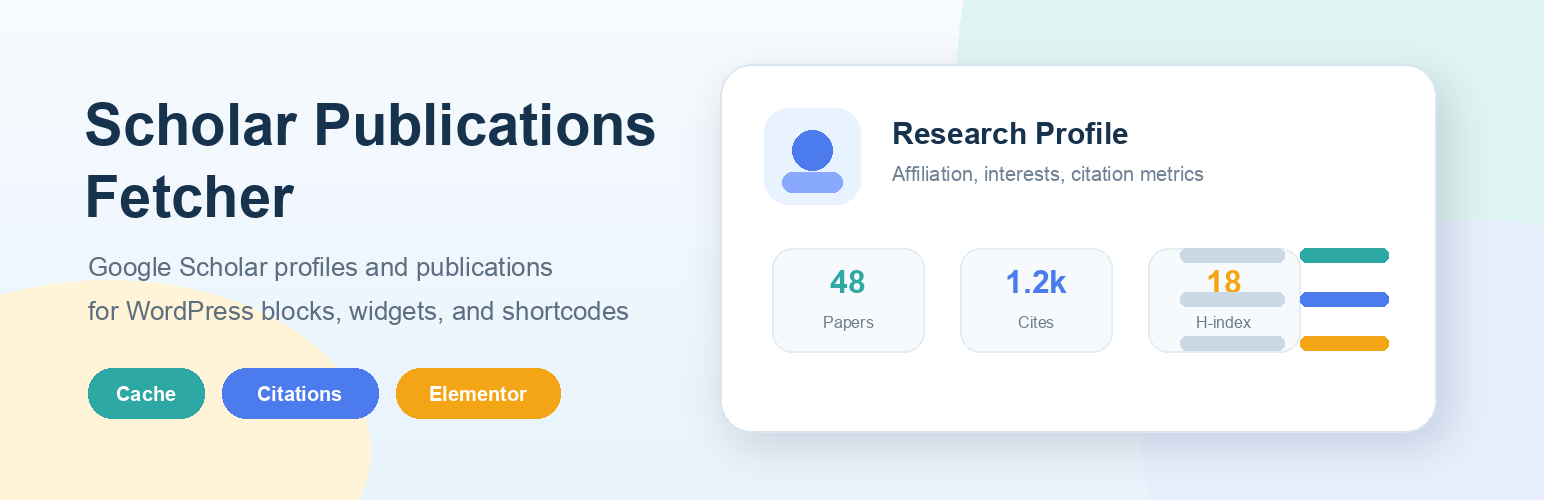
Scholar Publications Fetcher retrieves profile details and publications from a public Google Scholar profile and renders them in a responsive layout inside WordPress.

The plugin now includes an admin settings page, so site owners can configure publication defaults and visual styling without manually editing shortcode attributes.

Key features:

  • Standalone Scholar Publications admin menu.
  • Native Gutenberg block for the default WordPress block editor.
  • Elementor widget when Elementor is active.
  • Optional Google Scholar profile header with photo, name, affiliation, verified email, homepage, and research interests.
  • Default Google Scholar User ID, count, order, caching, pagination, and abstract options.
  • Appearance controls for colors, typography, profile text alignment, width, spacing, corner radius, shadows, and hover motion.
  • Shortcode attributes still work for one-off overrides.
  • Fetches multiple Google Scholar result pages, not just the first page.
  • Supports count="all" to show the full publication list.
  • Uses WordPress transients for caching.
  • Includes a responsive layout with dark mode support.
  • No API key is required.
  1. Upload the plugin to /wp-content/plugins/ or install it through the WordPress admin.
  2. Activate Scholar Publications Fetcher from the Plugins screen.
  3. Open Scholar Publications in the WordPress admin menu and enter your Google Scholar User ID.
  4. Add the shortcode to a page, post, or widget.

You can also insert the publication list from the WordPress block editor by searching for Scholar Publications in the block inserter. If Elementor is active, search for Scholar Publications in the Elementor widget panel.

Basic usage after saving settings:

[schopufe_publications]

Override settings for a specific page:

[schopufe_publications user_id="YOUR_SCHOLAR_ID" count="30" show_abstract="true"]

Show all publications, oldest first:

[schopufe_publications count="all" order="asc"]

Show the public Google Scholar profile header:

[schopufe_publications show_profile="true"]

سوالات متداول

Where is the settings page?

Go to Scholar Publications in the WordPress admin menu.

Do I still need shortcode attributes?

No. Save your defaults in the settings page and use [schopufe_publications]. Shortcode attributes are still available when you want to override settings on a specific page.

Can I insert it as a block?

Yes. In the default WordPress block editor, search for Scholar Publications in the block inserter.

Does it support Elementor?

Yes. If Elementor is active, the plugin registers a Scholar Publications widget under the general widgets panel.

Can it show Google Scholar profile details?

Yes. Enable the profile header to display the public profile photo, name, affiliation, verified email, homepage, and research interests above the publication list.

Can I customize the visual style without CSS?

Yes. The settings page includes controls for colors, font style, maximum width, spacing, card radius, shadow, and hover motion.

Can I show all of my publications?

Yes. Use count="all" in the settings page or shortcode to fetch and display the full publication list.

What does `max_pages` do?

max_pages limits how many Google Scholar result pages will be fetched. This acts as a safety cap for large profiles.

What values should I use for `page_size`?

Google Scholar reliably supports page sizes of 20 and 100. The plugin normalizes requests to those values.

Do I need an API key?

No. The plugin reads the public HTML of your Google Scholar profile using the WordPress HTTP API and PHP DOM.

تصویری برای این آیتم موجود نیست.
نظری برای این آیتم موجود نیست.
0 0 رای ها
امتیازدهی
اشتراک در
اطلاع از
0 نظرات
قدیمی‌ترین
تازه‌ترین بیشترین رأی
نسخه حجم فایل SHA256 تغییرات دانلود
2.3.2 153 کیلوبایت -
دانلود
×
بدون امتیاز

قیمت:

رایگان

نگارش

2.3.2

آخرین انتشار

22 اردیبهشت 1405

آخرین بروزرسانی

3 ماه پیش

نصب های فعال

100+

نگارش وردپرس

وردپرس 5.2+

تست شده از نسخه

وردپرس 6.9.4

نگارش PHP

PHP 7.4+

نسخه ها

1 نسخه




