
SearchWP Live Ajax Search

SearchWP Live Ajax Search

توسط

Does not require SearchWP, but will utilize it if available. Full documentation is available at searchwp.com.

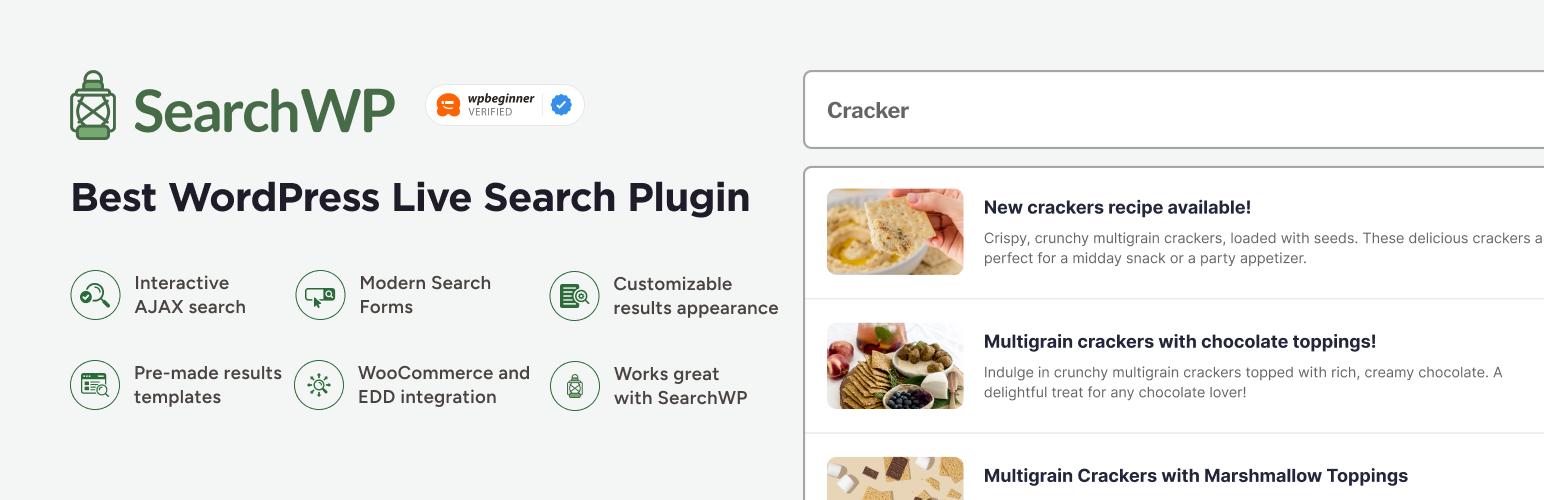
SearchWP Live Ajax Search enables AJAX powered live search for your search forms. Designed to be a developer’s best friend, SearchWP Live Ajax Search aims to stay out of your way but at the same time allowing you to customize everything about it. It’s set up to work with any WordPress theme and uses a template loader to display results. The template based approach allows you to seamlessly customize your SearchWP Live Search implementation without messing with dozens of cluttered options.

Works best with SearchWP (but SearchWP is not necessary)

SearchWP Live Ajax Search is best utilized in conjunction with SearchWP, but it is not required. If SearchWP is installed and activated, SearchWP Live Ajax Search can be customized to use any of your search engines per search form.

Customization

You can customize the implementation of SearchWP Live Ajax Search to a great degree, including any number of developer-defined configurations. The results are based on a template loader, allowing SearchWP Live Ajax Search to stay out of your way and letting you write the results template as you would any other WordPress theme file.

Everything is powered by adding a single HTML5 data attribute (data-swplive="true") to the input field of your search form. This happens automagically out of the box for any search forms generated from get_search_form().

Widget support

SearchWP Live Ajax Search ships with a Widget allowing you to insert live search forms wherever you’d like.

  1. Download the plugin and extract the files
  2. Upload searchwp-live-search to your ~/wp-content/plugins/ directory
  3. Activate the plugin through the ‘Plugins’ menu in WordPress
  4. Optionally customize the configuration: full documentation
  5. Optionally customize the results template: full documentation

سوالات متداول

Documentation?

Of course! Full documentation

How do I add live search to my search form?

SearchWP Live Ajax Search will automatically enable itself on any search forms generated with get_search_form(). You can prevent that with the following filter:

add_filter( 'searchwp_live_search_hijack_get_search_form', '__return_false' );

If you would like to manually enable SearchWP Live Ajax Search on a custom search form, simply add the following data attribute to the input you want to hook: data-swplive="true"

How are search results generated?

By default, SearchWP Live Ajax Search uses the default SearchWP Search Engine if you are using SearchWP. If you don’t have SearchWP, native WordPress search results are provided. If you would like to customize which search engine SearchWP uses, simply add the following attribute to the form input: data-swpengine="supplemental" replacing ‘supplemental’ with your desired search engine name.

How do I customize the results template

SearchWP Live Ajax Search uses a template loader. In the plugin folder you will find a templates folder which includes search-results.php — that is what’s used out of the box to output search results. To customize that output, simply create a folder called searchwp-live-ajax-search in your theme directory and copy search-results.php into that folder. SearchWP Live Ajax Search will then use that file instead of the one that shipped with the plugin, and you can customize it as you would other theme template files.

SearchWP Live Ajax Search also outputs two sets of styles. The primary set of styles simply preps the results wrapper to be positioned properly. The second set of styles controls the visual appearance. This abstraction was made to ensure customization is as straighforward as possible. You can disable the default ‘theme’ by dequeueing the applicable stylesheet, and you can also disable the foundational CSS as well. More information available in the documentation.

How do I customize the spinner

SearchWP Live Ajax Search uses a filter — searchwp_live_search_configs — that allows you to fully customize the configuration used. Simply add a new key to the array passed through that filter, customizing the default values to whatever you want.

×
نظری برای این آیتم موجود نیست.
0 0 رای ها
امتیازدهی
اشتراک در
اطلاع از
0 نظرات
قدیمی‌ترین
تازه‌ترین بیشترین رأی
بازخورد (Feedback) های اینلاین
مشاهده همه دیدگاه ها
هیچ نسخه‌ای برای این آیتم موجود نیست.
★★★★★
★★★★★
4.7 /5 (37 نظر)

قیمت:

رایگان

نگارش

آخرین انتشار

10 اردیبهشت 1405

آخرین بروزرسانی

2 ماه پیش

نصب های فعال

50,000+

نگارش وردپرس

وردپرس 4.8+

تست شده از نسخه

وردپرس 6.9.4

نگارش PHP

PHP 5.6+

تگ ها

نسخه ها

0 نسخه




