
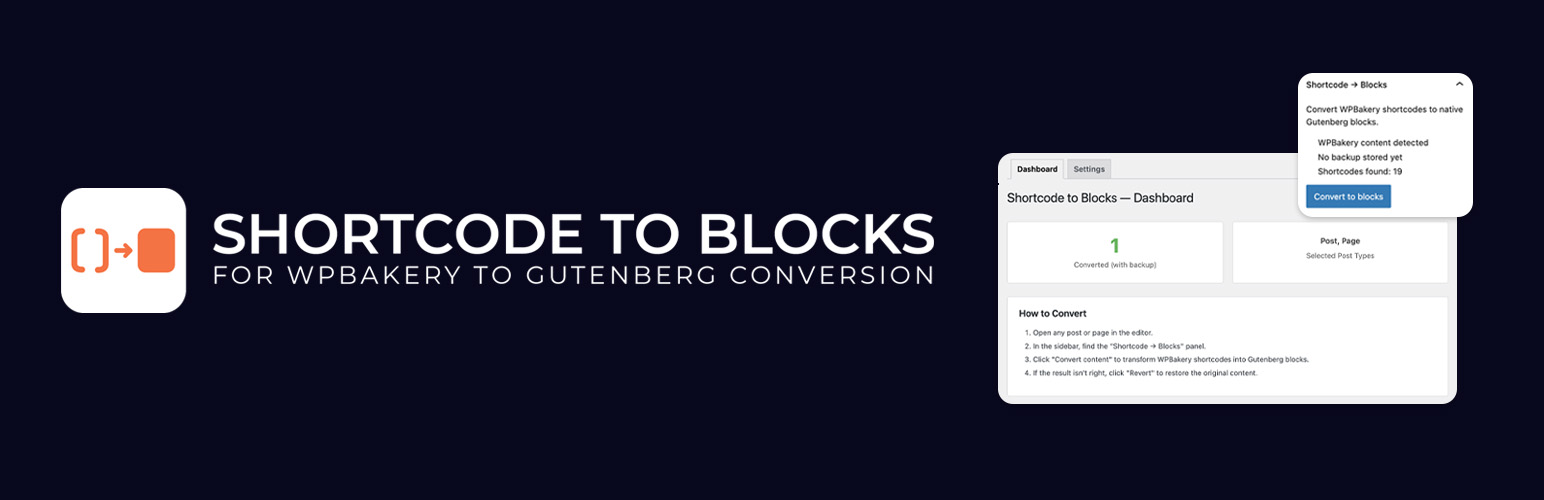

Shortcode to Blocks helps you migrate WPBakery Page Builder content to the native WordPress block editor.
It converts the most common WPBakery Page Builder (Visual Composer) shortcodes into native WordPress blocks.
Important
This plugin works only with WPBakery Page Builder shortcodes (vc_* elements).
WPBakery Page Builder and Visual Composer are trademarks of their respective owners. This plugin is not affiliated with or endorsed by them.
What Gets Converted
Layout Elements
Rows and columns (vc_row, vc_column, vc_row_inner, vc_column_inner) become Group and Columns blocks with responsive settings and CSS classes preserved.
Content Elements
* vc_column_text Paragraph / HTML blocks
* vc_custom_heading Heading blocks with proper levels
* vc_btn Button blocks with color and link preserved
* vc_raw_html Custom HTML blocks
* vc_single_image Image blocks
* vc_separator Separator blocks
* vc_empty_space Spacer blocks
Third-party Shortcodes
Non-WPBakery shortcodes (contact forms, plugins, etc.) are automatically wrapped in Shortcode blocks and keep working after conversion.
Features
- One-click convert and revert on each post/page edit screen
- Works in both the block editor (Gutenberg sidebar panel) and the classic editor (metabox)
- Automatic backup of original content, revert any time
- Dashboard with conversion stats
- Settings for allowed post types and user capability requirements
- Extensible architecture with additional features available in a Pro version
Supported Shortcodes (Free)
WPBakery Shortcode
Gutenberg Block
vc_row / vc_row_inner
Group
vc_column / vc_column_inner
Column
vc_column_text
Paragraph / HTML
vc_custom_heading
Heading
vc_btn
Button
vc_single_image
Image
vc_raw_html
Custom HTML
vc_separator
Separator
vc_empty_space
Spacer
Need more features?
A Pro version is available that includes additional converters, batch processing tools, logging, and more: Shortcode to Blocks Pro






