
WP Shortcodes Plugin — Shortcodes Ultimate

WP Shortcodes Plugin — Shortcodes Ultimate

توسط

SHORTCODES ULIMATE – THE #1 SHORTCODES PLUGIN

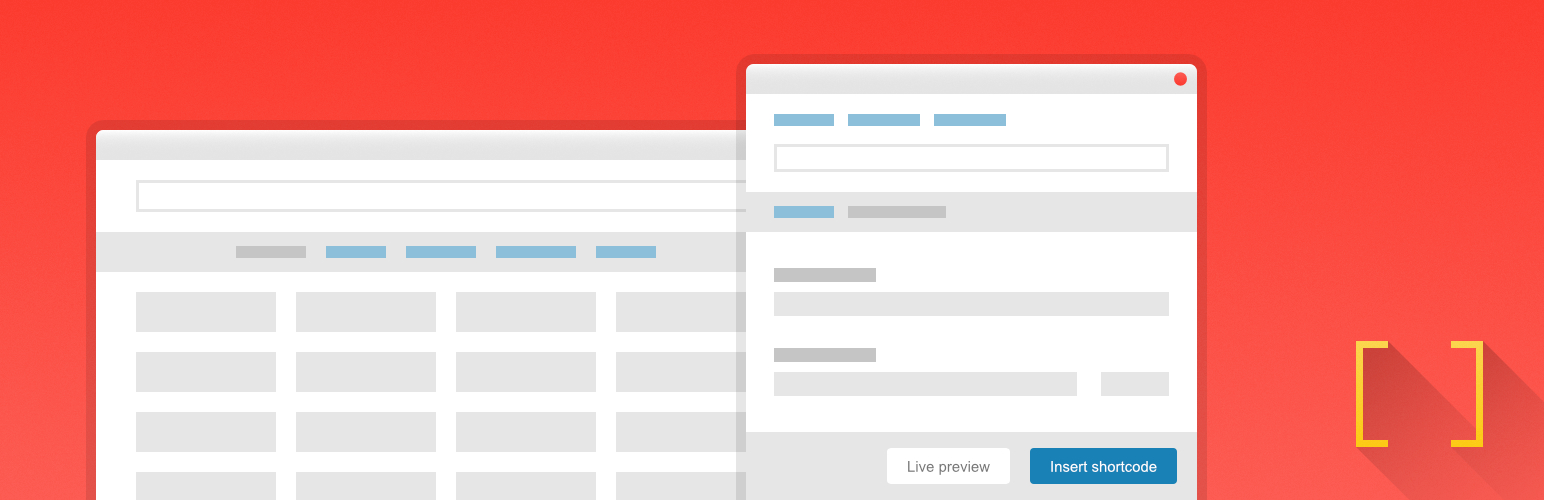
Shortcodes Ultimate is a huge collection of useful elements, that you can use in the post editor, text widgets or even in template files.

Features

  • Over 50 gorgeous shortcodes
  • Insert shortcodes in 1 click with Live Preview
  • Supports the Block Editor
  • Seamlessly integrates with your theme
  • Looks great on mobile devices
  • Custom CSS editor is included
  • Developer-friendly with plenty of hooks and extensive documentation

Included shortcodes

  • Posts – allows you to show specific posts anywhere
  • Accordion – simple toggle block to show/hide your content
  • Button – highly-customizable button with multiple styles
  • Lightbox – a lightbox that you can use with virtually any element
  • Image Carousel – beautiful super-customizable image carousel
  • Columns – must-have tool for creating layouts
  • And many more…

Get Help

TRY THE PRO VERSION FOR FREE

Try Shortcodes Ultimate Pro risk-free for 30 days. You are fully protected by our no questions asked refund policy!

Upgrade to Pro

From within dashboard (recommended)

  1. Navigate to Dashboard – Plugins – Add New;
  2. Search for Shortcodes Ultimate;
  3. Click Install, then Activate.

Video Tutorial.

Manual installation

  1. Download the plugin as a .zip file;
  2. Unzip downloaded archive and upload shortcodes-ultimate folder under your /wp-content/plugins/ directory (resulted plugin path should be /wp-content/plugins/shortcodes-ultimate/);
  3. Navigate to Dashboard – Plugins and activate the plugin.

سوالات متداول

How this plugin works

How Shortcodes Ultimate plugin works.

Shortcodes do not work. Why?

The most common reasons of this issue are listed here.

Insert shortcode button do not work. Why?

The most common reasons of this issue are listed here.

Can I remove default shortcodes?

Yes, you can remove default shortcodes using ‘su/data/shortcodes’ filter. Tutorial: How to remove default shortcodes.

Can I create custom shortcodes?

Yes, you can create custom shortcodes using ‘su/data/shortcodes’ filter. Tutorial: How to add custom shortcodes.

Can I use shortcodes in template files?

Yes! How to use shortcodes in template files.

Will this plugin work with my theme?

Yes! Shortcodes Ultimate is designed to work with any theme, but your theme must include very basic things: ‘wp_head’ and ‘wp_footer’ template tags. Sometimes, the plugin may not work properly because of javascript errors caused by third-party plugins/themes.

Where can I report a bug or suggest a feature?

Support Forum.

Where can I get help?

First, visit the Help Center. If you get stuck, ask for help at the community support forum.

×
نظری برای این آیتم موجود نیست.
0 0 رای ها
امتیازدهی
اشتراک در
اطلاع از
0 نظرات
قدیمی‌ترین
تازه‌ترین بیشترین رأی
بازخورد (Feedback) های اینلاین
مشاهده همه دیدگاه ها
هیچ نسخه‌ای برای این آیتم موجود نیست.
★★★★★
★★★★★
4.9 /5 (5,920 نظر)

قیمت:

رایگان

نگارش

آخرین انتشار

9 اردیبهشت 1405

آخرین بروزرسانی

1 ماه پیش

نصب های فعال

400,000+

نگارش وردپرس

وردپرس 5.0+

تست شده از نسخه

وردپرس 6.9.4

نگارش PHP

PHP 5.4+

نسخه ها

0 نسخه




