
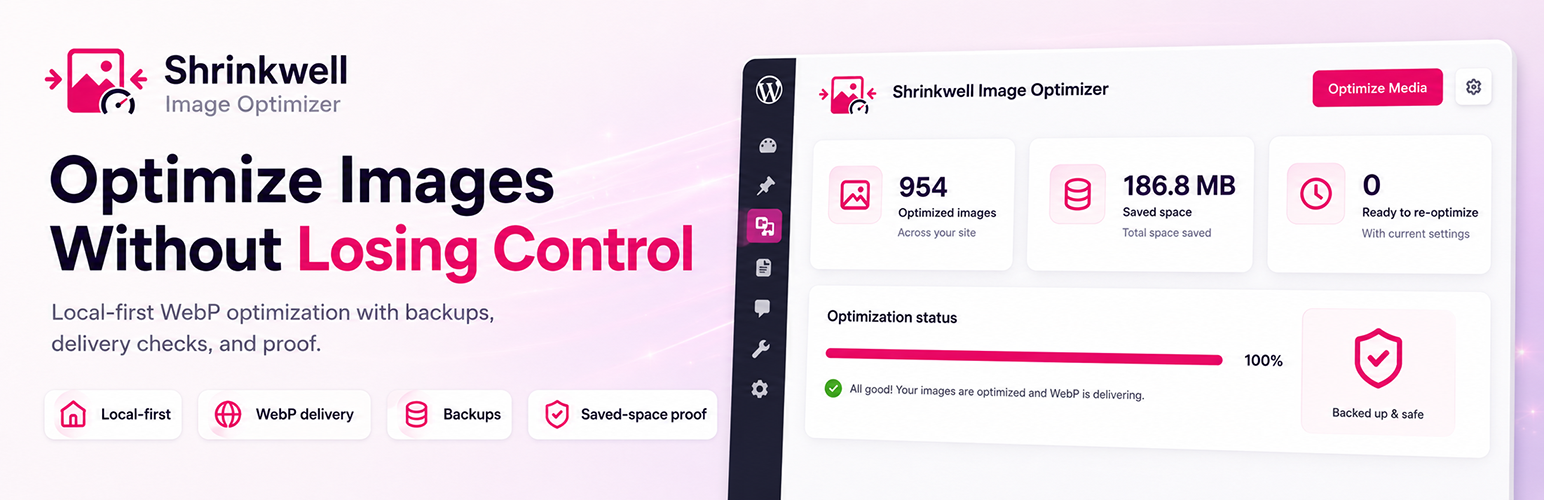

Shrinkwell Image Optimizer helps WordPress site builders optimize images locally, without an external API or account. It compresses JPEG/PNG images, creates WebP and AVIF versions where supported, keeps original backups, checks image SEO, and gives clear proof of delivery and savings.
Use the safe 5-image test first, review the result, then optimize the full media library with more confidence.
Local-first optimization
- Automatically optimize JPEG and PNG uploads on upload.
- Preserve existing WebP media items instead of recompressing them.
- Choose from Balanced, High compression, Near lossless, or Custom compression profiles.
- Use controlled compression settings designed to preserve quality while reducing file size.
- Resize oversized images to a maximum width and height.
- Optimize thumbnails and strip image metadata/EXIF where possible.
Safe media library workflow
- Run a safe 5-image optimization test before committing to a full media library run.
- Optimize existing images directly from Media > Shrinkwell.
- Review saved space, skipped files, and recent results before continuing.
WebP and AVIF delivery checks
- Generate WebP versions when supported by your server.
- Generate AVIF versions when the local AVIF encoder and safety checks pass.
- Use the local
cwebpbinary when available, with WordPress image editor fallback. - Generate missing WebP files without recompressing originals.
- Serve AVIF first, then WebP, with safe JPEG/PNG fallback markup.
Page Proof reports
- Run a Page Proof scan on a live frontend page to verify modern image delivery, estimate image payload savings, and identify cached JPG/PNG URLs.
- Copy or download a plain-text proof report for your own checks or client handoff.
Image SEO Check
- Find images with missing alt text, weak alt text, and weak filenames.
- Use safe one-click alt text suggestions when Shrinkwell has a reliable source.
- Avoid blindly reusing random filenames, GUIDs, or camera-style names as SEO text.
- Save alt text inline without leaving the Shrinkwell screen.
Backups & Restore
- Keep original backups before replacing any files.
- Restore all optimized images at once from a single screen.
Quick Start
- Install Shrinkwell and open Media > Shrinkwell.
- Run the 5-image safe test.
- Review savings, skipped files, and backups.
- Run Media Optimization for the full media library.
- Use Page Proof to verify WebP/AVIF delivery on a real frontend page.
Insights & Logging
- View optimization status directly in the Media Library list view.
- Review an optimization log showing saved bytes, WebP/AVIF counts, and skipped files with clear reasons such as file size, dimensions, and processing limits.
- Review current settings from the Overview page at a glance.
Settings & Recommendations
- Configure everything from the Shrinkwell admin page under Media > Shrinkwell.
- Scan your media library and receive tailored setting recommendations for your site.
- Apply recommended settings in one click after scanning.
- Scan for image SEO issues without automatically modifying content.
Review prompts appear only after Shrinkwell has produced measurable results.
What Shrinkwell Does Not Do
- Does not send images to an external optimization service for core local features.
- Does not require an account for free local optimization.
- Does not automatically rewrite SEO content.
Privacy
Shrinkwell optimizes images locally on your WordPress server. The free plugin never sends media files to an external API.
License & Assets
Shrinkwell is licensed under GPLv2 or later.
The included Shrinkwell logo and wordmark are original Levmedia brand assets and are distributed with this plugin under GPLv2 or later.






