
Orphans

Orphans

توسط

The Orphans plugin automatically improves the typography of your WordPress site by preventing single-letter or very short words—known as orphans—from appearing alone at the beginning of a line. By replacing the space after these words with a non-breaking space, the plugin ensures cleaner, more professional-looking text layouts, especially for languages like Polish where such typographic rules are important.

What are Orphans?

An orphan in typography is a short word (often a single character) left isolated at the beginning of a line, separated from the rest of the sentence. This is considered a composition error and can negatively affect readability and the visual appeal of your content.

Key Features

  • Automatic Orphan Fixing: Scans your content and replaces spaces after short words (orphans) with non-breaking spaces, preventing them from being separated by line breaks.
  • Customizable: Easily modify which words are treated as orphans using filters, or provide your own list of orphan terms.
  • Non-Destructive: The plugin does not alter your original content in the database; changes are applied only when content is displayed.
  • Builder and Plugin Integration: Seamless compatibility with popular page builders like Bricks, Divi, Muffin (beTheme), WPBakery, and Advanced Custom Fields.
  • Flexible Usage: Apply orphan fixes to custom fields or any string using provided filters.

How It Works

Once activated, Orphans automatically processes your posts, pages, and other content post types, fixing orphaned words on the fly. You can customize its behavior through the settings panel found under Appearance > Orphans, or extend functionality with WordPress filters for advanced use cases.

Ideal For

  • Bloggers, publishers, and editors seeking to maintain high typographic standards.
  • Sites in languages (like Polish or Czech) where orphan control is a common publishing requirement.
  • Anyone wanting to enhance the professional appearance and readability of their WordPress content.

Open Source & Developer Friendly

Orphans is open source, actively maintained, and available on GitHub for those interested in contributing or extending its features.

Asset image

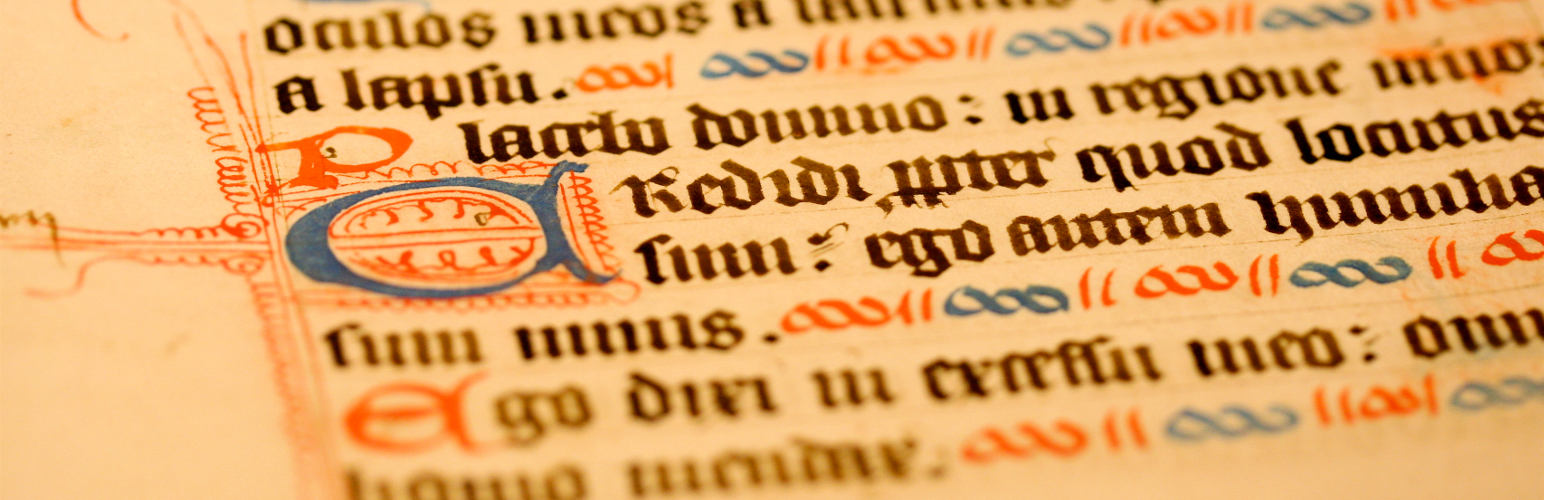
Manuscript by Muffet, on Flickr

There are 3 ways to install this plugin:

The super easy way

  1. Log in to your WordPress Admin panel.
  2. Go to: Plugins > Add New.
  3. Type ‘orphans’ into the Search Plugins field and hit Enter. Once found, you can view details such as the point release, rating and description.
  4. Click Install Now. After clicking the link, you’ll be asked if you’re sure you want to install the plugin.
  5. Click Yes, and WordPress completes the installation.
  6. Activate the plugin.
  7. A new menu Orphans in Appearance will appear in your Admin Menu.

The easy way

  1. Download the plugin (.zip file) on the right column of this page.
  2. In your Admin, go to the menu Plugins > Add.
  3. Select the button Upload Plugin.
  4. Upload the .zip file you just downloaded.
  5. Activate the plugin.
  6. A new menu Orphans in Appearance will appear in your Admin Menu.

The old and reliable way (FTP)

  1. Upload sierotki folder to the /wp-content/plugins/ directory.
  2. Activate the plugin through the ‘Plugins’ menu in WordPress.
  3. A new menu Orphans in Appearance will appear in your Admin Menu.

سوالات متداول

When does this plugin replace spaces?

Plugin works when viewing the content and does not modify your content.

I have a problem with the plugin, or I want to suggest a feature. Where can I do this?

You can do it on Support Threads, but please add your ticket to Github Issues.

How to use this plugin on the custom field?

Use orphan_replace filter. Example code:

$value = apply_filters(
    'orphan_replace',
    get_post_meta($post_id, 'meta_key', true )
);

How to use this plugin on any string?

Use orphan_replace filter. Example code:

$value = apply_filters( 'orphan_replace', 'any string' );

How to change plugin capability?

By default to using this plugin you must have manage_options capability, which usually means site administrator. If you want to allow manage Orphans by “Editors” then you need to use other capabilities, e.g. unfiltered_html. You can use iworks_orphans_capability filter:

add_filter('iworks_orphans_capability', 'my_orphans_capability');
function my_orphans_capability($capability) {
    return 'unfiltered_html';
}

How to turn of replacement in my piece of code?

At the beginning of your block just add:

add_filter( 'orphan_skip_replacement', '__return_true' );

and at the end, to again turn on replacements:

remove_filter( 'orphan_skip_replacement', '__return_true' );

How can I change default orphans?

Please use iworks_orphan_terms filter. It is array of default orphans. You can remove, add or even replace whole array. For example, to remove words “oraz”, “na” and “”nie”, use code bellow:

add_filter( 'iworks_orphan_terms', 'remove_iworks_orphan_terms' );
function remove_iworks_orphan_terms( $terms ) {
    $default_orphans_to_remove = array( 'oraz', 'na', 'nie', );
    foreach( $default_orphans_to_remove as $value ) {
        if ( $key = array_search( $value, $terms ) ) {
            unset( $terms[ $key ] );
        }
    }
    return $terms;
}

How can I change the default orphan file?

The default file with definitions is located in the etc/ directory.

You can change it using the filter iworks_orphan_own_terms_file:

`
add_filter(
‘iworks_orphan_own_terms_file’,
function( $file ) {
return ‘<own path to file’;
}
);

×
نظری برای این آیتم موجود نیست.
0 0 رای ها
امتیازدهی
اشتراک در
اطلاع از
0 نظرات
قدیمی‌ترین
تازه‌ترین بیشترین رأی
هیچ نسخه‌ای برای این آیتم موجود نیست.
★★★★★
★★★★★
5.0 /5 (161 نظر)

قیمت:

رایگان

نگارش

آخرین انتشار

10 اردیبهشت 1405

آخرین بروزرسانی

4 ماه پیش

نصب های فعال

40,000+

نگارش وردپرس

وردپرس 6.0+

تست شده از نسخه

وردپرس 7.0

نگارش PHP

PHP 8.0+

نسخه ها

0 نسخه




