
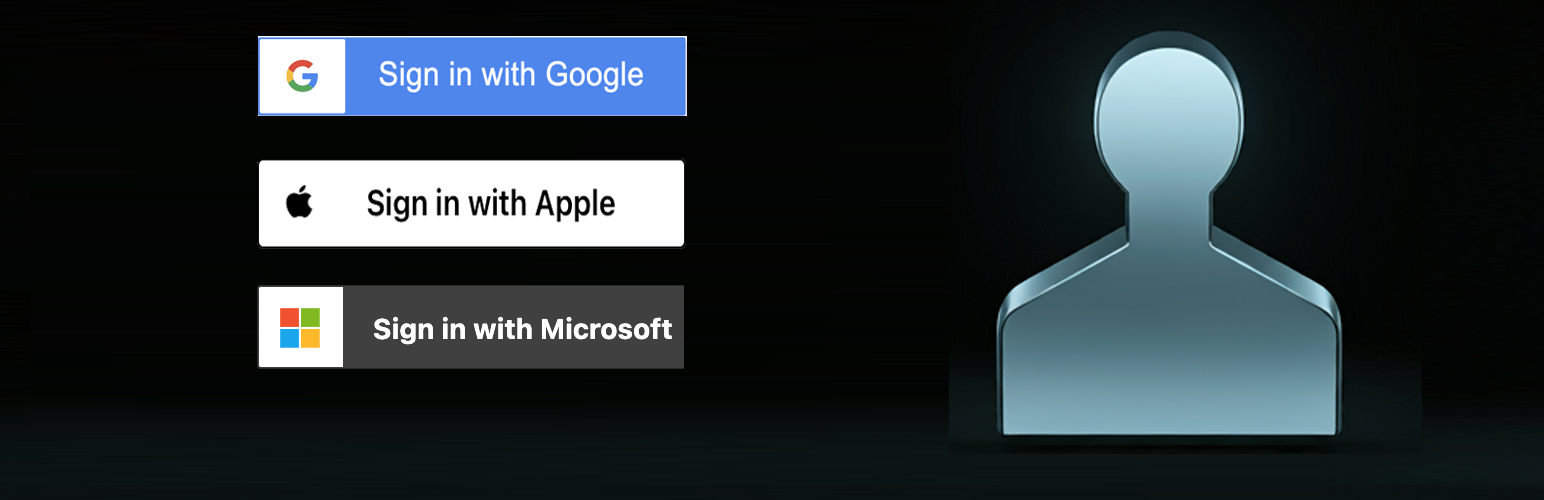
Sign In With Socials (Google, Apple, Microsoft)

Sign In With Socials (Google, Apple, Microsoft)

توسط

Allow users to login with Google/Microsoft/Apple accounts. Lightweight, no bloatware packages included.
Useful for sites that need a quick way for their users to sign-in.

Available Options

See all available options and their description on plugin’s settings page. Here are some of them:
* Show/Hide the “Sign In with” button on the login form
* If a user is not already registered, during sign-in an account can be created for that email address (aliases are not allowed by default)
* If a user is already logged in to target social provider, they will be automatically redirected without much fuss
* Restrict users to be coming from only specific domain(s)
* Connect existing user accounts.
* WP-CLI available! See /src/includes/class-wp-cli.php header for supported list.
* One redirect-back link https://YOURDOMAIN.TLD/_AUTH_RESPONSE_SIWE_ for all providers.

Programmatic access

Public functions:
* siwe_authenticate_user($code, $state, $error = null)
* siwe_get_auth_url()
* siwe_get_buttons()

Hooks:
* dozens of hooks, look into any source file to find out specific part

A) Enter your website “Admin Dashboard > Plugins > Add New” and enter the plugin name
or
B) Download plugin from WordPress.org, Extract the zip file and upload the container folder to “wp-content/plugins/”

سوالات متداول

Where can I get a Client ID & Secret for Google?

You will need to sign in to the Google Developer Console

  1. Go to the API Console.
  2. From the projects list, select a project or create a new one.
  3. If the APIs & services page isn’t already open, open the console left side menu and select APIs & services.
  4. On the left, click Credentials > New > OAuth client ID.
Where can I get a Client ID & Secret for Microsoft ?

These resources would help:

Where can I get a Client ID & Secret for Apple ?

These resources would help:

[Apple only] workaround for localhost

Apple Sign In service does not work with localhost, http or IP-only domains, so if you develop on local host, so follow below steps:

STEP 1
instead of localhost you will need to invent some placeholder domain (anything except example.com) e.g. site.com and use that domain instead of localhost in Apple Redirect-Back urls. Then, to redirect site.com to your localhost, use either (A) or (B) choice:
– (A) Use redirection extension (like this or others) in browser to redirect queries from site.com to localhost, and then jump to STEP 2 below.
or
– (B) Add virtual local domain name e.g. site.com (except example.com) pointing to 127.0.0.1. See the 1-3 lines about “How to setup virtual host”: https://gist.github.com/ttodua/b5f54429c00dad6e052b6ccbda08dcb0#file-readme-md . However, if you are not able to change your wordpress installation domain from localhost at this moment, then use this code from STEP 2

STEP 2
Add this code somewhere (eg. functions.php) to replace the redirect back url for Apple specifically:
add_filter(‘siwe_redirect_back_uri’, function ($url, $provider) { return ($provider === ‘apple’ ? ‘https://site.com/AUTH_RESPONSE_SIWE‘ : $url); }, 10, 2);

Notes about 3rd party services
  • This plugin relies on external services, namely:
    • Also uses some composer vendor dependencies, which are beyong our monitoring or control.
Github
  • Active plugin development is handled on Github. Bugs and issues will be tracked and handled there.
Todo
  • account-id based duplicate detection
×
نظری برای این آیتم موجود نیست.
0 0 رای ها
امتیازدهی
اشتراک در
اطلاع از
0 نظرات
قدیمی‌ترین
تازه‌ترین بیشترین رأی
هیچ نسخه‌ای برای این آیتم موجود نیست.
★★★★★
★★★★★
5.0 /5 (1 نظر)

قیمت:

رایگان

نگارش

آخرین انتشار

17 اردیبهشت 1405

آخرین بروزرسانی

3 ماه پیش

نصب های فعال

60+

نگارش وردپرس

وردپرس 6.0+

تست شده از نسخه

وردپرس 6.7.5

نگارش PHP

PHP 7.0+

نسخه ها

0 نسخه




