
Simple Code Highlighter

Simple Code Highlighter

توسط

Simple Code Highlighter

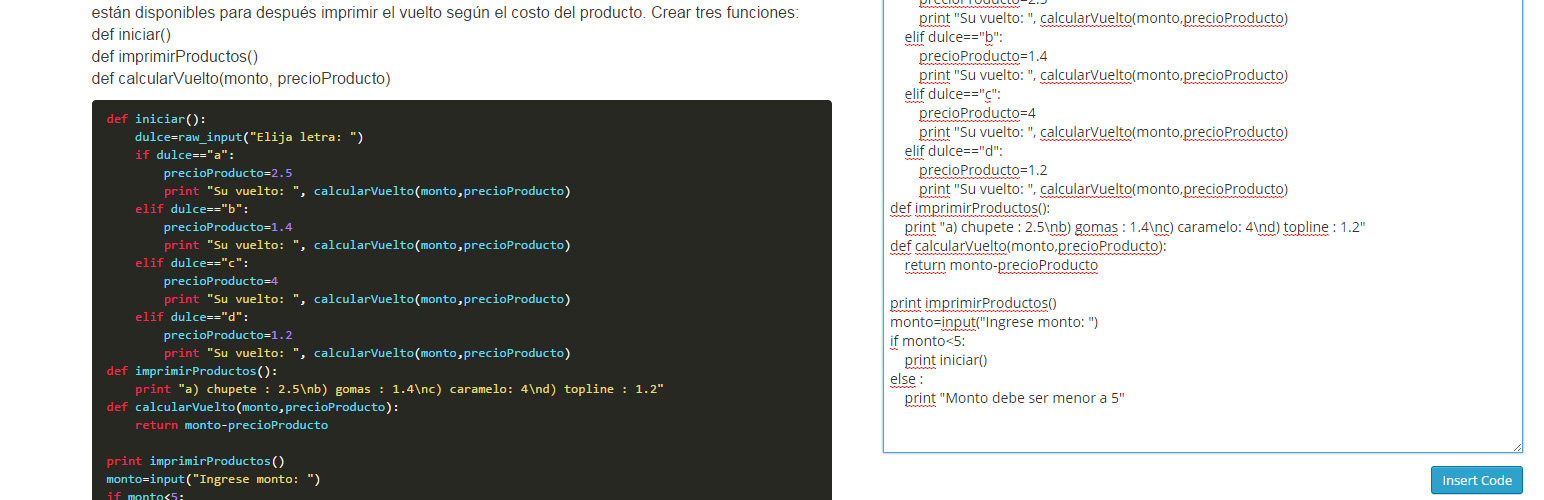
The Code Highlighter Plugin uses Google Code Prettify Script to highlight your code. You don’t need programming skills to use’it. Simply press the button on editor toolbar and paste your code. The plugin does all the rest.

See more details and usages guide here http://www.comoprogramar.org

How to install the plugin and get it working.

  1. Plugins > Add New. Search for “Simple Code Highlighter” then Install Now from the list and Activate
  2. Plugins > Add New > Upload. Choose File “Simple Code Highlighter.zip” then Install Now and Activate
  3. If you have direct access to the installation path, copy the zip file and extract to Plugin folder (usually wp-content/plugins). Then goto Plugins and Activate the plugin.

سوالات متداول

Installation Instructions

How to install the plugin and get it working.

  1. Plugins > Add New. Search for “Simple Code Highlighter” then Install Now from the list and Activate
  2. Plugins > Add New > Upload. Choose File “Simple Code Highlighter.zip” then Install Now and Activate
  3. If you have direct access to the installation path, copy the zip file and extract to Plugin folder (usually wp-content/plugins). Then goto Plugins and Activate the plugin.

Why this plugin?

I needed a simple copy/paste for the code, no shortcodes, no writing a lot, just copy/paste.

×
نظری برای این آیتم موجود نیست.
0 0 رای ها
امتیازدهی
اشتراک در
اطلاع از
0 نظرات
قدیمی‌ترین
تازه‌ترین بیشترین رأی
نسخه حجم فایل SHA256 تغییرات دانلود
2.0 670 کیلوبایت -
دانلود
×
★★★★★
★★★★★
4.7 /5 (7 نظر)

قیمت:

رایگان

نگارش

2.0

آخرین انتشار

21 اردیبهشت 1405

آخرین بروزرسانی

3 ماه پیش

نصب های فعال

400+

نگارش وردپرس

وردپرس 4.0+

تست شده از نسخه

وردپرس 4.9.29

نگارش PHP

-

نسخه ها

1 نسخه




