
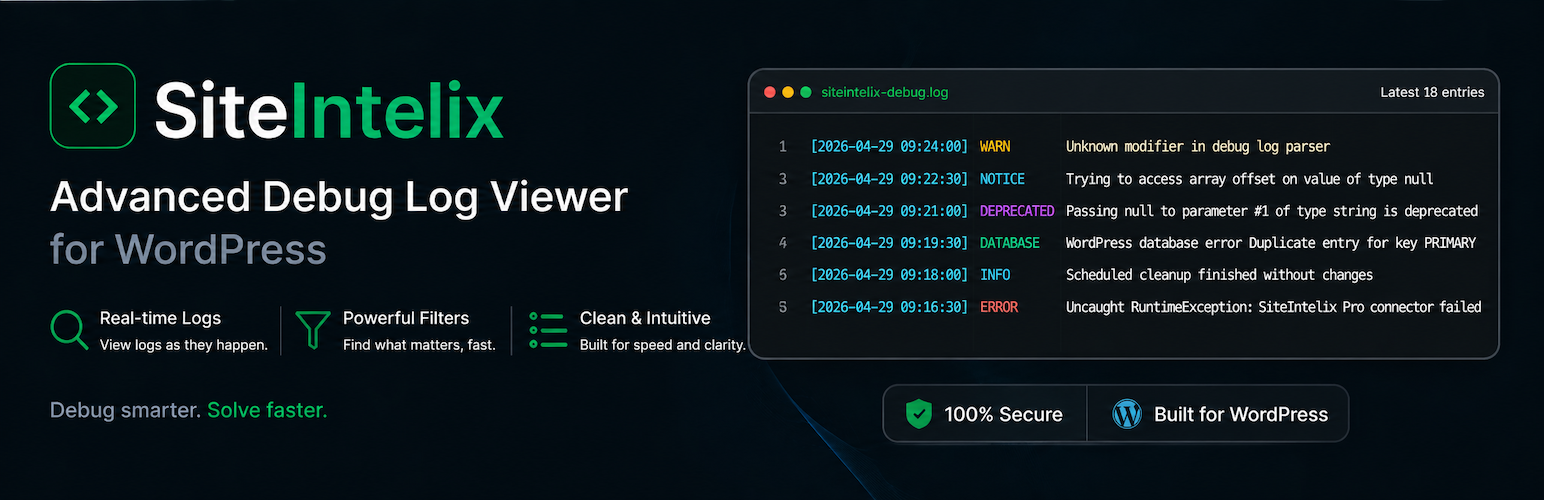

SiteIntelix Debug Log Viewer helps administrators inspect WordPress debug logs, environment details, database information, and security settings directly from the WordPress admin area.
It is built for site owners, developers, and support teams who need a readable view of wp-content/siteintelix-debug.log without SSH access or external services.
Debug Log Viewer
- Modern grouped cards — grouped errors with occurrence counts, severity styling, timelines, expandable stack traces, and global filters.
- Classic table — compact table layout with Type, Datetime, Description, File, and Line columns.
- Terminal Dark — developer-style dark terminal stream showing the latest 100 entries without pagination.
- Global search that can find logs across all pages, not only the currently visible page.
- Filters for Fatal, Warning, Notice, Deprecated, Database, and Info log types.
- Configurable logs-per-page setting for paginated views.
- Refresh, clear, and download actions protected by WordPress capabilities and nonces.
Logging Modes
- MU Plugin mode — non-invasive capture layer that writes to
wp-content/siteintelix-debug.logwithout editingwp-config.php. - wp-config.php mode — uses native WordPress/PHP debug constants and writes the custom
WP_DEBUG_LOGpath intowp-config.php. - Both modes use
wp-content/siteintelix-debug.loginstead of the defaultwp-content/debug.log.
Overview Dashboard
- WordPress version, site URLs, active theme, plugins, timezone, language, charset, and multisite status.
- PHP version, web server, PHP SAPI, memory limit, upload size, execution time, operating system, OPcache, and key PHP extensions.
- Database extension, server/client versions, username, host, database name, table prefix, charset, collation, max packet size, and max connections.
- Environment checks for debug mode, HTTPS, WP-Cron, object cache, script debug, file editing, file modifications, alternate cron, and cron lock timeout.
Health and Security
- Health indicators for important WordPress, server, database, and environment settings.
- Security Panel options for XML-RPC, WordPress version output, file editing, legacy head links, and basic login protection.
- REST API availability status is surfaced as a top-level health signal.
Export Tools
- Copy Report — copies diagnostics as formatted plain text.
- Export JSON — downloads a timestamped JSON report.
- Download Log — downloads the current SiteIntelix debug log.
Shortcode
Use [siteintelix_panel] on any page or post to display a compact system information table. The shortcode output is visible only to logged-in administrators.
Security and Privacy
- All admin pages require the
manage_optionscapability. - Admin actions use WordPress nonces.
- Output is escaped with WordPress escaping functions.
- No external CDN assets or JavaScript frameworks are used.
- No data is sent to third-party services.
- All inspected information stays inside your WordPress installation.
Privacy Policy
SiteIntelix Debug Log Viewer does not collect, store, or transmit personal data. All system information and logs are read from the local WordPress installation and displayed only to authorised administrators inside the WordPress admin area. No data is sent to any third-party service.






