
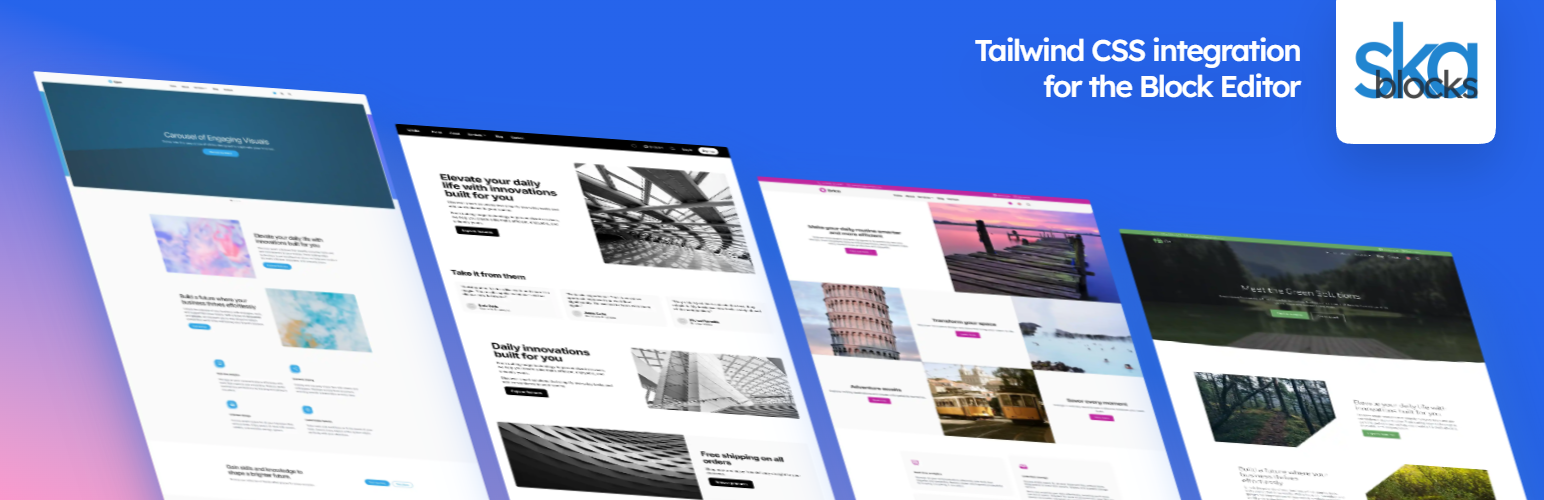

ska-blocks plugin provides a seamless Tailwind CSS integration with the WordPress Block Editor.
Manage Tailwind classes on blocks with an intuitive UI, making it possible to implement any Tailwind-based website design directly in the Block Editor with no build step, template files or third party page builders. The plugin comes with low level blocks that can represent any HTML element, which makes it possible to convert custom HTML to blocks and makes the Gutenberg editor incredibly flexible.
Live demo on WordPress playground
Website
Read the docs
Features
- Enter any Tailwind class – the plugin compiles the CSS for it and enqueues it in the block editor and front end.
- No bloat – any classes you don’t use on the page don’t get loaded, only Tailwind theme and properties are loaded globally, optionally Tailwind’s preflight can be included as well.
- Responsive – easily target any breakpoint in the block editor.
- Flexible – full control to utilize all HTML elements with any HTML attributes and styles – tailor custom solutions with no need for page builder bloat.
- Convert HTML to blocks – have an existing TailwindCSS-based design? Convert it to blocks automatically, use UI to fine-tune it and have less-technical users easily modify text content in a simple WYSIWYG environment.
- Presets & Variations – create reusable sets of classes, or blocks.
- AI integration – generate Tailwind HTML using AI and convert it to blocks on the spot.
Blocks
- Text – any HTML element that contains rich text.
- Element – any HTML element that contains other elements.
- Tailwind – convert Tailwind HTML to blocks – find HTML from the web or generate with AI.
- Image – render an image, placeholder, SVG, featured image, Lottie.
- Gallery – render multiple images with simple markup.
External services
When using AI this plugin connects to an API endpoint to communicate with various AI models. No external connection is made until you enter your own API key and specifically interact with the AI feature of the “Tailwind” block. Request is made when you press “Generate” and include your written prompt and the contents of the Tailwind block.
This service is provided by “OpenRouter”: terms of use, privacy policy.






