
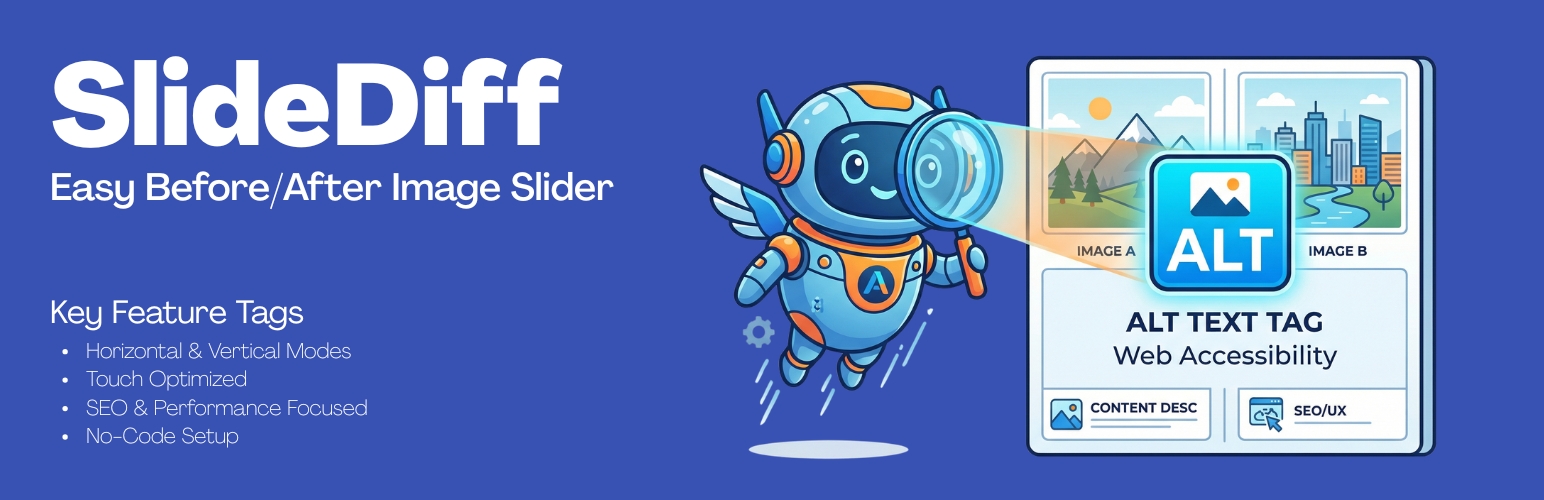
SlideDiff – Easy Before/After Image Slider

SlideDiff – Easy Before/After Image Slider

توسط

Help your visitors see the transformation with SlideDiff.

Built with UI/UX, SEO, and site speed in mind, SlideDiff provides a lightweight, high-performance slider to compare two images side-by-side. Whether you are a photographer showcasing edits, a contractor showing home renovations, or a designer displaying website redesigns, SlideDiff makes visual storytelling interactive and engaging.

Unlike other slider plugins that bloat your site with heavy external libraries, SlideDiff uses clean, modern CSS and vanilla JavaScript to ensure zero layout shifts and lightning-fast load times.

Key Features:
* Orientation Control: Choose between Horizontal (left/right) or Vertical (up/down) sliding.
* Touch & Mobile Optimized: Fluid swiping on phones and tablets.
* Move on Hover: Optionally allow users to interact with the slider just by moving their mouse, no clicking required.
* Performance First: Built-in lazy loading and the ability to select the exact WordPress image resolution (Thumbnail, Medium, Large, Full) to save bandwidth.
* SEO Friendly: Custom Alt Text overrides for both the ‘Before’ and ‘After’ images.
* Deep Customization: Fully customize the handle style (Arrows, Circle, Standard), handle color, label text, and label background colors to match your theme perfectly.
* Shortcode Generator: Easily copy and paste the [slidediff] shortcode anywhere on your site, compatible with Gutenberg, Elementor, and all major page builders.

Brought to you by Sattive Dev Labs.

  1. Upload the slidediff-easy-before-after-image-slider folder to the /wp-content/plugins/ directory, or install the plugin through the WordPress plugins screen directly.
  2. Activate the plugin through the ‘Plugins’ screen in WordPress.
  3. Navigate to the new SlideDiff menu in your WordPress admin dashboard.
  4. Click Add New Slider to upload your Before and After images and configure your colors and settings.
  5. Click Save Slider Settings.
  6. Copy the generated shortcode (e.g., [slidediff id="123"]) and paste it into any post, page, or widget.

سوالات متداول

Does this work on mobile devices?

Yes! SlideDiff is built with native touch-action support, meaning users can seamlessly swipe the handle on smartphones and tablets.

Will this slow down my website?

No. SlideDiff was built specifically to be lightweight. It uses pure CSS for clipping masks and vanilla JavaScript (no jQuery dependency) for interactions. It also includes native lazy-loading toggles and image resolution controls to keep your page sizes small.

Can I change the colors to match my brand?

Absolutely. The custom configuration panel allows you to use a color picker to change the handle bar, arrows, label backgrounds, and label text to fit your exact brand guidelines.

Does it work with Elementor or Gutenberg?

Yes. SlideDiff generates a standard WordPress shortcode that can be pasted into a Gutenberg Shortcode block, an Elementor Shortcode widget, or any other page builder.

تصویری برای این آیتم موجود نیست.
نظری برای این آیتم موجود نیست.
0 0 رای ها
امتیازدهی
اشتراک در
اطلاع از
0 نظرات
قدیمی‌ترین
تازه‌ترین بیشترین رأی
نسخه حجم فایل SHA256 تغییرات دانلود
1.0.0 125 کیلوبایت -
دانلود
×
بدون امتیاز

قیمت:

رایگان

نگارش

1.0.0

آخرین انتشار

16 اردیبهشت 1405

آخرین بروزرسانی

3 ماه پیش

نصب های فعال

-

نگارش وردپرس

وردپرس 5.8+

تست شده از نسخه

وردپرس 6.9.4

نگارش PHP

PHP 7.4+

نسخه ها

1 نسخه



