
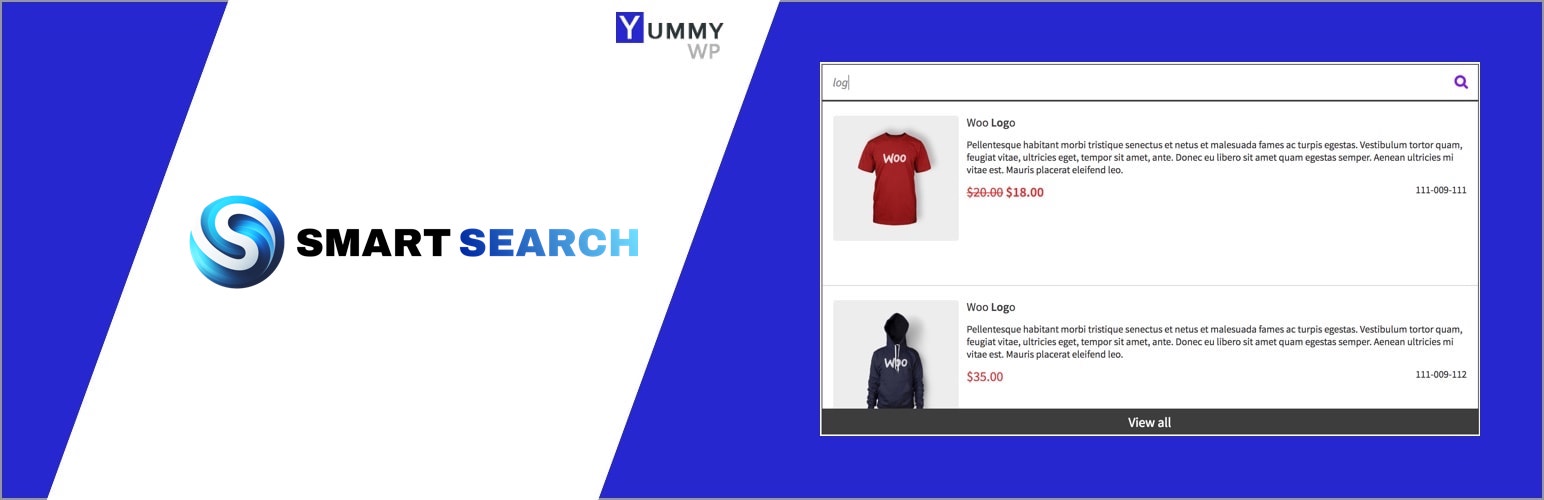

Boost WooCommerce sales with instant Ajax product search — live suggestions, fullscreen popup, SKU search, and GA4 analytics.
Check Demo | Documentation | Upgrade to PRO
WooCommerce’s default search loses you sales. Smart WooCommerce Search replaces it with a fast, intelligent Ajax search that shows real-time product suggestions — with images, prices, and categories — before your customer even finishes typing.
Improve the default WooCommerce search or create a fully custom search widget in a few steps. The Smart Search plugin delivers real-time suggestions in a beautiful fullscreen popup with support for synonyms and recent searches — seamlessly integrated into any theme or page builder.
Free Features:
- Full Screen Mode
- Recent Searches
- Search results with images and prices
- Google Analytics integration (GA4)
- Simple integration into default search widgets
- Advanced caching (Memcache, Redis)
- Search by product SKU
- Search in product Categories
- Search in product Tags
- Selected product categories
- Allow/disallow searching in selected product categories
- Exclude “Out of stock” products from search results
- Multiple words search
- Elementor compatible
- DIVI compatible
- WPBakery Page Builder compatible
- Visual Composer compatible
- Search Exclude plugin compatible
Discover all PRO features with a 14-day free trial — no risk, cancel anytime.
Upgrade to PRO and boost your sales:
- “Did you mean” Keywords / Synonyms
- Search in Variations
- Search in Custom Post Types
- Search in Custom Taxonomies
- Search in Custom Fields
- Search in Product Attributes
- Search in Product Brands
- Product labels (Featured, Sale, Out of Stock badges)
- Add to Cart button in search results
- Stop words
- Data indexing
- Grid layout
- Relevance configurator
- WPML compatibility
- Polylang compatibility
- ACF plugin compatibility
- Custom Post Type UI plugin compatibility
- Ultimate WooCommerce Brands plugin compatibility
- Automatic plugin updates
- More customization and styling settings
Have questions? Contact us.






