
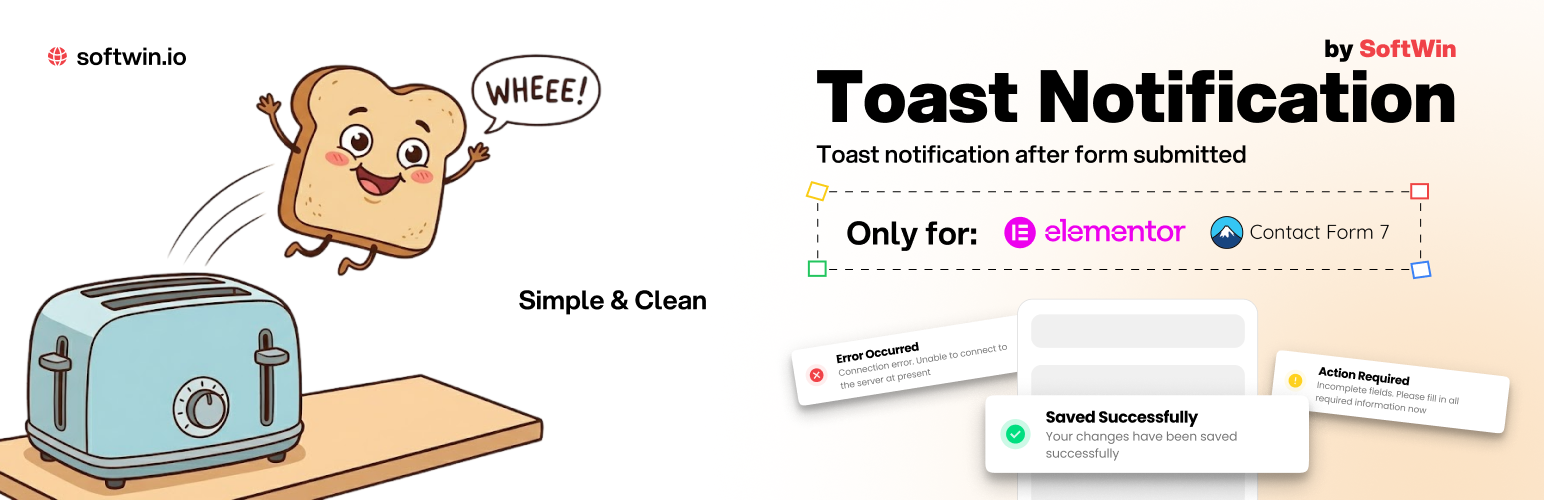
SoftWin Toast Message

SoftWin Toast Message

توسط

SoftWin Toast Message shows a customizable toast notification after successful form submissions.

Features:

  • Contact Form 7 support.
  • Elementor Pro Forms support.
  • Desktop and mobile position settings.
  • Light and dark toast styles.
  • Custom title, message, button text, icons, radius, and font sizes.
  • Optional short confetti animation when the toast appears.
  • Optional hiding of the default Contact Form 7 success message.
  • Debug logging for form events.
  1. Upload the plugin ZIP through Plugins > Add New > Upload Plugin.
  2. Activate the plugin.
  3. Open Settings > SoftWin Toast.
  4. Enable the form integrations you need and save the settings.

سوالات متداول

Does this work with Contact Form 7?

Yes. Enable the Contact Form 7 integration in the plugin settings.

Does this work with Elementor forms?

Yes. Elementor Pro with the Form widget is required.

Can I disable the automatic timeout?

Yes. Set the duration to 0 and users will close the toast with the button.

Can I use a custom icon?

Yes. Choose Custom icon in the icon setting and upload an image.

تصویری برای این آیتم موجود نیست.
نظری برای این آیتم موجود نیست.
0 0 رای ها
امتیازدهی
اشتراک در
اطلاع از
0 نظرات
قدیمی‌ترین
تازه‌ترین بیشترین رأی
هیچ نسخه‌ای برای این آیتم موجود نیست.
بدون امتیاز

قیمت:

رایگان

نگارش

آخرین انتشار

21 خرداد 1405

آخرین بروزرسانی

2 ماه پیش

نصب های فعال

-

نگارش وردپرس

وردپرس 5.8+

تست شده از نسخه

وردپرس 7.0

نگارش PHP

PHP 7.4+

نسخه ها

0 نسخه




