
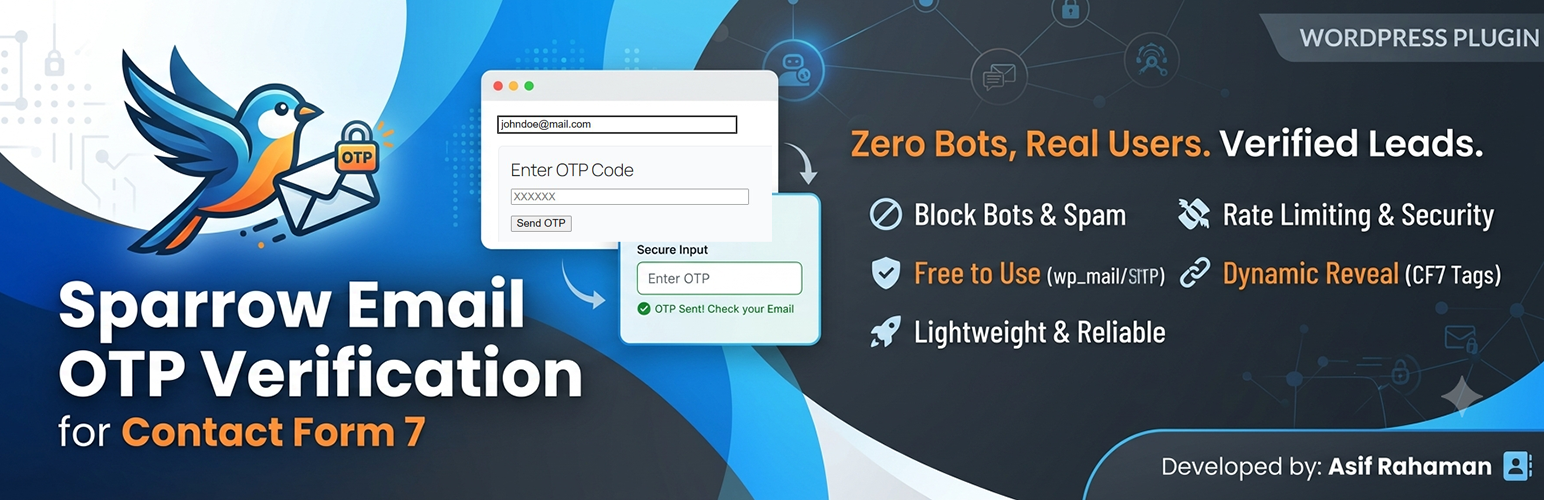
Sparrow Email OTP Verification for Contact Form 7

Sparrow Email OTP Verification for Contact Form 7

توسط

Sparrow Email OTP Verification for Contact Form 7 provides a robust security layer for your website by verifying user email addresses before form submission. This effectively blocks bots, spammers, and malicious actors from flooding your inbox with fake data or invalid leads.

Why this plugin is different:

Most existing OTP plugins require you to pay for their proprietary API or use their specific SMTP service to send codes. This often leads to unexpected monthly costs and vendor lock-in.

This plugin is built with a “Your Server, Your Rules” philosophy. It sends OTP codes using the native wp_mail() function, meaning it utilizes your website’s default mail configuration or your preferred SMTP service. There are no extra costs, no hidden fees, and no third-party accounts required.

Features

  • Block Bots & Spam: Ensure every submission comes from a person with a valid, accessible email address.
  • Conditional Display (New v1.1.0): Dynamically hide verification elements inside an elegant wrapper box until an email string is typed.
  • Cost-Effective: Zero cost to send OTPs—it uses your existing server or SMTP setup.
  • Privacy First: No data is sent to external verification APIs; everything stays on your server.
  • Smart Detection: Automatically finds the email field in your Contact Form 7 forms.
  • Security-First Rate Limiting: Built-in protection to prevent OTP request abuse by limiting users to 3 attempts per 5 minutes per IP address.
  • Lightweight: Minimal footprint to ensure your site remains fast and passes Core Web Vitals.
  1. Upload the sparrow-email-otp-verification-for-contact-form-7 folder to the /wp-content/plugins/ directory.
  2. Activate the plugin through the ‘Plugins’ menu in WordPress.
  3. Edit your Contact Form 7 form.
  4. Add the “Send” button: <button type="button" class="seov_cf7-send-otp-btn wpcf7-submit">Send OTP</button>
  5. Add your choice of OTP verification tag field layout:
    • For the classic open layout: [text* sparrow-email-otp placeholder "Enter OTP"]
    • For the new conditional hidden layout: [text* sparrow-email-otp conditional_display:yes placeholder "Enter OTP"]
  6. Save your form.

سوالات متداول

Is this really free to use?

Yes. As long as your server can send emails, there is no cost to send OTP codes through this plugin.

How does the rate limiting work?

To protect your server from being used for mail bombing or automated attacks, the plugin tracks the user’s IP address and limits them to 3 OTP requests within a 5-minute window.

Does it work with “WP Mail SMTP”?

Absolutely. It routes emails through whatever SMTP provider you have configured in your WordPress dashboard.

×
نظری برای این آیتم موجود نیست.
0 0 رای ها
امتیازدهی
اشتراک در
اطلاع از
0 نظرات
قدیمی‌ترین
تازه‌ترین بیشترین رأی
بازخورد (Feedback) های اینلاین
مشاهده همه دیدگاه ها
هیچ نسخه‌ای برای این آیتم موجود نیست.
بدون امتیاز

قیمت:

رایگان

نگارش

آخرین انتشار

21 خرداد 1405

آخرین بروزرسانی

1 هفته پیش

نصب های فعال

-

نگارش وردپرس

وردپرس 5.2+

تست شده از نسخه

وردپرس 7.0

نگارش PHP

PHP 7.2+

نسخه ها

0 نسخه




