
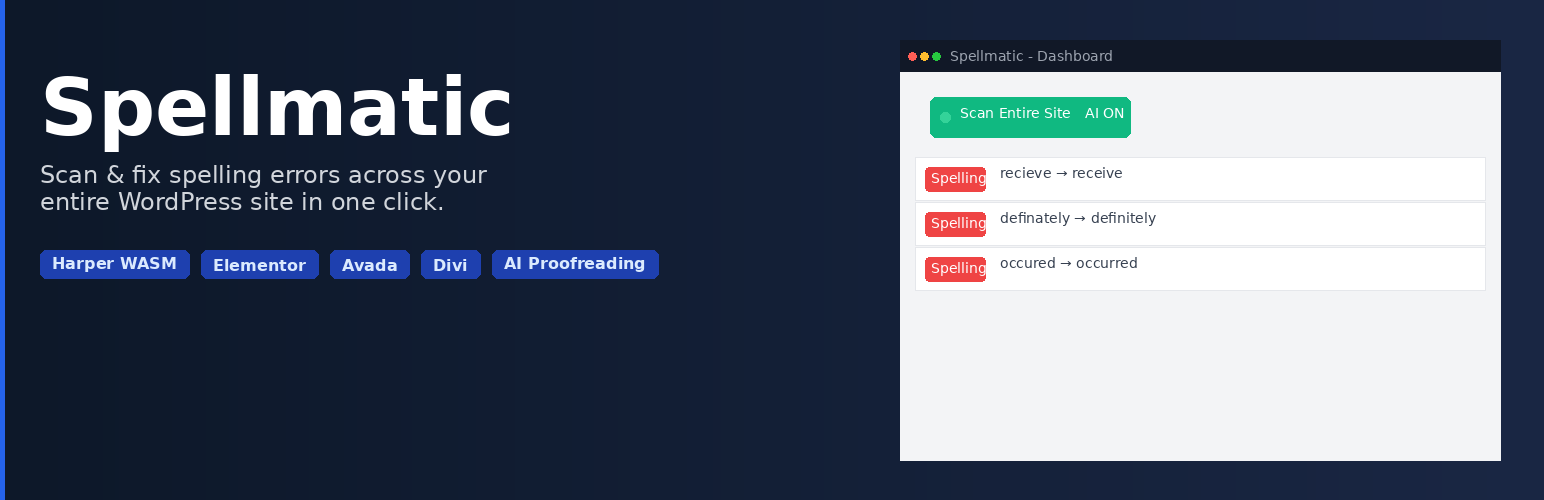

Spellmatic scans your entire WordPress site for spelling and grammar errors, then lets you fix them in one click — including content built with Elementor, Avada, Divi, WPBakery, and more.
Most grammar tools only check what you’re currently editing. Spellmatic scans every post, page, product, and comment on your site — even content stored inside page builder data structures.
Features
- Full-site scan across all posts and pages — no error cap
- Privacy-first local grammar engine powered by Harper WASM — no data ever leaves your server
- All errors shown per scan with fix / dismiss actions
- Error dashboard with error type badges and in-context display
- Custom dictionary — add words to ignore globally
- Scheduled email digests with scan summaries
- BYOK AI integration with OpenAI — contextual AI proofreading using your own API key
Premium Features
Premium plans add powerful extras for professionals and agencies. Available at spellmatic.com.
- Bulk auto-fix — fix all errors across your site in one click
- Smart fix — AI-powered contextual corrections
- Additional AI providers — Claude, Gemini, Grok, and OpenRouter
- Priority support
Pro ($79/year)
* All premium features
* Dedicated account management
Agency ($149/year)
* Everything in Pro
* Up to 10 WordPress sites / multisite network support
Page Builder Compatibility
Spellmatic scans content inside:
* Elementor — reads JSON widget data (_elementor_data)
* Avada / Fusion Builder — parses Fusion shortcodes and page options
* Divi Builder — strips and scans Divi shortcode content
* WPBakery Page Builder — scans all WPBakery shortcode text
* Beaver Builder — reads serialized layout data
* Bricks Builder — parses JSON element data
* Oxygen Builder — reads builder meta
* Brizy — reads JSON layout data
* Gutenberg / Block Editor — native support
* Kadence Blocks — native block support
Privacy First
The free tier uses Harper WASM — a blazing-fast, privacy-respecting grammar engine that runs entirely in your browser (client-side WebAssembly). Zero external API calls. Zero data sent anywhere. Your content stays yours.
The optional BYOK AI layer uses your own API key. Your key is stored encrypted on your server and all API calls go directly from your server to your chosen AI provider — Spellmatic never sees your content or your key.
External Services
This plugin connects to the following third-party services. Full details are also available on the Open Source & Services page inside the plugin (Spellmatic Open Source).
Grammar Engine — Harper (Bundled)
The Harper grammar engine (Apache 2.0 licensed) is bundled with the plugin and runs entirely in your browser. No external connections are made during scanning.
You may optionally update the grammar engine to get improved dictionaries and grammar rules. No external connections are made by the plugin for grammar engine updates — all updates are performed manually by the site administrator:
- Download the latest
harper.jsfrom the Harper npm package at https://www.npmjs.com/package/harper.js — the file is located in thedist/folder of the package. - Upload the file to
wp-content/uploads/spellmatic/harper.json your server (create thespellmaticfolder if it does not exist). - The plugin will automatically detect and use the uploaded file on the next page load.
- To revert, simply delete the file from
wp-content/uploads/spellmatic/— the plugin will fall back to the bundled version.
- Harper project: https://github.com/Automattic/harper
- Harper license: Apache License 2.0
- Harper website: https://writewithharper.com
AI-Powered Grammar Analysis (Optional, BYOK)
When you enable the BYOK AI feature and initiate an AI scan, post and page text is sent to your chosen AI provider for contextual grammar analysis. This only occurs when you explicitly click “Scan” with AI enabled. API keys are encrypted with AES-256-CBC and stored on your server.
OpenAI
* Service: https://openai.com
* Terms of Use: https://openai.com/policies/terms-of-use
* Privacy Policy: https://openai.com/policies/privacy-policy
Anthropic (Claude)
* Service: https://www.anthropic.com
* Terms of Use: https://www.anthropic.com/legal/consumer-terms
* Privacy Policy: https://www.anthropic.com/legal/privacy
Google (Gemini)
* Service: https://ai.google.dev
* Terms of Use: https://ai.google.dev/gemini-api/terms
* Privacy Policy: https://policies.google.com/privacy
xAI (Grok)
* Service: https://x.ai
* Terms of Use: https://x.ai/legal/terms-of-service
* Privacy Policy: https://x.ai/legal/privacy-policy
OpenRouter
* Service: https://openrouter.ai
* Terms of Use: https://openrouter.ai/terms
* Privacy Policy: https://openrouter.ai/privacy
Licensing & Analytics — Freemius
Spellmatic uses the Freemius SDK for license validation, plan management, and optional opt-in usage analytics. You are asked for consent during plugin activation.
- Service: https://freemius.com
- Terms of Use: https://freemius.com/terms/
- Privacy Policy: https://freemius.com/privacy/
Perfect For
- Agencies managing multiple client WordPress sites
- Bloggers with large back-catalogues who want to clean up old posts
- WooCommerce stores where typos hurt credibility and conversions
- Content publishers who need a quick pre-launch proofread




