
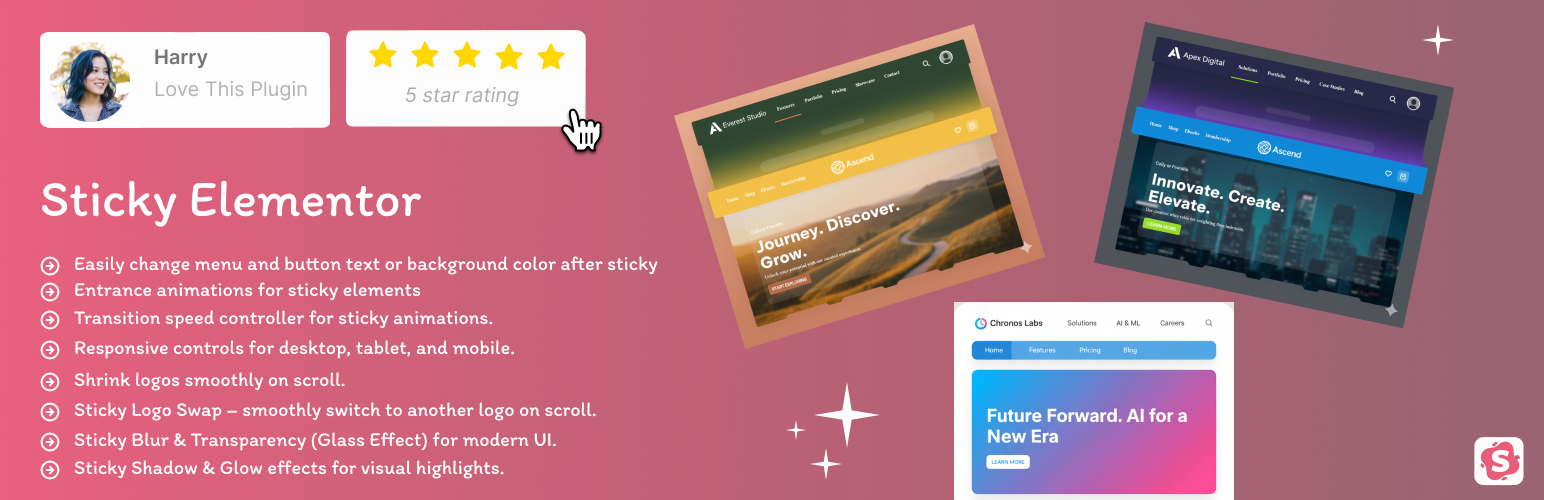

Are you looking for a Free Sticky Header for Elementor?
Sticky Elementor is a high-performance, lightweight plugin designed to add advanced sticky effects to any Elementor container. Whether you want a Transparent Sticky Header, a Sticky Mobile Menu, or a Shrink Logo on Scroll effect, this plugin provides a complete toolkit with zero coding required.
Built for full compatibility with Elementor’s Flexbox container system, it offers advanced scroll effects, sticky triggers, entrance animations, and responsive visibility.
🌟 Why Choose Sticky Elementor?
- Zero Layout Shift (CLS Fix): Our dynamic spacer ensures your content doesn’t “jump” when the header becomes sticky, improving your Google Core Web Vitals score.
- Mobile-First Design: Individual sticky controls for Desktop, Tablet, and Mobile.
- All-in-One Solution: Get advanced sticky options, logo swapping, and menu styling in one lightweight package.
🚀 Key Features
- Works seamlessly with Elementor Flexbox containers and common widgets: Nav Menu, Button, Heading — with full control to change their styles even after they become sticky.
- Compatible with Essential Addons for Elementor (e.g., Button, Simple Menu widgets) – sticky effects work perfectly with them.
- Fully works with Templately templates, so you can directly use sticky effects inside pre-built designs.
- Back to Top button with smooth scroll animation (fully customizable).
- Any container sticky – headers, sections, logos, toolbars, or promo bars.
- Control sticky position: top, middle, or bottom.
- Customize appearance: top offset, padding, background, width, and border radius.
- Entrance animations for sticky elements: fade, slide, zoom, rotate, bounce, and more.
- Transition Speed controller to adjust animation speed.
- Z-Index control to manage stacking of sticky elements.
- Rotation effects (X & Y) on scroll for dynamic animations.
- Responsive controls for desktop, tablet, and mobile.
- Shrink logos and change logo color on scroll.
- Glassmorphism Effects: Add modern Blur (Backdrop Filter) and Transparency effects for a premium look.
- Menu & Button Styling: Change navigation text color and button backgrounds specifically for the sticky state.
- Back to Top Button: Add a smooth-scrolling back to top button with customizable styles.
- Works seamlessly with popular Elementor addons (Royal Addons, Premium Addons, ElementsKit, Ultimate Addons for Elementor, plus more) ensuring smooth compatibility.
- Lightweight and optimized with minimal JS & CSS for top performance.
Whether you’re building a sticky header, floating section, or a smart scroll-based container — this plugin makes it fast and easy, and it works fully with free Elementor (Pro is not required).
✅ Compatibility with Popular Elementor Addons
Sticky Elementor is fully tested and compatible with popular Elementor addons and their key widgets:
- Elementor Addons – Fully supports Heading,Button and Icon styling after sticky.
- Essential Addons for Elementor – Works with Button, Simple Menu widgets.
- Royal Addons for Elementor – Compatible with Nav Menu, Mega Menu, and Button widgets.
- Premium Addons for Elementor – Sticky effects work smoothly with Nav Menu and Button widgets.
- ElementsKit Elementor Addons – Fully supports Nav Menu and Button styling after sticky.
- Ultimate Addons for Elementor – Compatible with Nav Menu widgets and sticky styling.
- Flexbox Containers & Templately Templates
👨💻 Why Choose Sticky Elementor?
- 100% free and easy to use.
- Lightweight and optimized for performance.
- Designed with SEO-friendly practices.
- Regular updates with new features.
Credits
Developed with ❤️ by Bhumi
License
This plugin is licensed under the GPLv2 or later.
See https://www.gnu.org/licenses/gpl-2.0.html for details.






