


اگر با مشکلی مواجه شدهاید،
لطفاً آن را با جزئیات برای ما ارسال کنید.
🔒 برای ثبت گزارش خرابی باید وارد سایت شوید.
The installation of the Sucuri WordPress Security plugin is very simple and straight forward. A detailed breakdown of the process is available here (including images), however, below we outline the bare minimum steps.
To install Sucuri Security and complement your Security posture:
Visit the Support Forum to ask questions, suggest new features, or report bugs. And recommend the plugin to your friends and colleagues if you think it can help them.
More information on the Sucuri Security WordPress plugin can be found in our Knowledge Base.
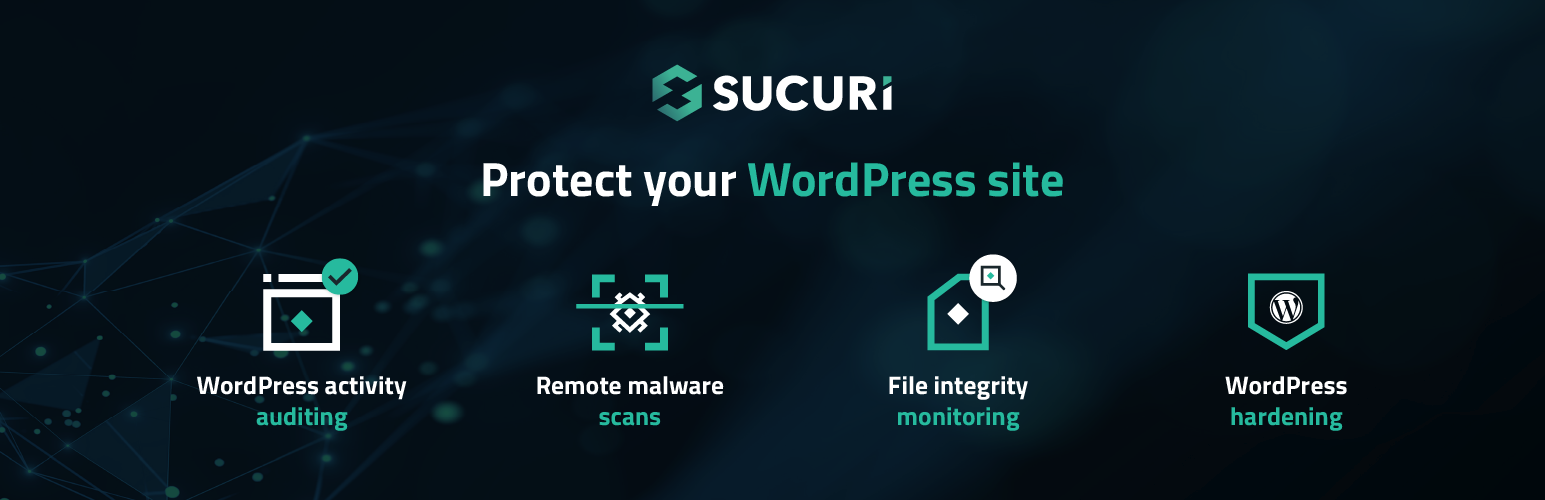
One of the standout features of our WordPress plugin is the comprehensive audit logging system. At Sucuri, we recognize that every change within your application can be a potential security event. From user logins to content modifications, our audit logs are designed to capture all security-related activities on your site.
These logs provide you with crucial visibility into your website’s operations, answering key questions such as:
* Who logged in? Understanding who accesses your site is fundamental to ensuring that only authorized users are logging in. This helps in identifying any unauthorized access attempts, allowing you to respond swiftly to potential security breaches.
* What changes were made? Essential for maintaining its integrity and security. By knowing what modifications have been made, you can quickly pinpoint any suspicious activities or errors that need attention.
With the release of version 1.9.6, we’ve enhanced this feature, allowing you to filter audit logs by event types and dates. This improvement offers you even greater insight into your site’s activities, enabling proactive security management.
Security File Integrity Monitoring has been fundamental to the world of security. It’s the act of comparing a known good with the current state. If the current state differs from the known good, you know you have a problem. This is the basis of a lot of host intrusion detection systems. We have built that into this plugin.
It will create a known good the minute the plugin is installed. This will be of all the directories at the root of the install, including plugins, themes and core files.
Once this plugin is installed and activated, we automatically scan your site searching for known malware, viruses, blacklisting status, website errors, out-of-date software, and malicious code.
We access your site just like a regular visitor would as this helps us catch threats that try to stay hidden from bots or search engines. This feature is powered by our free website security scanner – SiteCheck.
Another very interesting feature of the website Security Malware Scanner is that it checks various blocklist engines, including the following:
These are some of the largest blocklisting entities, each having the ability to directly impact your brand’s online reputation. By synchronizing with their environments we’re able to tell you whether any of them are negatively flagging your website with a security related issue. If they do, then via our website security product, we’re able to help you get off of the security blocklist.
Our team cleans thousands of websites every day, giving us deep insight into the most effective ways to protect WordPress sites.
We’ve used that experience to create a list of actionable recommendations available in the Hardening & Prevention section of this plugin.
To name a few (note that this will depend on your environment), these actions are:
Even with the strongest security measures, no site is 100% safe from hacking. When a compromise occurs, the Post-Hack section of our plugin guides you through four critical steps to help you regain control of your site:
These steps are designed to help you recover faster after a security incident.
Security features only matter if you know when something’s wrong, that’s why we included a set of customizable security alerts inside our Settings > Alerts section. You can also customize how frequently you want to be alerted of security related events.
This is by far the coolest security feature Sucuri has to offer everyday website owners. It’s an enterprise grade Website Firewall designed to give you the best security protection any website can hope for. It protects your website from a variety of website attacks, including:
This is coupled with a number of features like:
This is not included as a free option of the plugin, but is integrated so that if purchased you are able to activate. If you prefer to leverage the Sucuri Firewall product by itself, you have the option to operate the Website Firewall WordPress Security plugin in standalone mode.
The Sucuri WordPress Security plugin is built by the team that is known for their proactive approach to security. It is built using intelligence gathered from thousands upon thousands of remediation cases, millions of unique domain scans and 10’s of millions of website security attack blocks.
Our expertise has given us deep insight into what truly helps prevent security incidents, and we’ve cooked that knowledge directly into this plugin.
To give you a sense of what this security plugin offers, here are some of its most powerful features:
And while other security plugins may offer similar features, few deliver them as effectively as we do. Ask around! 🙂
No, this is a free plugin that we offer at no charge. It does not mean you get a free account.
Both the premium and the free version share the same codebase, however, this plugin has a few extra features that are only unlocked when you have a WAF account, some of these features include:
To unlock these features you must go to Firewall Management and input a correct Sucuri Firewall API Key — In the Sucuri Dashboard you can find this key by going to the Sucuri WAF dashboard > API > API Key (for plugin).
Yes. This plugin compliments your existing security toolsets. It is not designed to replace the Sucuri Website Security or Firewall products.
No, they do not.
Not that we are aware of.
No, it is not required. The Website Firewall runs in the cloud without the need of anything installed. We recommend installing this plugin to see your firewall configuration and manage it from your WordPress dashboard.
We take your privacy seriously. For free plugin users without an API key, no information is collected by Sucuri. After activating an API key, Sucuri will store some information, such as logs. Please see our Terms of Service and Privacy Policy. Please email gdpr@sucuri.net if you have other questions about your privacy.
Go to the Headers Management page and enable Cache-Control header by selecting a mode according to your website’s need and click on submit.
You can also activate the Cache-Control header by updating the cache header fields in one of the page types by using the “Edit” button in the table rows.
Please remember to enable site caching on your WAF to use these settings. If you are a Sucuri client and require assistance, please create a ticket and reach out to the firewall team for support.
To enable CORS headers please visit the Headers Management page. For the time being, we only support “Report-Only” as these headers can break your site.
To enable CSP (Content Security Policy) headers please visit the Headers Management page.
The best place is to engage us via the Support Forum. If you are a client, you can submit a ticket here.


| نسخه | حجم فایل | SHA256 | تغییرات | دانلود |
|---|---|---|---|---|
| 2.7.2 | 2 مگابایت | - |
دانلود
برای دانلود باید وارد سایت شوید
ورود / ثبت نام |
|
| 2.7.1 | 2 مگابایت | - |
دانلود
برای دانلود باید وارد سایت شوید
ورود / ثبت نام |
قیمت:
رایگان
نگارش
2.7.2
آخرین انتشار
6 اردیبهشت 1405
آخرین بروزرسانی
4 ماه پیش
نصب های فعال
-
نگارش وردپرس
وردپرس 5.0+
تست شده از نسخه
وردپرس 6.4
نگارش PHP
PHP 7.4+
نسخه ها
2 نسخه



