
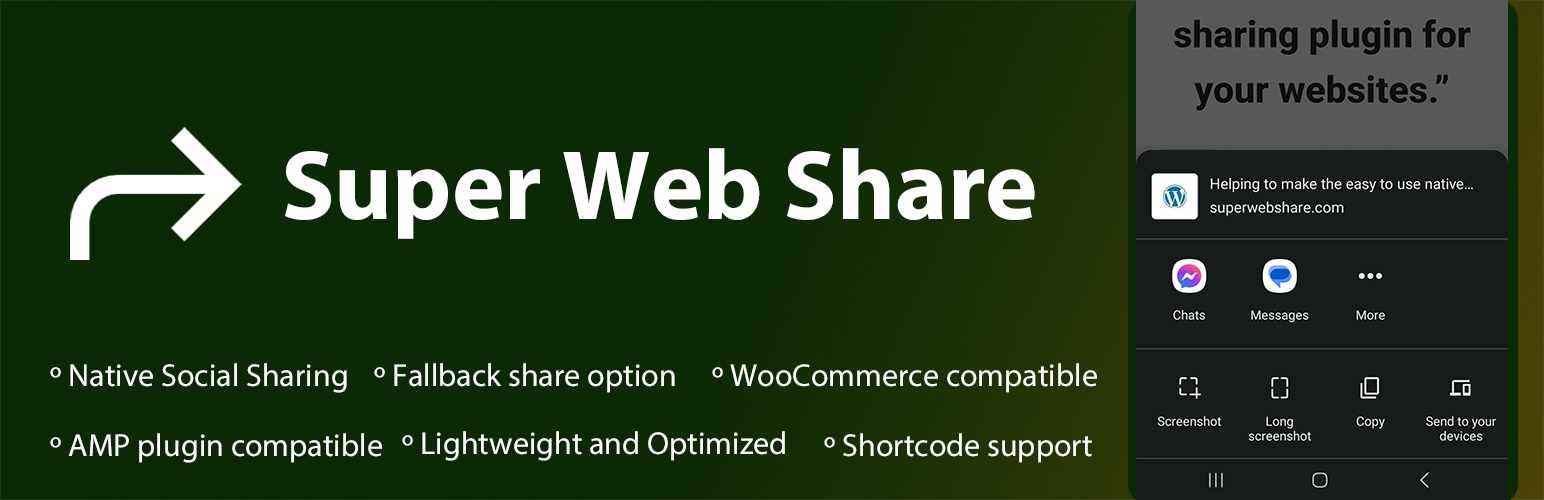

Super Web Share is a WordPress-based native share plugin that prompts the native share action and helps users easily share a page or post with others.
We developed from the ground up with simplicity and performance in mind to increase your shares. As SuperWebShare only shows the apps installed within the device upon the share prompt, the rate of sharing of posts/pages will be higher than showing all the social share icons on a page. Due to this key reason, website developers can skip the usage of other social media icons on their website and make the share more prominent.
The Super Web Share plugin for WordPress helps increase your traffic and engagement with a single quick click to share the website with your friends and social media. Super Web Share works on all supported browsers like Chrome for Android, Edge for Android, Brave for Android, and Opera for Android. It will show the native apps installed on the device once you share the article with others; due to that, users can easily share the page/post with others super easily in just a click. Upon the native share, which prompts up like a native iOS or Android share sheet, users can easily copy the website page link if they want that option.
It takes less than a minute to set up Super Web Share, and we provide a clean uninstall by removing the entire data entry it creates. We also won’t save any settings to your database until you manually save the settings. We also provide a fallback native popup if the Native Web Share is not supported within the browser.
Currently, the Super Web Share plugin provides a social share button before and after the post/page content and a floating share button where you can set the color, the text of the share buttons, and the position of the floating button; it can also set the pages or posts which you would like to show the share buttons via our Settings page, to easily add the share feature to your websites. As a plugin that focuses on simplicity, we are fully compatible with the AMP plugin, which means you can add the native share to your AMP pages provided by the AMP plugin.
Social Platforms supported
1) On Web Sharing API supported devices:
You will notice the social share prompt (also called as sharesheet) where you can share the page via all applications installed on your device that accept the sharing (mobile – Android and iOS devices, tab, desktop – for Microsoft Edge browser). This means all the social sharing platforms on your website visitor’s devices can be selected from the list to share the page in a simple click!
2) If the device or browser won’t support the native share:
If the website is viewed from a browser or device that won’t support native sharing, our fallback modal works. Within the fallback modal, you can select the social platforms you want to show for your website via our settings page (SuperWebShare > Fallback). The social share platforms that are interested to show on the WordPress website can be selected. Right now, we are providing social media like Facebook, X (Twitter), LinkedIn, Pinterest, Mastodon, Telegram, Pinterest, and Email. We’re expanding with more social platforms.
Advantages of using Super Web Share
- Fast and lightweight social sharing plugin for your WordPress that won’t slow down your site
- Increase the rate of sharing of pages and posts by users
- Developers / Bloggers can easily skip the number of social icons to be used on the page or post
- Fully AMP supported native share plugin
- Support on all content types like Posts, Pages
- Fully compatible with WooCommerce Product pages
- You can hide or show the sharing button based on each post/page and all via the content types
Want to test to know how SuperWebShare works on a website?
- Open SuperWebShare.com in a supported device. See FAQ to know the supported browsers
- You can see a floating button at the bottom right corner
- Tap on it; instantly, you can see the native Web Share prompt with the applications, which you can share on the page.
- Tap on the icon of the application from the prompt and send.
- If the website does not support the Native Share option, you will notice the fallback popup where you can add the social media platforms via our Fallback settings, which we created to make an intuitive share plugin with a copy link option for your website.
Requirments for working SuperWebShare?
- The Website should be fully served via a secured origin, i.e., the green padlock should be on the address for a working Super Web Share.
- Otherwise, by default, our fallback popup will show on browsers where users can share via major social sharing platforms like WhatsApp, Facebook, LinkedIn, and Twitter. It also comes with the Copy link option (on https sites).
How to contribute?
You can easily contribute to the plugin by translating it into your language. Click on the link below, choose your language, and translate the strings into Development (trunk).
- Translate plugin to your language
- Do you know coding? Then you can also contribute to this plugin via our GitHub repository to make this the best one.
Customize Super Web Share
You can easily customize the color, position, and pages on which you would like to show the button before and after the page or post content, the floating share button, and the fallback color via our plugin. To customize, go to Super Web Share from the WordPress admin dashboard.






