
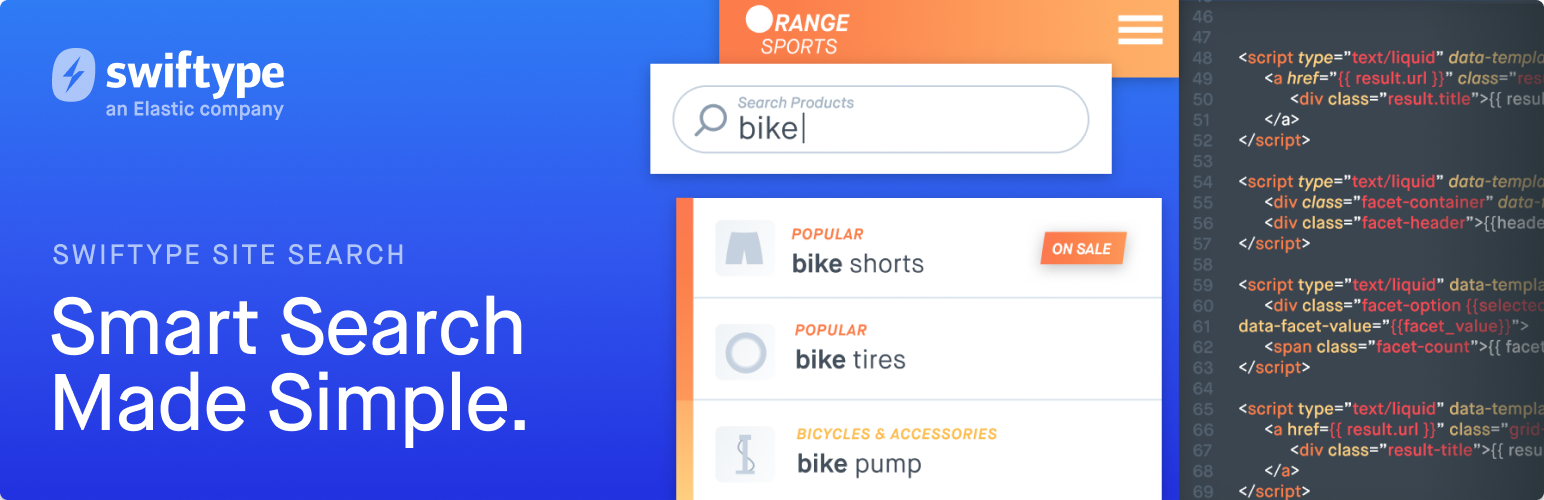
Swiftype Site Search Plugin for WordPress

Swiftype Site Search Plugin for WordPress

توسط

The Site Search WordPress plugin replaces the standard WordPress search with a polished, customizable, and more relevant search engine. Gain access to deep search insights and all the tools you need to customize and perfect your search experience. Join thousands of growing customers and bring world class search to your website, all backed under the hood by Elasticsearch.

What is Site Search?

Features

  • Fully managed: We secure, store, and search all of your documents in the cloud. Your site stays fast.
  • No programming required: Works with your theme’s existing search.php template. Drop in the Site Search plugin and it just works.
  • Out of the box relevance: Pre-optimized typo tolerance, bigram matching, stemming, synonyms, phrase matching, and more.
  • Automatic Updating: Search results automatically synchronize when you save, delete, or change WordPress content.
  • Intuitive Dashboard: Use slick and powerful dashboard tools to customize your search relevance.
  • Deep Insights: Impactful search analytics help you understand your users and guide you to productive actions.
  • Choose Your Language: Supports 13 languages, including: English, French, German, Russian, Chinese, Japanese, Universal, and more.

Read the Site Search WordPress guide for more details.

  1. Go to swiftype.com and sign up for an account.
  2. After logging in to Site Search, get your API Key from the dashboard.
  3. Install the Site Search WordPress plugin from the WordPress dashboard.
  4. Activate the plugin through the ‘Plugins’ menu in WordPress.
  5. Go to the Site Search plugin page and enter your Site Search API Key on the first screen.
  6. Name your search engine, choose from one of 13 languages, then create it.
  7. Build your search index by clicking the “Synchronize” button.
  8. Search!

Email support@swiftype.com if you are having trouble.

سوالات متداول

If your questions are not answered here, check out the Site Search Community forum, or email support@swiftype.com for help.

Where do I sign up for a Swiftype Site Search account?

Sign up for an account at https://swiftype.com. Plans start at $79.

Why don’t search results in the Site Search Dashboard match what’s displayed on my site?

Your posts may have fallen out of sync. Click ‘Synchronize’ from within the plugin to correct this.

×
نظری برای این آیتم موجود نیست.
0 0 رای ها
امتیازدهی
اشتراک در
اطلاع از
0 نظرات
قدیمی‌ترین
تازه‌ترین بیشترین رأی
نسخه حجم فایل SHA256 تغییرات دانلود
2.0.5 4 مگابایت -
دانلود
×
★★★★★
★★★★★
3.7 /5 (24 نظر)

قیمت:

رایگان

نگارش

2.0.5

آخرین انتشار

20 اردیبهشت 1405

آخرین بروزرسانی

3 ماه پیش

نصب های فعال

500+

نگارش وردپرس

وردپرس 3.3+

تست شده از نسخه

وردپرس 5.8.13

نگارش PHP

-

نسخه ها

1 نسخه




