
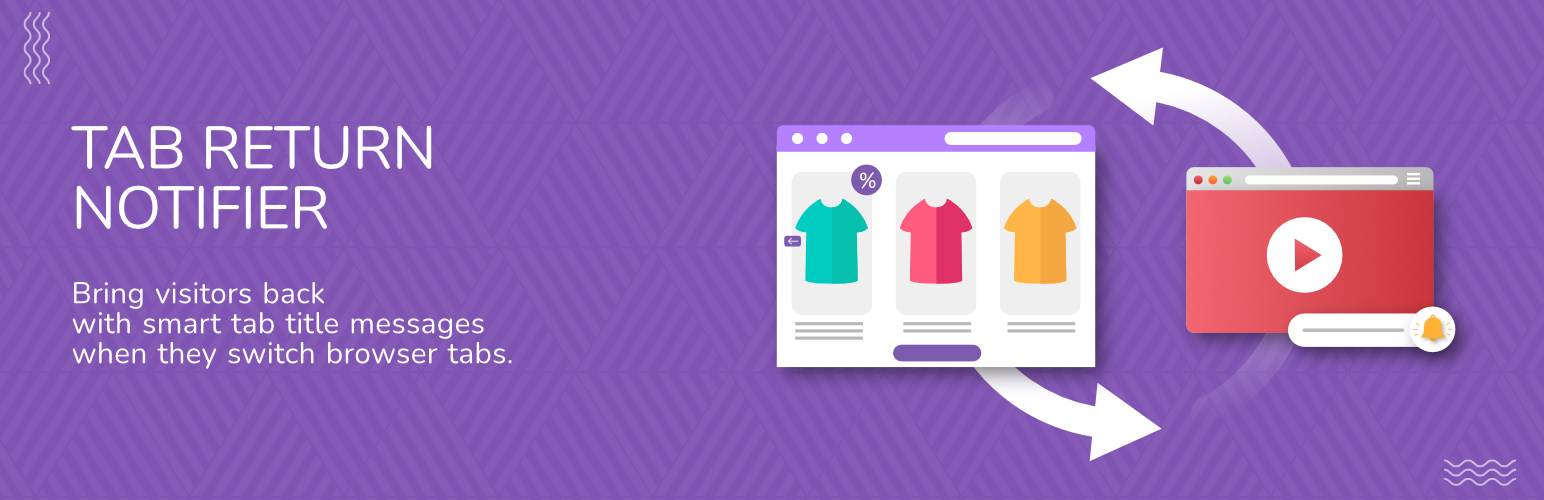

Tab Return Notifier is a lightweight plugin that helps bring users back to your site when they switch to another browser tab. When a visitor navigates away, the plugin dynamically updates the tab title with attention-grabbing messages and animations.
Key Features:
- Global notification messages that appear when users switch to another tab
- Per-post type and taxonomy override options
- Built-in emoji picker for engaging notifications 🚀
- Multiple animation styles (rotating and scrolling messages)
- Customizable animation speed
- Variable system for dynamic content (site name, current page title, etc.)
- User-friendly admin interface with live preview
Perfect for e-commerce sites, blogs, and any website that wants to reduce bounce rates and bring users back to their content. Tab Return Notifier is a smart tab title changer that helps turn passive browsing into active engagement. This browser tab notifier uses subtle page title animations to recapture attention when customers switch tabs. Ideal for highlighting limited-time offers, new content, or abandoned carts, it serves as an effective attention grabber across all modern browsers. Suitable for publishers, e-commerce sites, and marketers looking to reduce tab abandonment and increase time-on-site.
For more information about this plugin, please visit the plugin page.
Dynamic variables
The plugin supports dynamic variables that automatically insert relevant content into your messages. These can be used in both the main message and the specific content types message fields.
{{document_title}}– Original document title (browser tab title).{{post_title}}– Title of the current post/page.{{site_name}}– Name of your WordPress site.{{cart_items_count}}– Number of items in WooCommerce cart. Requires WooCommerce.{{recently_viewed}}– Title of the recently viewed product. Requires WooCommerce’s “Recently Viewed Products” widget to be active for this functionality. See this page.
Configuration
Configure these plugin-specific settings:
- Go to: Settings > Tab Return Notifier
- Set your preferred animation settings
- Set your preferred messages
- Optional: set overrides for specific content types
WPML
To translate the messages via WPML:
- Save your options first in: Settings > Tab Return Notifier
- Then translate the texts in: WPML -> String Translations and search for your messages in the domain ‘tab-return-notifier’
Additional Information
This plugin is fully open source. You can find the source code on GitHub
For more information and other WordPress plugins, visit Wijnberg Developments.





