
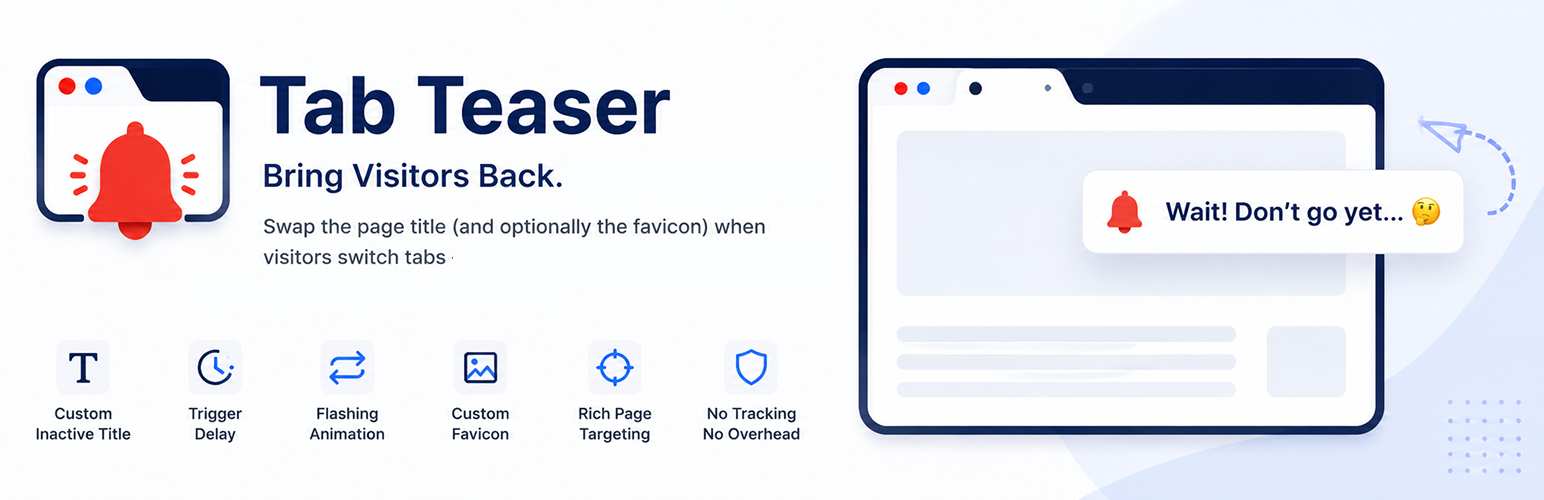

Tab Teaser is a lightweight engagement plugin that pulls visitors back when they switch to another browser tab. The moment your tab loses focus, Tab Teaser swaps the page title and favicon to a custom, attention-grabbing message. When the visitor switches back, everything is restored instantly.
It is especially effective on cart, checkout, signup, and long-form sales pages where every distracted visitor matters.
What it does (and doesn’t)
Tab Teaser is scoped on purpose. WordPress already owns your normal page title and favicon — the plugin doesn’t touch them. It only steps in once the visitor switches to another tab, and steps right back out when they return. That focused scope is what keeps the settings short, the frontend payload tiny, and the plugin friction-free to install alongside any theme or page-builder.
Key features
- Custom inactive title — show any message (emoji supported) when the visitor leaves the tab.
- Two flashing modes — Use site title + Site Icon alternates your inactive pair with the page’s normal title and favicon. Use a custom alternative pair alternates between two plugin-managed pairs (your inactive title/favicon a configurable Flash title/Flash favicon) so you can rotate two distinct messages.
- Trigger delay — wait N seconds after the tab is hidden before swapping. Visitors who tab back in time never see the change.
- 12 bundled SVG favicons — hand-crafted icons (Alert, Shopping Cart, Raised Hand, Bell, Fire, Broken Heart, Googly Eyes, Watching Eye, New Message, Clock, Gift, Sparkle) ship with the plugin, each in paired light + dark variants. Crisp at every size, zero HTTP overhead.
- Light / dark theme aware — the plugin detects the visitor’s OS color-scheme preference and picks the matching favicon variant automatically, updating live if the visitor toggles their theme. You can also upload your own light and dark inactive / flash favicon.
- Custom favicon upload — pick any image (PNG, JPG, ICO, SVG) from the WordPress Media Library.
- Live preview — see exactly how your tab will look as you edit settings. Includes a “Simulate Tab Switch” button.
- Rich page targeting — run on every page, on selected pages / posts / custom post types / taxonomy terms, or on URL patterns (
/checkout/*). Independent exclude rules always win over includes. - No external requests — every asset is local. No tracking, no telemetry, no third-party scripts.
- Accessible & lightweight — vanilla JavaScript on the frontend, ~3 KB minified payload, no jQuery dependency.
- Multisite-aware uninstall — every option is removed cleanly when the plugin is deleted.
Privacy
Tab Teaser does not collect, store, or transmit any visitor data. It does not make any external HTTP requests. It only reads the browser’s standard visibilitychange event to decide when to swap the tab title and favicon.
Performance
Tab Teaser is engineered for zero measurable impact on Core Web Vitals. Here is exactly how:
- Deferred bootstrap — the script waits for
window.load(i.e. after every image, stylesheet and render-blocking asset has finished) plus a configurable additional delay (default 2 seconds) before doing anything. It therefore never competes with LCP, FID/INP, or your critical resources. - Vanilla JavaScript, no dependencies — no jQuery, no framework, no polyfills. The entire frontend payload is one file, ~3 KB minified, ~1.5 KB gzipped.
- Loaded only where needed — the script is enqueued only on pages that pass your targeting rules. Run it on
/checkout/*only and the rest of your site ships zero extra bytes. - No external HTTP requests — every asset (icons, script) is served from your own origin. No CDN dependency, no third-party DNS, no privacy concerns.
- No injected CSS on the frontend — the plugin does not output any stylesheet on visitor-facing pages.
- Inert until the tab is hidden — once initialized, the script only attaches one passive
visibilitychangelistener. No timers run, no DOM mutations happen, until the visitor actually leaves the tab. - Cache-friendly — because everything runs in the browser, the plugin is fully compatible with full-page caching, CDN caching, and static-site exporters.
- SVG favicons — bundled icons are hand-authored SVG, so they’re a few hundred bytes each and stay crisp at any DPR.
In practice, this means a Lighthouse / PageSpeed Insights run against a page with Tab Teaser enabled measures identically to the same page without it.
Developer hooks
tab_teaser_should_load(filter) — final boolean override before frontend assets are enqueued.tab_teaser_settings_defaults(filter) — modify the default settings array.tab_teaser_localized_data(filter) — modify the data passed to the frontend script.tab_teaser_bundled_presets(filter) — register additional bundled favicon tiles.






