
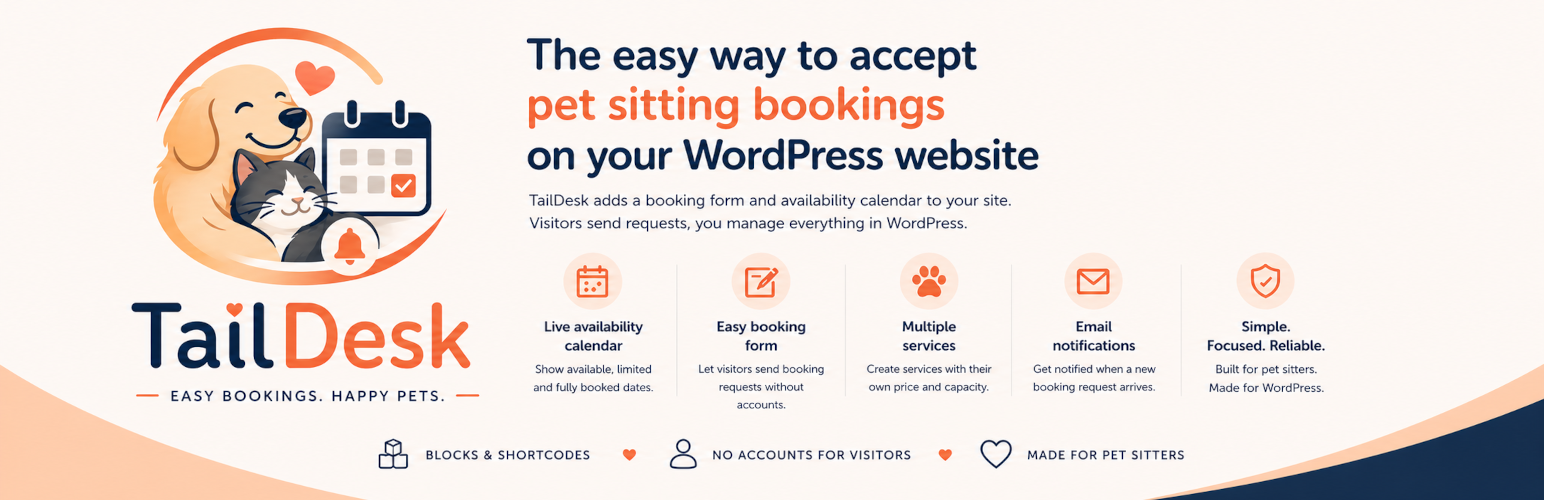

TailDesk helps pet sitters accept booking requests directly from their WordPress website.
Create one or more services, show live availability in a calendar, let visitors send booking requests without creating an account, and manage everything from the WordPress admin area.
TailDesk is built for solo pet sitters and small pet care businesses that want a simple, focused workflow instead of a generic appointment system.
Key features:
- Add a booking form with a dedicated Gutenberg block or shortcode.
- Add an availability calendar with a dedicated Gutenberg block or shortcode.
- Create multiple services with their own daily rate and day capacity.
- Show clear day states for available, limited and fully booked dates.
- Receive booking requests directly on your website.
- Receive email notifications when a new booking request is submitted.
- Manage bookings, statuses and internal notes in WordPress.
- Use simple global pricing format settings.
Both frontend tools can be added in two ways:
- Block editor: use the
TailDesk Booking Formblock and theTailDesk Availability Calendarblock. - Shortcodes: use
[taildesk_booking_form]and[taildesk_availability service_id="123"].
Blocks
TailDesk Booking Form
Insert the booking request form anywhere with the block editor. You can choose which services are available in the form and control the field order.
TailDesk Availability Calendar
Insert a service availability calendar anywhere with the block editor. Choose the service in the block settings and show month-by-month availability on the frontend.
Shortcodes
You can also use shortcodes if you are working with classic themes, widgets, templates or page builders.
Booking form:
[taildesk_booking_form]
Availability calendar:
[taildesk_availability service_id="123"]






