
Take Notice

Take Notice

توسط

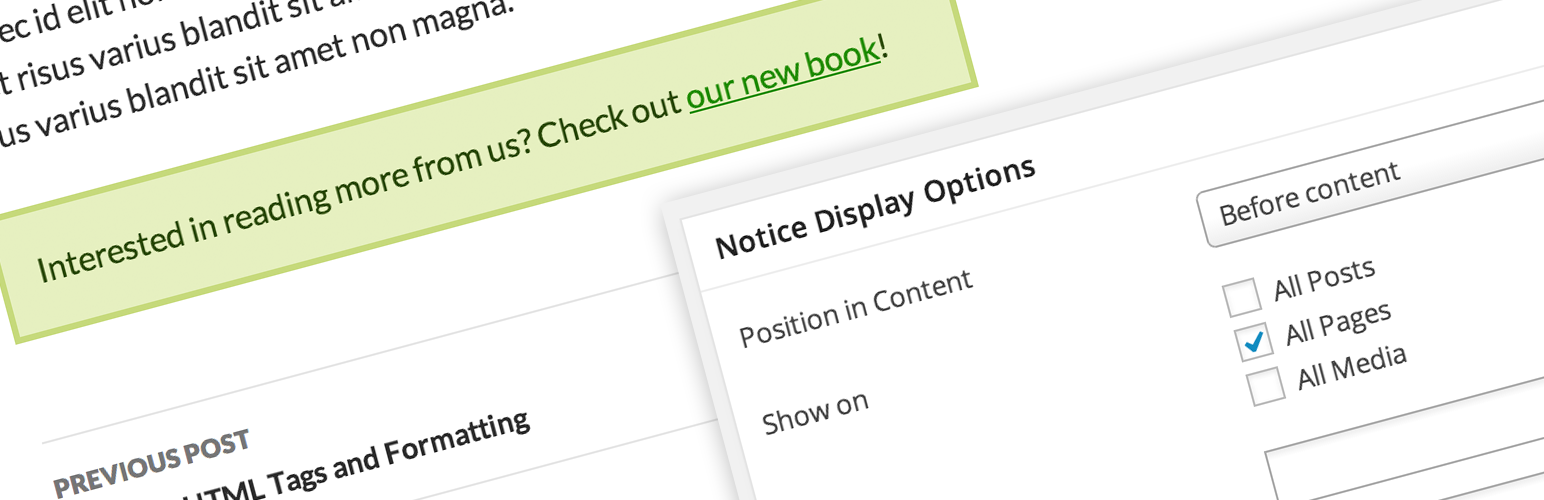
Take Notice lets you add one or more notice boxes across your entire site. For each notice, you can customize the following:

  • Whether to appear on all posts (of any post type)
  • Whether to appear on specific posts (of any post type)
  • Whether to appear on posts with certain terms (of any taxonomy)
  • Where to appear in the post (above or below the content)
  • Color of notice box (custom colors or preset palettes)
  • Whether to display the notice title with its content

Notices are a custom post type, so they can be managed and edited just like posts. You can add more than one notice at a time, and customize the above settings separately for each one. (See Screenshots for an example.)

Manual Installation

  1. Upload the entire /take-notice directory to the /wp-content/plugins/ directory.
  2. Activate Take Notice through the ‘Plugins’ menu in WordPress.

سوالات متداول

Questions? You can find me on Twitter at @alisothegeek or contact me through my website.

You can report bugs and request features here on WordPress.org or on Github.

×
نظری برای این آیتم موجود نیست.
0 0 رای ها
امتیازدهی
اشتراک در
اطلاع از
0 نظرات
قدیمی‌ترین
تازه‌ترین بیشترین رأی
بازخورد (Feedback) های اینلاین
مشاهده همه دیدگاه ها
نسخه حجم فایل SHA256 تغییرات دانلود
2.0 38 کیلوبایت -
دانلود
×
★★★★★
★★★★★
5.0 /5 (1 نظر)

قیمت:

رایگان

نگارش

2.0

آخرین انتشار

31 اردیبهشت 1405

آخرین بروزرسانی

4 هفته پیش

نصب های فعال

10+

نگارش وردپرس

وردپرس 3.5.1+

تست شده از نسخه

وردپرس 3.9.40

نگارش PHP

-

نسخه ها

1 نسخه




