

SEO got you here. GEO takes you further.
Google isn’t the only one answering questions anymore. ChatGPT, Gemini, and Perplexity are serving answers directly to your audience. TalkGenAI helps you create content that AI engines can trust, cite, and recommend. Every article is structured to strengthen your E-E-A-T signals — so both search engines and AI models see your site as an authoritative source.
AI-Powered Content Generation
Generate publish-ready articles right inside WordPress. Every article includes:
- Internal Links – Automatically links to your existing content, building topical authority across your site
- External Links – Cites authoritative sources that AI engines trust and verify
- FAQ Sections + JSON-LD Schema – Structured Q&A that AI engines can pull directly into conversational answers
- AI Hero Image – Generates a photorealistic featured image matched to your article topic (paid plans)
- Meta Descriptions – Optimized summaries tuned for both traditional and AI-powered search
- Save as WordPress Draft – One click publishes directly to your WordPress drafts — no copy/paste needed
- Any Language – Write in English, Hebrew, Spanish, French, German, and more
Just type your topic, toggle on the features you want, and TalkGenAI generates a complete, publish-ready article in seconds.
Interactive Widgets — Auto-Embedded in Articles
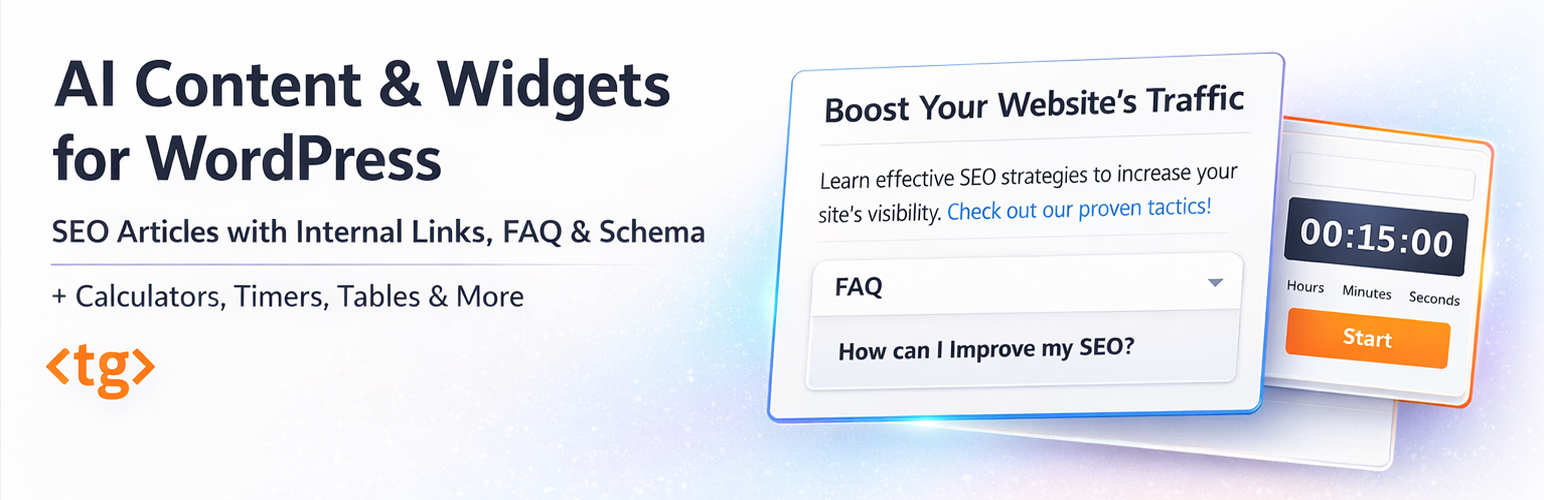
When TalkGenAI generates an article, it automatically decides what interactive tool fits the content — a mortgage calculator for a real estate post, a comparison table for a review, a chart for a data piece — and embeds it inside the article. No separate step. No developer. No other AI writer does this.
TalkGenAI is also a standalone AI-powered widget builder. Instead of configuring complex settings or hiring a developer, you describe what you need:
“Create a mortgage calculator with loan amount, interest rate, and term length” – done in 10 seconds.
- Calculators – Mortgage, BMI, ROI, cost estimators, quote generators, loan, savings, currency converters
- Interactive Charts – Bar, line & pie charts with hover tooltips, axis labels and auto-extracted data
- Infographics – Stats cards, key points, timelines & step flows that highlight article data
- Countdown Timers – Sales countdowns, product launches, event timers, Pomodoro timers
- Comparison Tables – Product specs, pricing plans, affiliate charts (AI researches the data for you)
- To-Do Lists & Checklists – Onboarding flows, shopping lists, process trackers
Every widget is responsive, lightweight, and works with Elementor, Divi, Gutenberg, and Beaver Builder via a simple shortcode.
How It Works (4 Steps)
- Open the TalkGenAI dashboard in your WordPress admin
- Type what you want: “Build a calorie calculator for women” or “Write an article about home workout routines”
- Preview the result – tweak it by chatting: “Add an FAQ section”, “Make the button blue”
- Copy the shortcode, paste it into any page or post
Why Site Owners Choose TalkGenAI
Internal links generated automatically. TalkGenAI scans your existing content and links every article to relevant pages on your site — building topical authority without manual work.
Publish-ready in one click. Articles include internal links, external citations, FAQ schema, meta description, and an AI hero image. Save directly as a WordPress draft — no copy/paste.
GEO-ready from day one. Your articles are structured with internal links, external citations, and FAQ sections that AI engines like ChatGPT and Gemini can trust and cite.
The only AI writer that embeds a working tool inside the article. Every other AI writer generates text and stops. TalkGenAI generates the article and automatically places a working calculator, chart, or comparison table inside it — matched to your content, no extra step required.
One plugin instead of many. Most sites need a calculator plugin, a timer plugin, a table plugin. That means 3+ plugins to maintain, update, and troubleshoot. TalkGenAI replaces them all.
No coding, no configuration screens. Other plugins make you drag fields around and configure formulas. With TalkGenAI, you describe the result and the AI writes the HTML, CSS, and JavaScript.
Lightweight output. Each widget is self-contained code – no framework dependencies, no external scripts loaded on your frontend.
Real Examples
Here are actual prompts that produce working results:
- “Write an article about the best protein powders for beginners” (generates article with internal links to your site, external sources, FAQ schema, and AI hero image)
- “Mortgage calculator – monthly payment based on home price, down payment, interest rate, and loan term”
- “Countdown timer to December 31, 2026 with days, hours, minutes, seconds”
- “Compare iPhone 16 vs Samsung S25 – screen, battery, camera, price” (AI fills in the specs)
- “BMI calculator with metric and imperial units”
- “Pricing table for 3 plans: Basic $9/mo, Pro $29/mo, Enterprise $99/mo”
Free Plan Included
Start building immediately — no credit card required:
- 15 credits / month (resets monthly)
- 1 website
- Standard AI model
- Articles with internal links, external links & FAQ schema
- ⚡ Interactive apps embedded inside articles — charts, infographics, calculators auto-generated alongside every article
- Standalone widgets: calculators, timers, comparison tables & checklists
Starter Plan — $39/mo
For creators and growing sites:
- 150 credits / month
- Up to 5 websites
- Premium AI models (better quality, longer articles)
- 🖼️ AI Hero Image — photorealistic featured image generated for every article
- 🎙️ Brand Voice — learns your writing style from existing content and applies it to every new article
Growth Plan — $89/mo
For growing businesses:
- 400 credits / month
- Up to 10 websites
- Everything in Starter, plus email support
Agency Plan — $199/mo
For agencies managing multiple sites:
- 1,000 credits / month
- Unlimited websites
- Everything in Growth, plus dedicated WhatsApp account manager
Privacy & External Service Notice
This plugin connects to an external API service to provide AI generation.
Service Provider:
- Service: TalkGenAI
- Service URL: https://app.talkgen.ai
- Terms of Service: Read Terms
- Privacy Policy: Read Privacy Policy
Data collected when you generate a widget or article:
- The text prompt you enter (e.g., “Create a BMI calculator”)
- WordPress site URL, WordPress version, PHP version (for compatibility)
- Timestamp, IP address (for security), and User ID
Data we do NOT collect:
- Your site’s database, posts, pages, or media
- Passwords or personal credentials
- Data from other plugins
You are responsible for reviewing and testing all generated widgets and articles before publishing. AI can make mistakes – always verify calculations and content.






