

Try before you install!
Live Demo: https://talktopc.com/demos/agent_1900570ad
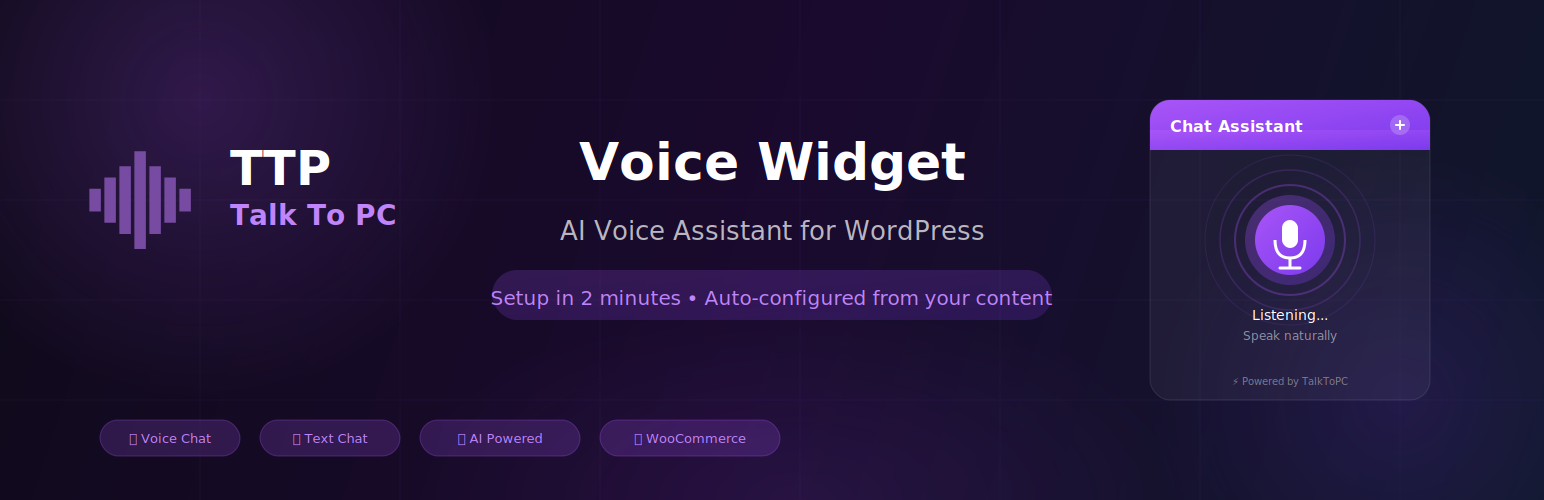
TalkToPC Voice Widget adds an AI-powered voice assistant to your WordPress website. Visitors can have natural voice conversations with your AI agent in over 40 languages — no coding or typing required.
🚀 Quick Setup (Under 2 Minutes):
- Install the plugin
- Click “Connect to TalkToPC”
- Done! Your AI assistant is auto-created with content from your website
The plugin automatically scans your pages, posts, and products to create a personalized AI assistant that knows your business inside and out.
✨ Features:
- One-Click Setup – OAuth connection with automatic AI agent creation.
- 40+ Languages Supported – Full support for English, Hebrew, Spanish, French, Arabic, and dozens more.
- AI-Powered Configuration – System prompt auto-generated from your site content.
- Voice & Text Modes – Visitors can speak naturally or type.
- Fully Customizable – Match your brand with custom colors, icons, and positions.
- WooCommerce Support – AI knows your products, prices, and availability.
- Mobile Ready – Optimized for all devices with microphone access.
- Low Latency – High-speed response for natural, flowing conversations.
🎯 Use Cases:
- Customer support automation
- Instant FAQ handling
- Product recommendations and sales
- Appointment scheduling
- Lead qualification
🔒 Security:
- Secure OAuth 2.0 connection
- No passwords stored
- One-time secrets with automatic expiration
- All data transmitted over encrypted HTTPS
External Services
This plugin relies on the TalkToPC service (https://talktopc.com) to provide AI voice conversations.
What data is sent:
* Site content (pages, posts, products) during initial setup for AI configuration.
* Voice audio when visitors use the voice widget.
* API credentials for authentication.
External domains used:
* https://cdn.talktopc.com – Widget JavaScript files.
* https://speech.talktopc.com – Voice processing.
* https://backend.talktopc.com – API requests.
Service policies:
* Terms of Service: https://talktopc.com/terms-of-service
* Privacy Policy: https://talktopc.com/privacy-agreement




