
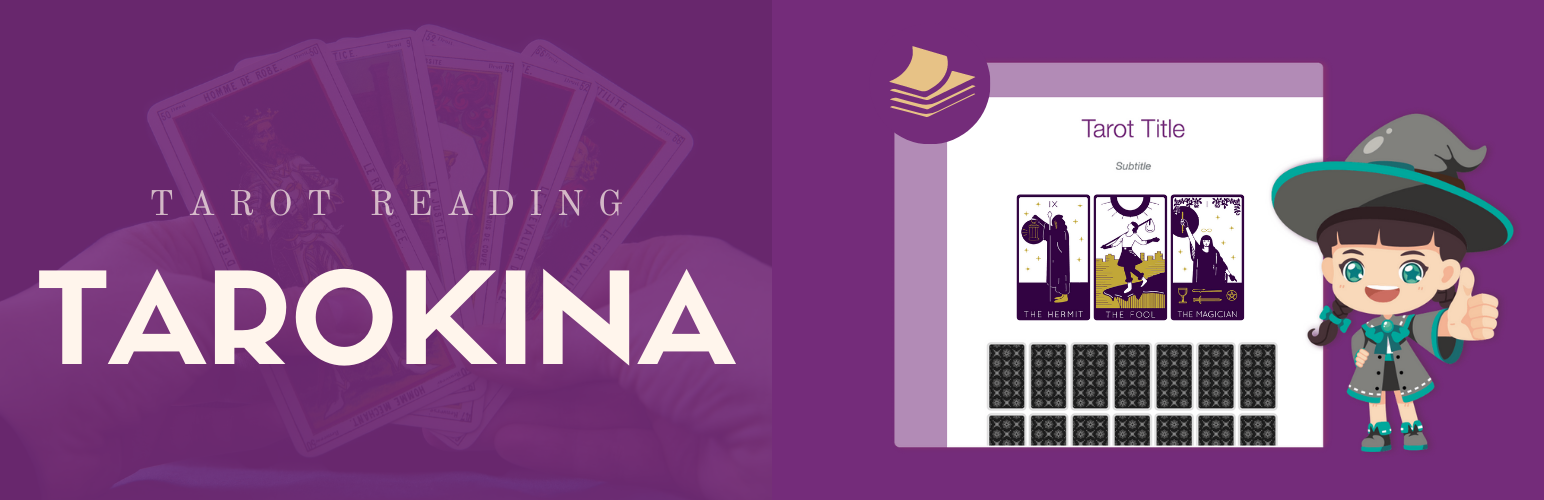

THE BEST TAROT PLUGIN FOR WORDPRESS. INTUITIVE AND EASY TO USE. PROVIDES ACCURATE TAROT READINGS
Tarokina Free allows you to change the color so that your tarot adapts to the WordPress theme.
It provides an impeccable addition, and the ultimate tool to drive more traffic to your website.
Features
- Install demo data. This will create an example Tarot Card reading.
- Add a text and image to each card.
- 3 Card Spread.
- 1 Selector: Classic grid.
- Appearance. Customize your tarot.
- Responsive.
- Optimized for SEO
- Right-to-Left (RTL) Language Support
Languages
- Tarokina Free is currently translated into the following languages: English, Spanish ,French ,Brazilian ,Portuguese ,Italian ,Turkish ,Russian ,Japanese ,Chinese ,German and Norwegian.
- You can see the translated strings here.
- If you wish to contribute by modifying the automatic texts, please contact us through our contact page.
PRO
The Tarokina plugin is also available in a professional version which includes more fields, more functionality, and more flexibility!
- Integration with Woocommerce and Easy Digital Downloads. If you are a professional Tarot reader you can charge your clients for a Tarot reading.
- Unlimited decks and cards.
- Create up to 100 independent tarots. It’s easy to set up! As in any WordPress post, add a text and an image to each card. You can utilize the same deck on several sets of tarot.
- Reversed Mode. This mode requires 2 texts per card (A or B), if the card is in the reversed position, the alternative text B will be applied
- Expert Mode. It is the most comprehensive mode if you want to put together a professional reading. This mode requires several texts per card depending on the position in the tarot.
- more than 20 spreads and designs.
- Appearance. Customize your tarot. Change colors, upload a background image, display a title, a subtitle, etc.
- Back Cover. Choose an image for the back of your cards. If you leave this field empty, a default image will be added.
- 3 Selectors. Classic grid, Horizontal shuffle and Click on the spread. Choose your preferred way to select the cards according to the design of your tarot.






