
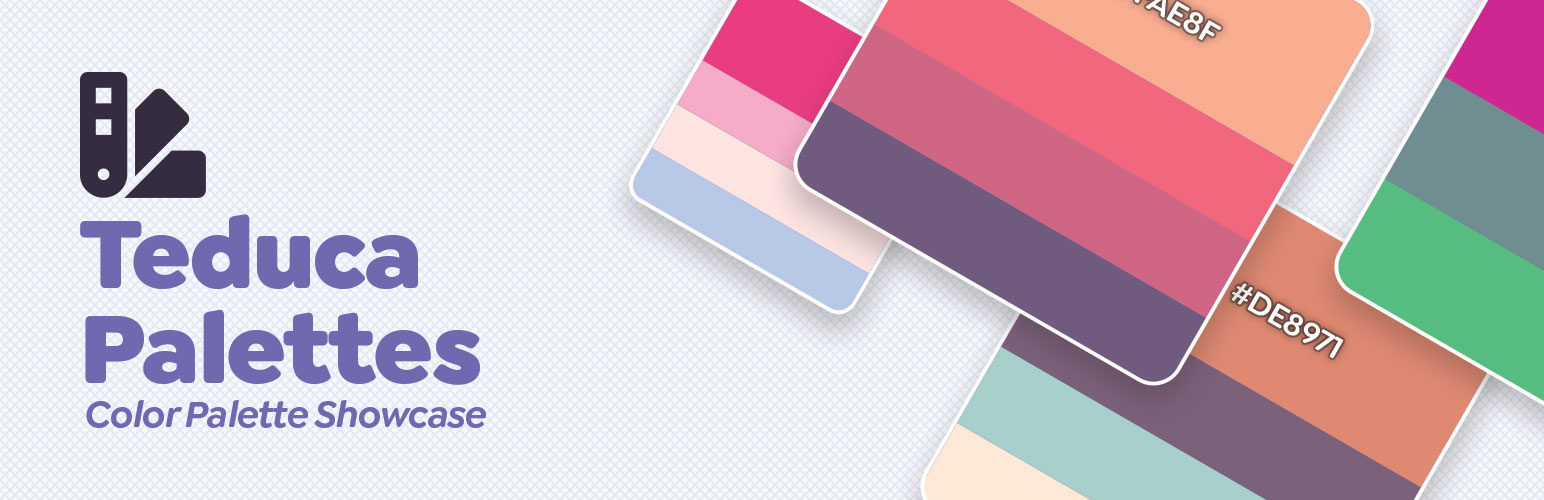

Teduca Palettes help you to showcase a group on colors on your website using a simple shortcode.
The plugin don’t have limits about how many colors you can use, the displayed colors always have the same size, the first color you use on the shortcode can be used to feature that color a little more than the rest.
The colors expand when you hover the color to display the hex color, after that you can click on the color text to copy the color hex to your clipboard.
Use the shortcode to insert your group
[palette colors="CDF0EA, F9F9F9, F6C6EA, C490E4" title="Unicorn" height="400px"]
Or you can call it directly with PHP in your theme
<?php teduca_palettes( array('#CDF0EA', 'F9F9F9', '#F6C6EA', 'C490E4'), "Unicorn", "400px" ); ?>
You can use the shortcode with # or without, 3 or 6 color code, doesn’t matter, the action still can handle it.
Options:
- Height: The default size if you don’t input anything is 250px
- Title: You can use you own or leave it empty.
- Colors: You can use from 1 to as many you want, if your height is too small to display the colors you can increase it using the height option.
- Width: By default this option is 100%.






