
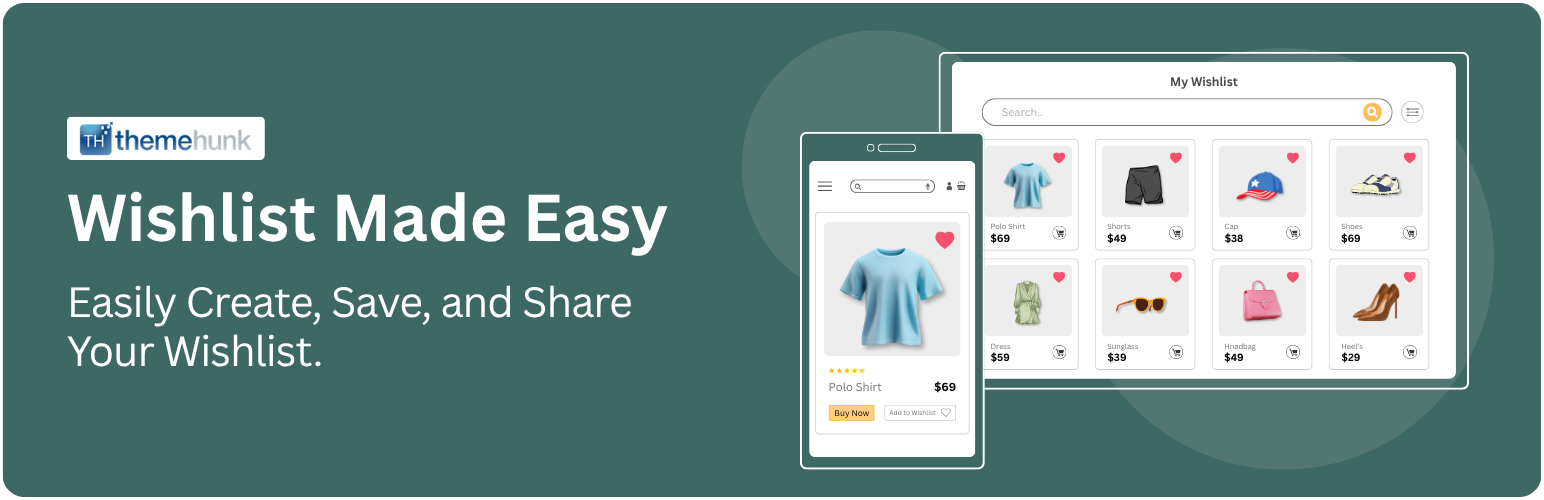

TH Wishlist Plugin, is a feature-rich and easy-to-use wishlist plugin designed specifically for WooCommerce stores. It allows your customers to create and manage personalized wishlists, improving their shopping experience while increasing engagement and conversions on your site.
With TH Wishlist Plugin, shoppers can save their favorite products for later with just a click—encouraging return visits and reducing cart abandonment. Whether they’re planning a future purchase or sharing gift ideas with friends and family, wishlists help keep your store top-of-mind.
The plugin integrates seamlessly with your WooCommerce store and offers flexible customization options, so you can match the wishlist buttons and pages with your theme’s look and feel. Store owners also benefit from insights into customer preferences, helping to tailor marketing campaigns and product offerings.
Docs | More Details | support.
Key Features:-
⭐ Add-to-Wishlist buttons on product and shop pages
⭐ Fully responsive and mobile-friendly design
⭐ Easy management of wishlists from the user account
⭐ Shareable wishlists via social media or direct link
⭐ Customizable styles and placement options
⭐ Lightweight and optimized for performance
⭐ Whether you’re running a small online store or a large eCommerce website, TH Wishlist helps build customer loyalty, boost user satisfaction, and increase sales—making it an essential tool for any WooCommerce store.
Theme Compatibility:-
This Wishlist Plugin by ThemeHunk is compatible with all themes. Below are some of the popular themes that work seamlessly with the plugin:
- Shop Mania
- Zita
- Top Store
- Big Store
- Open Shop
- Astra
- Neve
- Kadence
- OceanWP
- Storefront
- eStore
- Woostify
- Botiga
- Shoptimizer
- Many more..




