
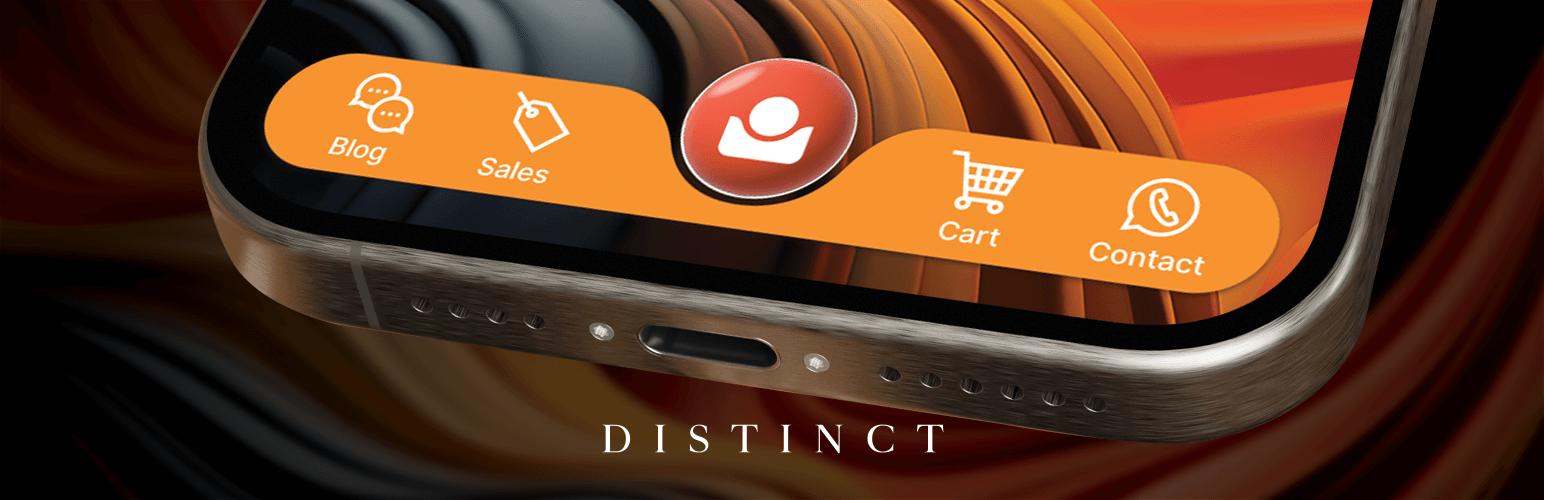

Transform your WordPress site’s mobile navigation with The Menu – a powerful mobile-friendly navigation solution featuring custom icons, role-based visibility, and extensive customisation options. Perfect for creating professional bottom navigation bars, sticky menus, and app-like mobile experiences. This responsive menu plugin offers SVG icon support, smooth animations, and seamless integration with popular themes and page builders.
The Menu plugin is designed to enhance your website’s usability and aesthetic appeal, providing a navigation experience that’s both visually stunning and functionally robust. Whether you’re building a mobile-first website, an online shop, or a Progressive Web App (PWA), The Menu adapts to your needs.
Core features
- Mobile-optimised bottom navigation bar
- Custom SVG icon support and built-in Dashicons
- Extensive colour customisation options
- Transparent menus that adapt on scroll
- Role-based menu item visibility
- Additional “add-on” menu for extra navigation items
- App-like mobile navigation experience
- Smooth animations and transitions
- Compatible with popular page builders
- PWA-friendly design
- Responsive and touch-optimised
- Custom icon upload support
- Page-specific menu visibility
- Multiple menu styles (Pill, Rounded, Flat)
Perfect for
- Mobile-first websites
- Online shops
- Restaurant menus
- Progressive Web Apps
- Service businesses
- Portfolio sites
- Business directories
- Event websites
- Community platforms
- Educational sites
Professional customisation
The Menu offers extensive customisation options to match your brand:
- Custom colours for icons and backgrounds
- Multiple menu styles and layouts
- Icon-only or icon-with-text display
- Transparent scroll effects
- Custom icon uploads
- Built-in Dashicons support
Advanced features
- Role-based visibility: Show different menu items to different user roles
- Page exclusions: Choose which pages show or hide the menu
- Add-on menu: Additional menu space for extra navigation items
- Mobile-only option: Display the menu only on mobile devices
- Loading animations: Smooth transitions between pages
- SVG colour controls: Customise icon colours directly
- Multiple menu positions: Left, right, and add-on menu locations
- Transparent effects: Menu adapts as users scroll
Compatible with popular tools
Works seamlessly with:
- WooCommerce
- Elementor
- Divi Builder
- Gutenberg
- Popular WordPress themes
- Custom theme frameworks
- Other navigation plugins
Terms of use
By installing and activating The Menu plugin, you agree to the following terms:
-
Licence and usage
The Menu is licensed under GPL-2.0-or-later. You are free to use, modify, and distribute this plugin in accordance with the terms of this licence.
-
Third-party services
This plugin does not send your site URL, version, or licence details to external servers for registration or validation. If you install the plugin from WordPress.org, WordPress handles plugin updates through its normal update system.
-
Data usage and privacy
We are committed to protecting your privacy. The plugin does not transmit site or personal data to the plugin author for the features described in these terms.
-
Disclaimer of warranty
The Menu plugin is provided “as is” without warranty of any kind, either expressed or implied, including, but not limited to, the implied warranties of merchantability and fitness for a particular purpose.
-
Limitation of liability
In no event shall the authors or copyright holders be liable for any claim, damages or other liability, whether in an action of contract, tort or otherwise, arising from, out of or in connection with the plugin or the use or other dealings in the plugin.
-
Support and updates
While we strive to provide regular updates and support, we reserve the right to discontinue or modify any part of the service at any time.
-
Changes to terms
We reserve the right to modify these terms at any time. Continued use of the plugin after any such changes shall constitute your consent to such changes.
By using The Menu plugin, you acknowledge that you have read, understood, and agree to be bound by these Terms of Use. If you do not agree to these terms, please uninstall and stop using the plugin.
For any questions or concerns regarding these terms, please contact us at hello@distinct.africa.
Last updated: 18/10/2024






