
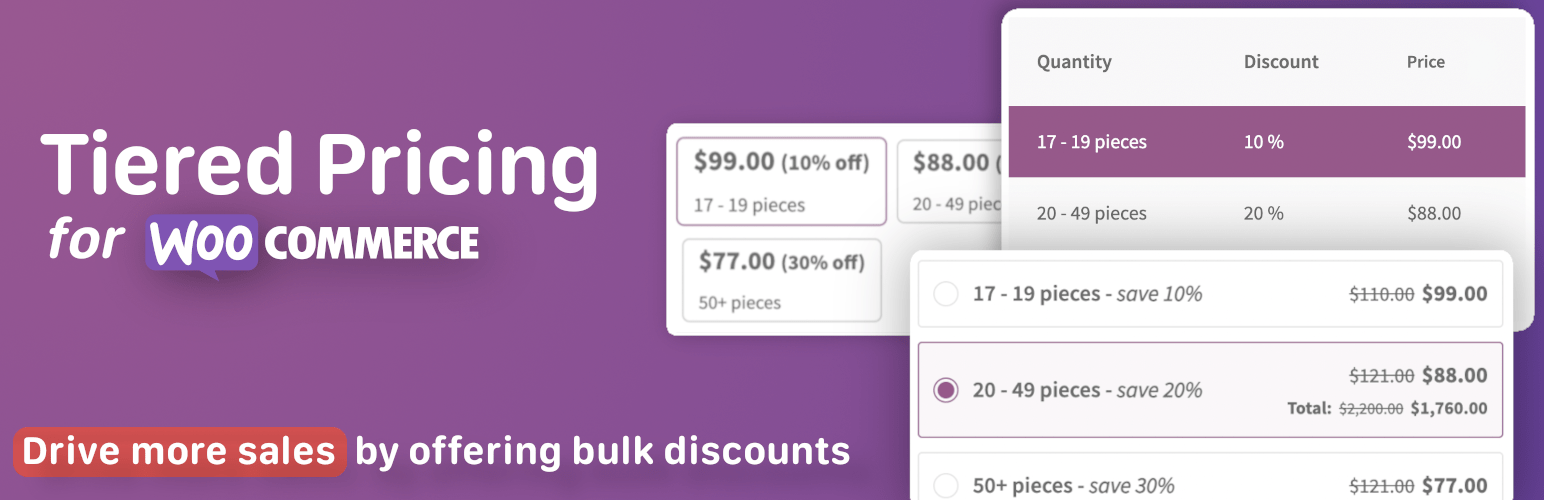

Tiered Pricing Table for WooCommerce lets you create bulk discounts, wholesale pricing, and quantity-based offers to increase average order value.
Easily set different prices based on quantity, user roles, or specific customers — and display them using beautiful, customizable pricing tables, blocks, or dropdowns.
Live Demo | Documentation | Contact Us | Plugin Website
Tiered Pricing Table for WooCommerce lets you easily set flexible pricing rules based on product quantity. You can apply custom pricing to individual products or categories, all users, specific user roles, or customer accounts.
Fine-tune pricing for any business model — from retail to wholesale — to serve different customer groups effortlessly.
📌 Key features:
✅ Quantity-based pricing (Volume pricing)
Set different prices for different quantities of products.
✅ Role-based pricing
Set different prices for user roles or specific customers, including quantity-based prices.
✅ Minimum, Maximum & Step Quantity Controls
Limit minimum, maximum, and quantity step a product can be purchased in.
✅ Format your prices on the product catalog with discounts in mind
Show the lowest price or range from the lowest to the highest price.
✅ Flexible pricing display (product page & catalog)
You can show the tiered prices via:
➖ Table
➖ Blocks (5 different styles)
➖ Options (4 different styles)
➖ Dropdown
➖ Horizontal Table
➖ Plain text
➖ Tooltip
See screenshots for examples
The clean interface and powerful functionality allow you to create any pricing strategy without complexity.
⚙️ Advanced Features
✅ Import & Export (WP All Import support)
✅ Built-in caching for performance
✅ REST API & debug mode
✅ Show saving amount to users with the “You save: $9.99” template. (difference between original and discounted price)
And much more!
💎 Premium Extras:
- Percentage quantity-based discounts
- Role-based pricing (including base prices and min/max order quantity)
- Custom columns for pricing table
- Option to hide prices and prevent purchasing for non-logged-in users
- MinMax order quantity control per product or category
- Cart upsells (motivates users to purchase more to get a discount)
- Totals on the product page
- Clickable tiered pricing options
- Show the lowest price or a range of prices instead of default product price
- Show the tiered price in the cart as a discount
Works Seamlessly with 3rd-party plugins:
⭐ WP All Import
⭐ Elementor
⭐️ WPML
⭐️ WPML Multicurrency
⭐️ WooCommerce Product Add-ons
⭐️ Aelia Multicurrency
⭐️ Yith Request a Quote
⭐️ Request a Quote by Addify
⭐️ Product Bundles for WooCommerce
⭐️ WOOCS (WooCommerce Currency Switcher by FOX)
⭐️ WCCS (WooCommerce Currency Switcher by WP Experts)
⭐️ WCPA (WooCommerce Custom Product Addons)
⭐️ Product Fields (Product Addons by StudioWombat)
⭐️ WooCommerce Deposits
⭐️ Mix&Match for WooCommerce
⭐️ Yoast and Rank Math SEO plugins
Get more information about the Tiered Pricing Table for WooCommerce
Feel free to Contact us if you have any questions.
Set up a demo to see how the plugin works in action.






