

Do your site have more content editor / authors who upload contents? Do you site content managed by team of multiple person ? Do you run a site with user submitted content?
Finally ended up with duplicate content on your website or blog? Duplicate content divide traffic and may be penalized by google for SEO ranking.
So, You must remove duplicate content (posts, pages, etc.) and also you have to take care of removed content URL to redirect to main URL.
Now, with help of this amazing plugin called “Trash Duplicate and 301 Redirect” you can find and remove duplicate content. Also permanently redirect ‘Removed Content’ URL to main URL to divert traffic to one URL and be safe from being penalized by Google for duplicate content.
Trash Duplicate and 301 Redirection Plugin Features
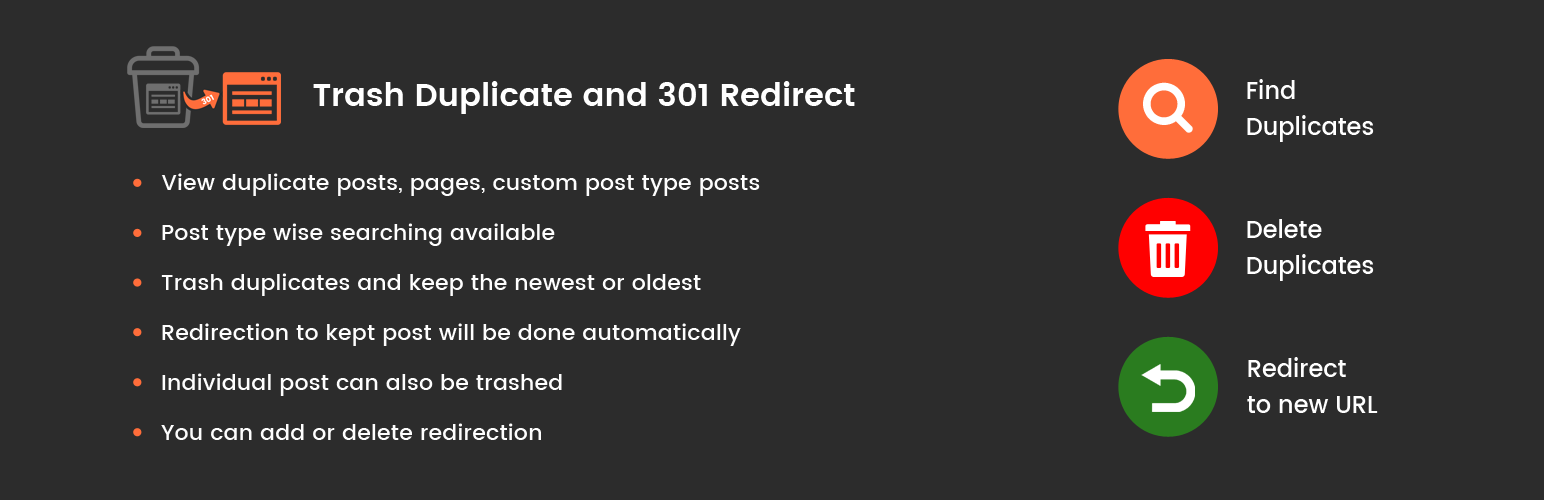
- View all duplicate posts, pages, custom post type posts
- Post type wise searching available
- Trash duplicates and keep the newest or oldest
- Redirection to kept post will be done automatically
- Individual post can also be trashed
- You can add or delete redirections
Trash Duplicate and 301 Redirection PRO Plugin Features
- Enable or Disable redirection
- Trash Duplicate without 301 Redirection
- 301 Redirection of Duplicate without Trash
- Wildcard Redirection
- Delete Post Meta Permanently
- Import/Export Redirection List
Buy Trash Duplicate and 301 Redirect PRO :
https://codecanyon.net/item/trash-duplicate-and-301-redirect-pro-for-wordpress/20885697
Support
If you find any issue please ask questions on support forum or support.solwininfotech.com. We’re active for any support issues and feature suggestions. We will try to resolve your issues asap. So hope you will love it.
Warning
The purpose of this plugin is to find and delete duplicate posts and redirect deleted posts to preserve you link. We have performed testing with various cases to make sure plugins works very well, but you should make sure you have a backup of your database, before installing plugin.
Compatibility
Currently I am not aware of any compatibility issues with any other WordPress plugins. (NOTE: Please have a back of your database before installing plugin)
Disclaimer
This plugin is released under the GPL licence. I do not accept any responsibility for any damages or losses, direct or indirect, that may arise from using the plugin or these instructions. This software is provided as is, with absolutely no warranty. Please refer to the full version of the GPL license for more information.






