
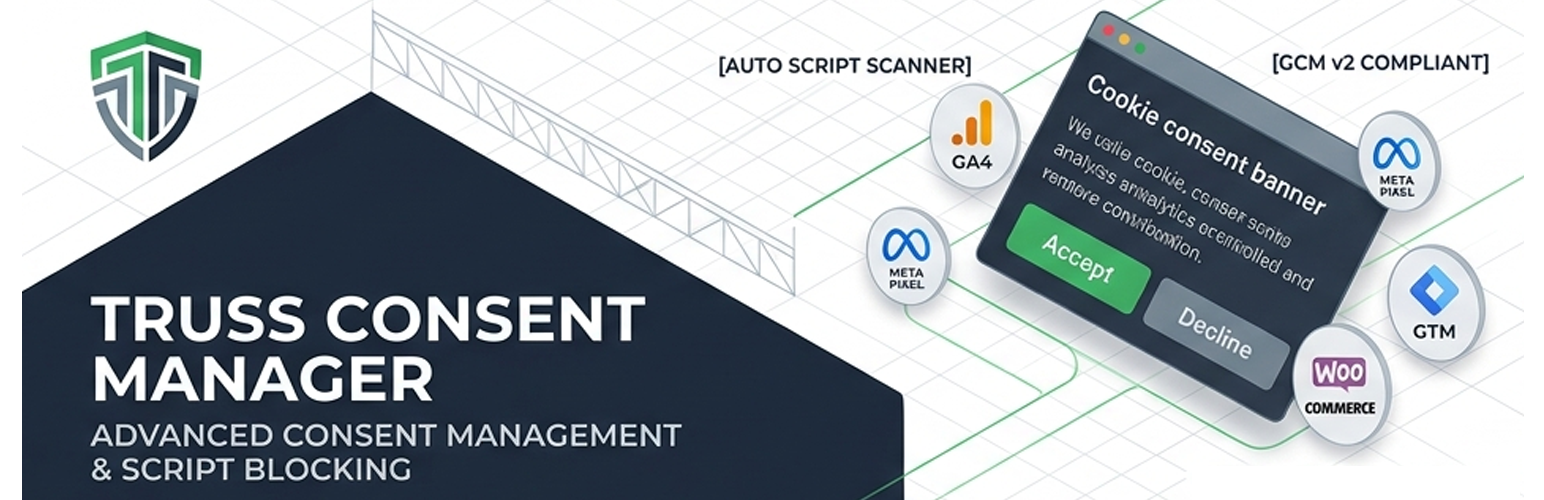
Truss Consent Manager

Truss Consent Manager

توسط

Truss Consent Manager is a full consent management plugin for WordPress and WooCommerce. It goes beyond a simple cookie banner to actively detect, categorise, and block tracking scripts until your visitors give consent.

Core Features

  • Three banner layouts — Cookie Bar (full-width), Card (corner), Floating Box (centred)
  • Simple and granular consent modes — Accept All / Decline, or per-category toggles (Analytics, Marketing, Functional)
  • Script Scanner — automatically detects tracking scripts on your site by scanning real frontend output. Identifies 14 known trackers including Google Analytics, Google Tag Manager, Meta Pixel, TikTok Pixel, Microsoft Clarity, Hotjar, Matomo, and more.
  • Script Blocking Engine — prevents detected scripts from loading before consent is given. Rewrites script tags to type="text/plain" and re-activates them after consent.
  • Google Consent Mode v2 — injects the required gtag consent default call before any Google scripts load, then updates consent signals automatically when visitors accept or decline.
  • Smart toggle visibility — granular toggles only appear for categories where trackers were actually detected on your site.
  • Fully customisable — banner colours, button labels, privacy policy link, cookie expiry, card position.
  • Developer APIwpcm_register_script( $handle, $category ) for manual script registration.

Google Consent Mode v2 — Signal Mapping

When Google Consent Mode is enabled (default), the plugin injects a denied default state before any Google scripts load and updates the following signals based on visitor consent:

  • Analytics consent analytics_storage
  • Marketing consent ad_storage, ad_user_data, ad_personalization
  • Functional consent functionality_storage, personalization_storage

This works automatically with Google Analytics 4, Google Ads, and Google Tag Manager.

Privacy-first design

Consent is stored in a first-party browser cookie (wpcm_consent). No consent data is sent to any external server by this plugin. The Script Blocking Engine runs entirely server-side and client-side — no cloud dependency.

External Services

This plugin integrates with the following external services when Google Consent Mode v2 is enabled:

Google Consent Mode / Google Tag Manager / Google Analytics
When Google Consent Mode is enabled (Settings Advanced Google Consent Mode v2), this plugin injects JavaScript that communicates with Google’s dataLayer and gtag() API. This sends consent signals to Google when a visitor interacts with the consent banner.

  • What is sent: consent grant/deny signals (no personal data, no IP address, no identifiers)
  • When it is sent: when a visitor accepts, declines, or saves preferences; and on every page load for return visitors (to re-apply stored consent)
  • Google Privacy Policy: https://policies.google.com/privacy
  • Google Terms of Service: https://policies.google.com/terms

If you disable Google Consent Mode in the plugin settings, no data is sent to Google by this plugin (though your own Google Analytics / GTM setup may still send data independently).


  1. Upload the truss-consent-manager folder to /wp-content/plugins/
  2. Activate the plugin through the Plugins menu in WordPress
  3. Go to Consent Manager in the WordPress admin menu
  4. Configure your banner layout, content, and colours on the Settings page
  5. Visit your site’s homepage as a regular visitor, then go to Script Scanner Run Scan to detect tracking scripts
  6. Review detected scripts and approve the ones you want to gate behind consent
  7. Enable Script Blocking in Settings Advanced if you want scripts blocked before consent

سوالات متداول

Does this plugin make my site GDPR compliant?

This plugin provides the technical tools required for consent management — a consent banner, script blocking, and Google Consent Mode v2. However, legal compliance depends on how you configure and use these tools, your privacy policy, and your specific situation. We recommend consulting a legal professional for advice specific to your business.

How does the Script Scanner work?

The scanner uses a two-phase approach. First, it captures the real HTML output of your site’s frontend (using output buffering on wp_head and wp_footer) and stores it in a transient. When you click “Run Scan” in the admin, it analyses this captured output against 14 known tracker signatures and writes results to the database. This approach is more accurate than HTTP fetching because it captures inline scripts, dynamically injected scripts, and WordPress-registered script handles.

Does the Script Blocking Engine break my site?

Script blocking can interfere with checkout flows, contact forms, or WooCommerce features if scripts are miscategorised. Always test on a staging site first. The plugin shows a warning in the admin when blocking is enabled. Necessary scripts (WordPress core, WooCommerce) are never blocked.

How does Google Consent Mode v2 work with GTM?

The plugin injects the gtag consent default call before GTM loads. GTM reads the dataLayer consent state automatically. For full compliance, also enable Consent Mode in your GTM container settings and configure your GA4 / Ads tags to require consent.

Where is consent data stored?

In a first-party browser cookie named wpcm_consent. No data is sent to any external server by this plugin. The cookie contains a JSON object like {"necessary":true,"analytics":true,"marketing":false,"functional":false}.

Can I use this with WooCommerce?

Yes. WooCommerce functional scripts are detected separately and can be gated behind a Functional consent toggle. The plugin is designed to work alongside WooCommerce without interfering with cart or checkout functionality when configured correctly.

تصویری برای این آیتم موجود نیست.
نظری برای این آیتم موجود نیست.
0 0 رای ها
امتیازدهی
اشتراک در
اطلاع از
0 نظرات
قدیمی‌ترین
تازه‌ترین بیشترین رأی
بازخورد (Feedback) های اینلاین
مشاهده همه دیدگاه ها
هیچ نسخه‌ای برای این آیتم موجود نیست.
بدون امتیاز

قیمت:

رایگان

نگارش

آخرین انتشار

21 خرداد 1405

آخرین بروزرسانی

2 هفته پیش

نصب های فعال

-

نگارش وردپرس

وردپرس 6.0+

تست شده از نسخه

وردپرس 7.0

نگارش PHP

PHP 7.4+

نسخه ها

0 نسخه


