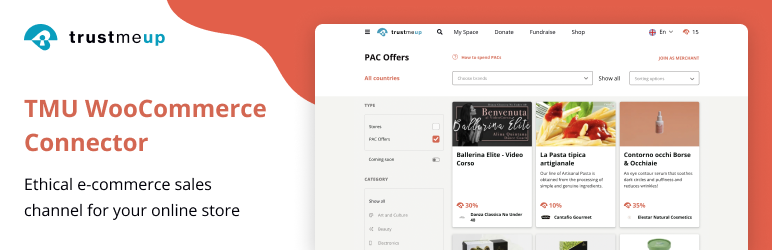
This plugin lets you connect your TrustMeUp.com Merchant account to your WooCommerce store.
Upload the plugin uncompressed folder (/trustmeup-connector) to the /wp-content/plugins/ directory
Activate the plugin through the ‘Plugins’ menu in WordPress
Login into your TrustMeUp.com admin page and go to the ‘Developers’ tab to get your merchant credentials (Client ID and password).
Then go to ‘Offers Management’ and setup your PAC Offers.
Once done, go back to this plugin on your WooCommerce shop and insert your credentials under the ‘Settings’ tab.
Then click on ‘Synchronize with TrustMeUp” for synchronizing your products with PAC Offers.
Once done, go to the “Overview” tab to link the products to your offers.
Congratulations, you are ready to collect sales!
سوالات متداول
Can I use this plugin without being a registered merchant on TrustMeUp?
No, this plugin is available only to online merchants that are officially registered on TrustMeUp.com. Please visit https://www.trustmeup.com/en/join/merchants to join.
What if I need support for installation and configuration?
Please contact our Merchants support via our online chat or sending an email to merchants@trustmeup.com.