
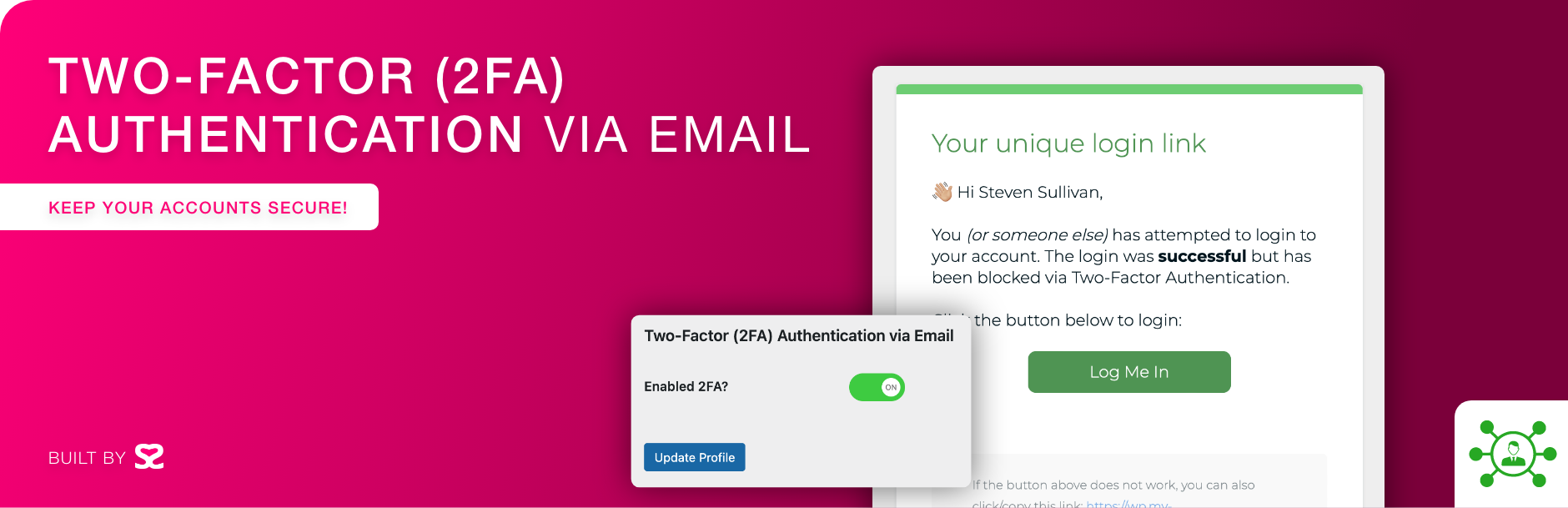
Two Factor (2FA) Authentication via Email

Two Factor (2FA) Authentication via Email

توسط

A simple, lightweight, yet effective plugin to enable two factor (2FA) authentication via email. You can enable this on an individual user basis, for all administrators, editors, or all accounts with one line of code in your wp-config.php file.

WordPress is the world’s most popular content management system (CMS), with over 40% of all websites running on it. As such, it has become a prime target for hackers looking to exploit vulnerabilities to gain unauthorized access to websites. One of the best ways to enhance the security of a WordPress site is to enable two-factor authentication (2FA) for administrators.

  • Simply enable the plugin then edit a user account to enable 2FA for that individual user.
  • Please make sure your WordPress website sends and receives emails correctly. The best way is to use a SMTP plugin.

Check out our other plugins:

Use the automatic installer via WordPress or download the plugin and:

  1. Upload the plugin files to the /wp-content/plugins/two-factor-2fa-via-email directory.
  2. Activate the plugin through the ‘Plugins’ screen in WordPress.
  3. Navigate to your profile or any other users and enable to toggle 2FA to enable per account.

سوالات متداول

Help! I’m locked out!

If you are not receiving the email to login then in order to regain access to your account, you’ll have to disable the plugin. The only way to do this is by renaming the plugin folder from two-factor-2fa-via-email to two-factor-2fa-via-email.backup or equivalent.

15 minutes is too long/short for me. Can this be changed?

Yes! As of version 1.5.2 you can now add a defined constant to your wp-config.php file;

define('SS88_2FAVE_LINK_EXPIRES_MINUTES', 10);

Where the number 10 is, change this to whatever value (in minutes) you prefer.

Can I enable this for every Administrator?

Yes! As of version 1.6 you can now add a defined constant to your wp-config.php file;

define('SS88_2FAVE_ENABLE_ADMINS', true);

Can I enable this for every Editor?

Yes! As of version 1.6 you can now add a defined constant to your wp-config.php file;

define('SS88_2FAVE_ENABLE_EDITORS', true);

Can I enable this for every Contributor?

Yes! As of version 1.9.2 you can now add a defined constant to your wp-config.php file;

define('SS88_2FAVE_ENABLE_CONTRIBUTORS', true);

Can I enable this for every Subscriber?

Yes! As of version 1.7.1 you can now add a defined constant to your wp-config.php file;

define('SS88_2FAVE_ENABLE_SUBSCRIBERS', true);

Can I enable this for every account?

Yes! As of version 1.6 you can now add a defined constant to your wp-config.php file;

define('SS88_2FAVE_ENABLE_ALL', true);

Can I change who receives the plugin deactivated email?

Yes! As of version 1.6 you can now add a defined constant to your wp-config.php file;

define('SS88_2FAVE_NOTIFICATION_EMAIL', 'john@doe.com');

Change john@doe.com to your preferred email.

How do I disable 2FA on the REST API?

Yes! As of version 1.9 you can now add a defined constant to your wp-config.php file;

define('SS88_2FAVE_API_DISABLE_ALL', true);

How can I redirect users to a URL after logging in?

As of version 1.9.1 you can use the filter SS88_2FAVE_custom_redirect like so:

add_filter('SS88_2FAVE_custom_redirect', function($URL) {

    if(current_user_can('editor')) return 'https://custom.com/page/here';
    else return $URL;

});

Can I override the isEnabled function?

As of version 1.9.1 you can use the filter SS88_2FAVE_isEnabled like so:

add_filter('SS88_2FAVE_isEnabled', function($isEnabled, $UserID, $type) {

    // $isEnabled = Prior value
    // $UserID = ID of user
    // $type = Values are API or LOGIN

    return $isEnabled;

}, 10, 3);

Please note that if you have SS88_2FAVE_ENABLE_ALL, SS88_2FAVE_ENABLE_ADMINS, SS88_2FAVE_ENABLE_EDITORS, SS88_2FAVE_ENABLE_CONTRIBUTORS, SS88_2FAVE_ENABLE_SUBSCRIBERS, or SS88_2FAVE_API_DISABLE_ALL set, the filter SS88_2FAVE_isEnabled will not work.

×
نظری برای این آیتم موجود نیست.
0 0 رای ها
امتیازدهی
اشتراک در
اطلاع از
0 نظرات
قدیمی‌ترین
تازه‌ترین بیشترین رأی
نسخه حجم فایل SHA256 تغییرات دانلود
1.9.9 20 کیلوبایت -
دانلود
×
★★★★★
★★★★★
5.0 /5 (4 نظر)

قیمت:

رایگان

نگارش

1.9.9

آخرین انتشار

11 اردیبهشت 1405

آخرین بروزرسانی

4 ماه پیش

نصب های فعال

9,000+

نگارش وردپرس

وردپرس 4.6+

تست شده از نسخه

وردپرس 6.9.4

نگارش PHP

PHP 5.6+

نسخه ها

1 نسخه




