
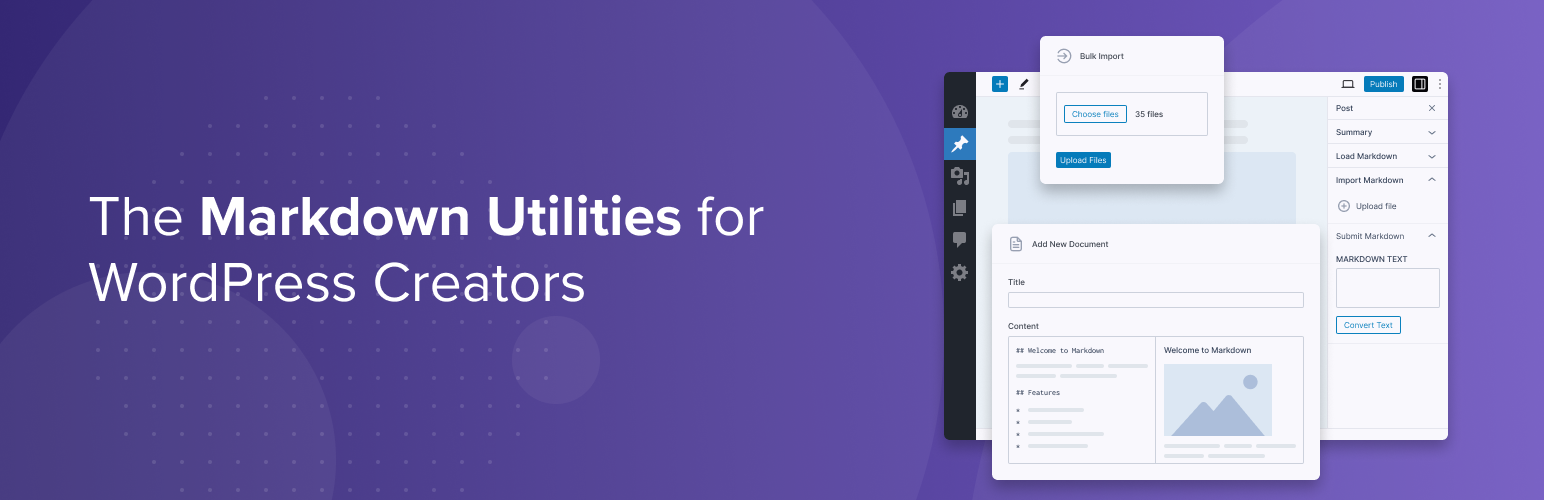

Ultimate Markdown helps you speed up your writing workflow. Create, import, and export Markdown with tools designed for faster publishing and automation.
The plugin offers multiple ways to work with Markdown. After installing it, you can:
- Create posts from Markdown files or internal Markdown documents.
- Convert Markdown text to blocks directly in the post editor.
- Create and manage Markdown documents in a dedicated plugin menu.
- Import Markdown files into WordPress.
- Export Markdown documents from the internal library as ZIP archives.
We distribute the Pro version of this plugin, which includes additional import and export options, automatic image uploads during import, REST API support for automation, additional Markdown parsers (7 options), extended Front Matter support, document categories, and more. See the feature comparison for a detailed overview.
Getting Started
To quickly understand how the plugin works, start with the guide below:
Using the Editor Panels
Ultimate Markdown adds dedicated panels to the post editor:
- Import Markdown – Upload a Markdown file and convert it into post content
- Load Markdown – Generate post content from documents stored in the plugin’s internal library
- Insert Markdown – Paste or type Markdown text and convert it instantly
The plugin integrates with both the Block Editor and the Classic Editor. The editor panels are available in the post editor sidebar when using the Block Editor and as meta boxes when using the Classic Editor.
Managing Markdown Documents
Manage your Markdown content directly within the plugin using a dedicated menu.
- Documents Overview – Learn how to create, edit, and organize your Markdown documents
Front Matter
The plugin supports Front Matter key-value pairs provided in the YAML language. With this feature, you can configure post settings by defining key-value pairs at the beginning of the Markdown document.
See the Using Front Matter guide for available keys and practical examples.
Bulk Import and Export
Use the dedicated menu to import one or more Markdown files and store them as documents in the internal library.
You can also export the Markdown documents created within the plugin as downloadable files.
Learn More
Want to explore the plugin in more detail? See the full documentation:






