
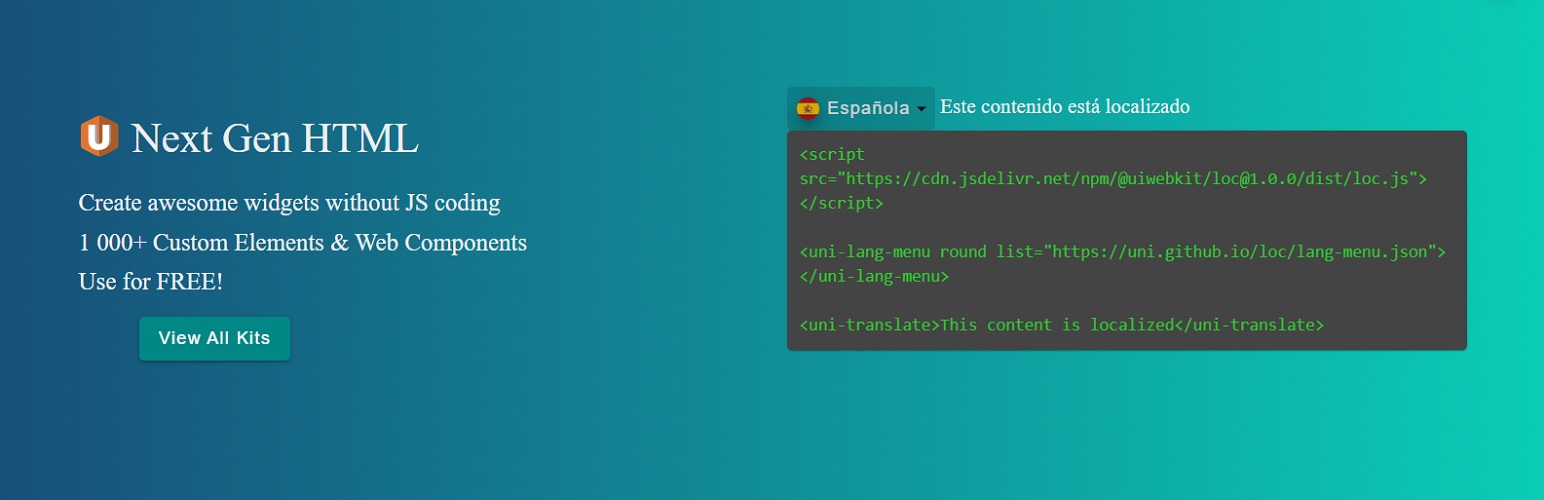
Uni Localize

Uni Localize

توسط

Localize your website with the fully customizable Language Menu widget and the custom translations, without any additional constant payments for automatic translations.
You can customize it for the all 100% and absolutely legally by “Next Gen Customization” widget option!

  • Uni Lang Menu widget has both multiple predefined options and direct access to the HTML template, so you can change whatever you want absolutely legally;
  • Switch the language in the dropdown menu and see the translated content immediately, without page reloading;
  • Upload translations from a simple JSON file, that is placed locally or hosted by external source;
  1. Install using the WordPress built-in Plugin installer, or Extract the zip file and drop the contents in the wp-content/plugins/ directory of your WordPress installation.
  2. Activate the plugin through the ‘Plugins’ menu in WordPress.
  3. Go to Appearance > Widgets, then drag and drop the « Uni Lang Menu » widget where you want it to appear.
  4. Accept condition for FREE to use with «Powered by U» sign (see in the lower right corner) and lately contact us if you want to remove it forever.
  5. Save the newly added widget and refresh your webpage to see widget on page.
  6. Open directory wp-content/plugins/uni-localize/i18n/ and add your translations or connect external json files.
    7.(Optional) Into the widget setup change any option and see the changes immediately with the « Live preview ».
    8.(Optional) Into the widget setup switch to « Next Gen Customization », change whatever you want into HTML template and see the changes immediately with the « Live preview ».

For documentation and tutorials visit our page.

سوالات متداول

Is this plugin and widget free to use?

Yes, it is FREE to use with «Powered by U». You can contact us if you want to remove it forever.

Is there are PRO or any other paid version or functionality?

No, this version is the only one and has the full functionality. No any additional constant payments required.

How can I add new languages?

You may add new languages manually into a simple JSON file: “/wp-content/plugins/uni-localize/i18n/list.php” or into “…/list.json” or any other JSON file that is specified into the Uni Lang Menu Widget options.

How can I add new translations?

You may add new translations manually into a simple JSON file: “/wp-content/plugins/uni-localize/i18n/translates/xxx.json” (xxx – language name) or you can use external services like localise.biz.

What flag names are available?

You can find it at this page.

×
نظری برای این آیتم موجود نیست.
0 0 رای ها
امتیازدهی
اشتراک در
اطلاع از
0 نظرات
قدیمی‌ترین
تازه‌ترین بیشترین رأی
بازخورد (Feedback) های اینلاین
مشاهده همه دیدگاه ها
هیچ نسخه‌ای برای این آیتم موجود نیست.
بدون امتیاز

قیمت:

رایگان

نگارش

آخرین انتشار

20 اردیبهشت 1405

آخرین بروزرسانی

1 ماه پیش

نصب های فعال

-

نگارش وردپرس

وردپرس 5.0+

تست شده از نسخه

وردپرس 5.8.13

نگارش PHP

PHP 5.6+

نسخه ها

0 نسخه




