
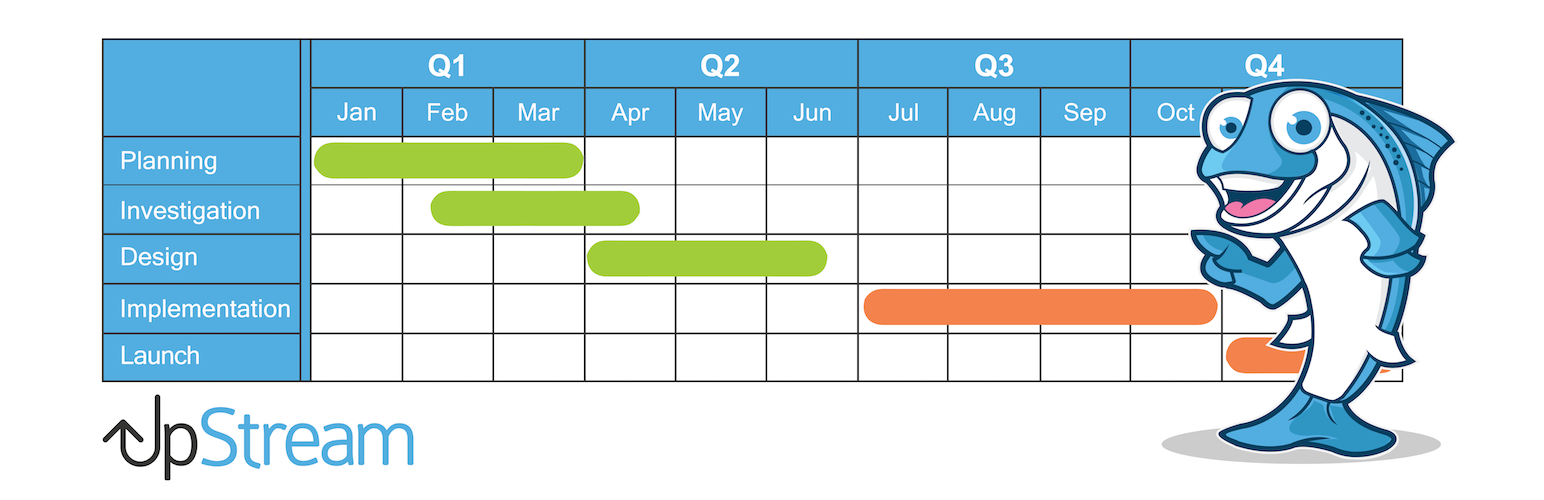

UpStream is a free project management plugin.
UpStream allows you to manage any type of project from inside your WordPress site.
Your clients can track the progress of their project via the frontend project view. Your team can see all the tasks and bugs that are assigned to them.
Click here to try a free demo of UpStream
The UpStream core is totally free. We encourage you to try the demo and see how it works. UpStream also has a range of extensions that allow you to extend the features available for your projects.
View our Premium Extensions here.
Project Features
- Milestones & Tasks (that can be linked)
- Bug/Issue Tracker
- Upload Files & Documents
- Project Discussion thread
- Automatic Progress Tracking
- Custom Fields
- Custom Statuses
Client Features
- Client contact details, address, logo
- Custom fields
- Client Users (employees)
- Client login page to view their projects
General Features
- Built in Roles – Project Manager & Project User
- Custom Capabilities & Permissions
- Awesome looking frontend
- Customizable frontend templates
- Label Projects, Clients, Milestones, Tasks, Files & Bugs anything you like
- Developer friendly and highly customizable
- Translation ready
Premium Extensions
Add even more awesome features through the use of our extensions.
- Frontend Edit
- Project Timeline
- Customizer
- Email Notifications
- Copy Project
- Calendar View
- Custom Fields
Milestones & Tasks
Milestones & tasks help you to successfully plan, track and manage your project from start to finish. Assign tasks & milestones to users, add start & end dates, color-coded statuses, notes and progress of the tasks & milestones. You can even add your own custom fields.
Bug Tracking & Issue Reporting
Easily report bugs or issues as they arise and just like milestones & tasks, you can assign the bug to a user, add a status, severity of the bug, a description, due date & attach files to each individual bug.
Project Discussion
Avoid email trails and keep the entire discussion about your project right where it should be, within the project! Any user can add to the discussion and with the Front End Edit extension and you can also allow your clients to add to the discussion.
Front End View
Your clients can view the details and the progress of the project via the front end. Clients can never access the WordPress admin. Using a customized login system, you can determine which users of your client can have access to the project and also to which parts of the project they can view.
Highly Customizable
Well thought out settings and options, customizable templates, add your own CSS, create custom fields wherever you like, create your own statuses with whatever colors you choose plus lots more. You can even rename projects, milestones, tasks, bugs, files and clients. Prefer to rename ‘Bugs’ as ‘Issues’? Rather call a ‘Project’ a ‘Plan’ or call a ‘Client’ a ‘Customer’? Go for it!






