
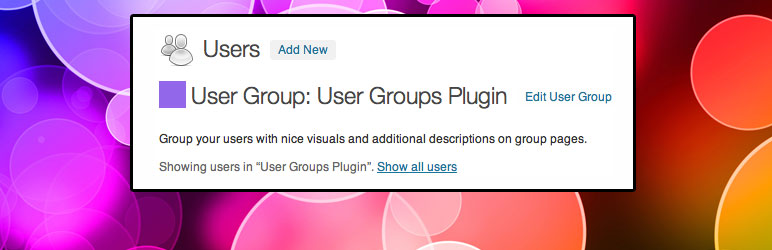
User Groups

User Groups

توسط

Group Your Users

  • Add descriptions to user groups
  • Assign colors to user groups
  • View all users in a group
  • Add users to more than one group at a time

The User Groups plugin does not modify user capabilities, limit access, or anything like that. This plugin does one thing, and does it well: create groups and organize your users by that group.

Works beautifully with the Rich Text Tags plugin for adding WYSIWYG descriptions to the User Groups.

  1. Upload the User Groups plugin folder to the /wp-content/plugins/ directory
  2. Activate the plugin through the ‘Plugins’ menu in WordPress
  3. Create User Groups by going to Users > Groups
  4. Add users to an User Group by visiting their profile page and selecting checkboxes of the groups you’d like to add them to

سوالات متداول

Does this plugin limit user access to (anything)

Nope.

×
نظری برای این آیتم موجود نیست.
0 0 رای ها
امتیازدهی
اشتراک در
اطلاع از
0 نظرات
قدیمی‌ترین
تازه‌ترین بیشترین رأی
نسخه حجم فایل SHA256 تغییرات دانلود
1.3.1 163 کیلوبایت -
دانلود
×
★★★★★
★★★★★
4.0 /5 (9 نظر)

قیمت:

رایگان

نگارش

1.3.1

آخرین انتشار

21 اردیبهشت 1405

آخرین بروزرسانی

3 ماه پیش

نصب های فعال

200+

نگارش وردپرس

وردپرس 2.8+

تست شده از نسخه

وردپرس 4.5.33

نگارش PHP

-

نسخه ها

1 نسخه




