
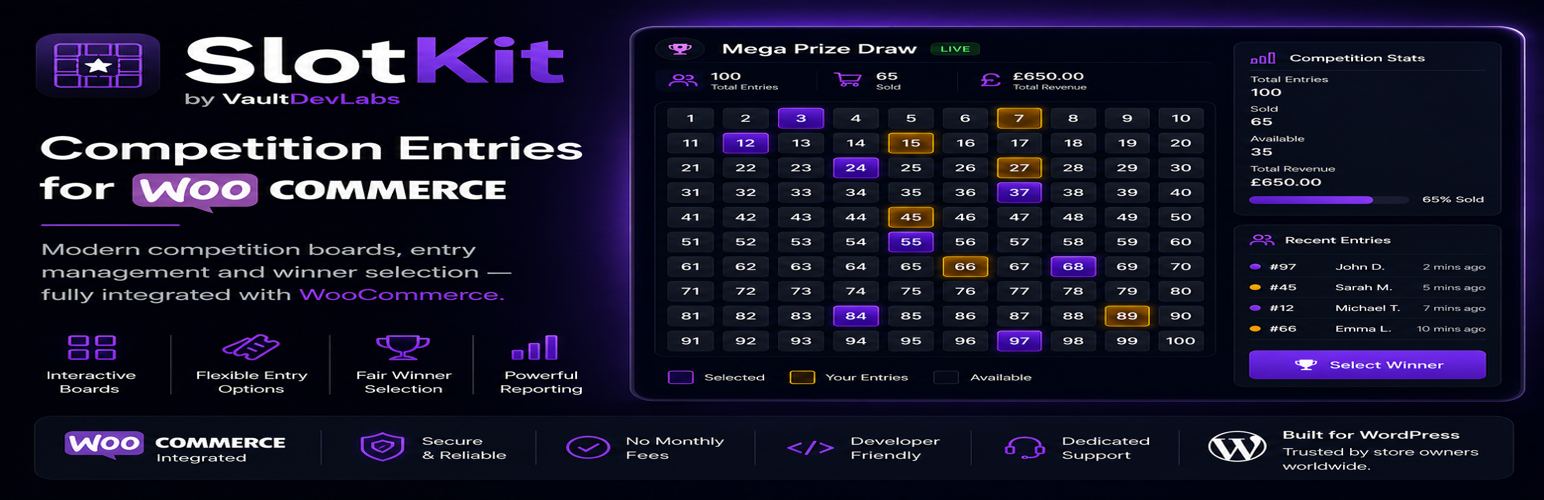
VDL Competition Entries for WooCommerce

VDL Competition Entries for WooCommerce

توسط

Run WooCommerce-backed promotional competitions with selectable number boards or simple quantity-based entries. Includes skill questions, free-entry information blocks, manual winner tools, CSV export, shortcode embeds, and mobile-friendly frontend layouts.

WooCommerce handles checkout, orders, customer emails, refunds, and payment gateway support. This plugin provides the entry selection, automatic entry assignment, reservation, and order meta layer.

This plugin provides tools for running competition entries. Site owners are responsible for ensuring their competitions comply with applicable laws and payment provider rules.

External services

This plugin can create WhatsApp, Facebook, and X share links when users choose to share a competition or board. The plugin does not send data to these services automatically. When a visitor clicks one of these share links, their browser is directed to the selected service with the configured share text and URL.

Service provider: WhatsApp / Meta Platforms, Inc.
Terms: https://www.whatsapp.com/legal/terms-of-service
Privacy: https://www.whatsapp.com/legal/privacy-policy

Service provider: Facebook / Meta Platforms, Inc.
Terms: https://www.facebook.com/legal/terms
Privacy: https://www.facebook.com/privacy/policy/

Service provider: X Corp.
Terms: https://x.com/en/tos
Privacy: https://x.com/en/privacy

  1. Install and activate WooCommerce.
  2. Upload this plugin to /wp-content/plugins/ or install it from the WordPress admin.
  3. Activate VDL Competition Entries for WooCommerce.
  4. Create a competition in Competition Boards Boards.
  5. Choose Number Board or Simple Entries mode and link a WooCommerce product in the settings.
  6. Add the shortcode [vdl_competition_entries_for_woocommerce_board id="123"] to a page (replace 123 with your board ID).

سوالات متداول

Does this plugin process payments directly?

No. WooCommerce and your configured WooCommerce payment gateways handle payments and order processing.

Can I run boards without WooCommerce?

Lite v1 is built around WooCommerce checkout and orders. WooCommerce should be active for normal operation.

How are selected numbers stored?

Numbers are reserved as temporary holds, then marked sold when WooCommerce orders are paid (processing/completed).

Can customers buy entries without choosing numbers?

Yes. Simple Entries mode lets customers choose an entry quantity. Entry numbers are assigned automatically after WooCommerce payment.

What happens on failed, cancelled, or refunded orders?

Failed/cancelled pre-sale holds are released. Refunded entries remain in sold history for auditability and admin review.

Does this plugin guarantee legal compliance?

No. The plugin provides tooling only. Site owners are responsible for compliance with local laws and payment provider rules.

×
نظری برای این آیتم موجود نیست.
0 0 رای ها
امتیازدهی
اشتراک در
اطلاع از
0 نظرات
قدیمی‌ترین
تازه‌ترین بیشترین رأی
نسخه حجم فایل SHA256 تغییرات دانلود
0.2.12 143 کیلوبایت -
دانلود
×
بدون امتیاز

قیمت:

رایگان

نگارش

0.2.12

آخرین انتشار

2 خرداد 1405

آخرین بروزرسانی

3 ماه پیش

نصب های فعال

-

نگارش وردپرس

وردپرس 6.0+

تست شده از نسخه

وردپرس 6.9.4

نگارش PHP

-

نسخه ها

1 نسخه




