
Visual Product Configurator for Woocommerce Lite

Visual Product Configurator for Woocommerce Lite

توسط

How it works

Demos

Overview

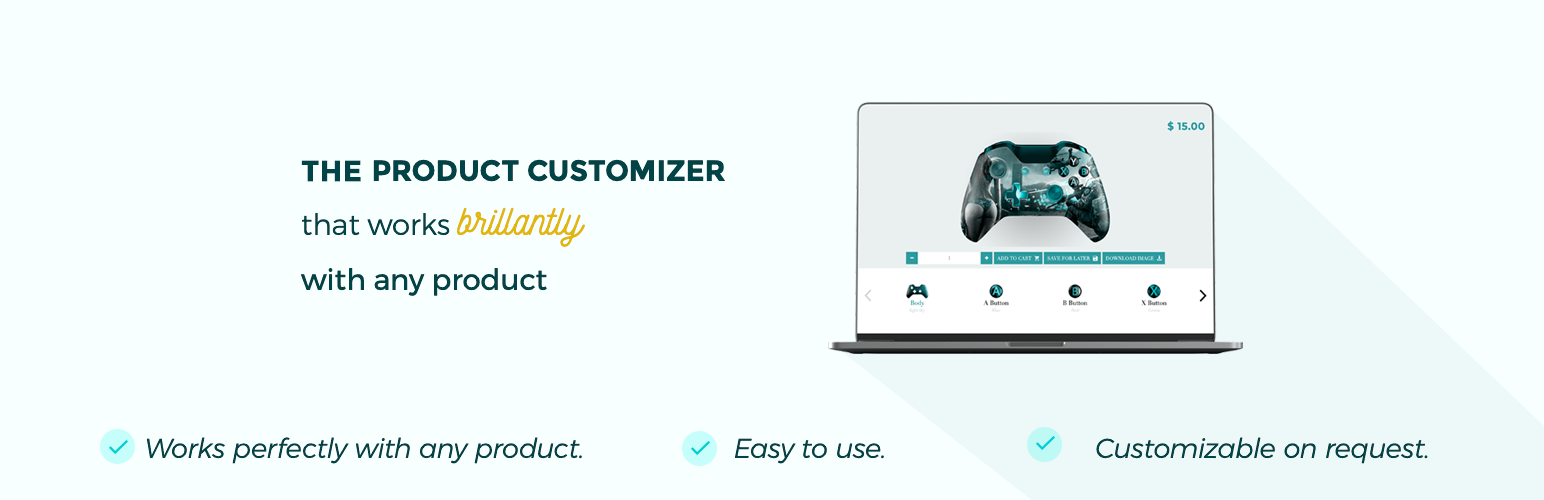
A complex composite product with lot of options may be difficult configure if the customers don’t know how the end product will look like. The Visual Product Configurator for Woocommerce gives you the ability ease your customers pain by customizing their perfect product visually.

Works with any complex product such as:

  • Controllers
  • Bikes
  • Vapors
  • Furnitures
  • Helmets
  • Sunglasses
  • And way much more… The fact is that it’s so flexible that it can be used for any kind of product.

Pro version features

  • Conditional logic: Allows you to automatically show or hide some options or components based on the customer selection.
  • Multiple options selection: Allows the selection of multiple options within the same component.
  • Linked products: Allows you to link existing products to an option in order to trigger everything related to the linked products once the order is made.
  • Priority support: Get help from our support team within the next two hours after submitting your ticket.

Minimum Requirements

  • WordPress 3.6 or greater
  • Woocommerce version 2.4 or greater
  • PHP version 5.2.4 or greater
  • MySQL version 5.0 or greater

This section describes how to install the plugin and get it working

Automatic installation (easiest way)

To do an automatic install of Visual Product Configurator for Woocommerce, log in to your WordPress dashboard, navigate to the Plugins menu and click Add New.

In the search field type “Visual Product Configurator for Woocommerce” and click Search Plugins. Once you have found it you can install it by simply clicking “Install Now”.

Manual installation

Uploading in WordPress Dashboard

  1. Download `visual-product-configurator-for-woocommerce.zip`
  2. Navigate to the ‘Add New’ in the plugins dashboard
  3. Navigate to the ‘Upload’ area
  4. Select `visual-product-configurator-for-woocommerce.zip` from your computer
  5. Click ‘Install Now’
  6. Activate the plugin in the Plugin dashboard

Using FTP

  1. Download `visual-product-configurator-for-woocommerce.zip`
  2. Extract the `visual-product-configurator-for-woocommerce` directory to your computer
  3. Upload the `visual-product-configurator-for-woocommerce.zip` directory to the `/wp-content/plugins/` directory
  4. Activate the plugin in the Plugin dashboard

The WordPress codex contains instructions on how to install a WordPress plugin.

Updating

You can use automatic update to update the plugin safely.

سوالات متداول

Where can I find Visual Product Configurator for Woocommerce documentation and user guides

The plugin contains a User manual.pdf to help you start.

If you get stuck you can open a ticket here.

Will Visual Product Configurator for Woocommerce

Visual Product Configurator for Woocommerce works with any theme, including the default WordPress themes.

×
نظری برای این آیتم موجود نیست.
0 0 رای ها
امتیازدهی
اشتراک در
اطلاع از
0 نظرات
قدیمی‌ترین
تازه‌ترین بیشترین رأی
هیچ نسخه‌ای برای این آیتم موجود نیست.
★★★★★
★★★★★
3.3 /5 (32 نظر)

قیمت:

رایگان

نگارش

آخرین انتشار

21 اردیبهشت 1405

آخرین بروزرسانی

3 ماه پیش

نصب های فعال

200+

نگارش وردپرس

وردپرس 6.0+

تست شده از نسخه

وردپرس 6.8.5

نگارش PHP

PHP 8.0+

نسخه ها

0 نسخه




