
VoxAI – AI Audio & Summary for Posts

VoxAI – AI Audio & Summary for Posts

توسط

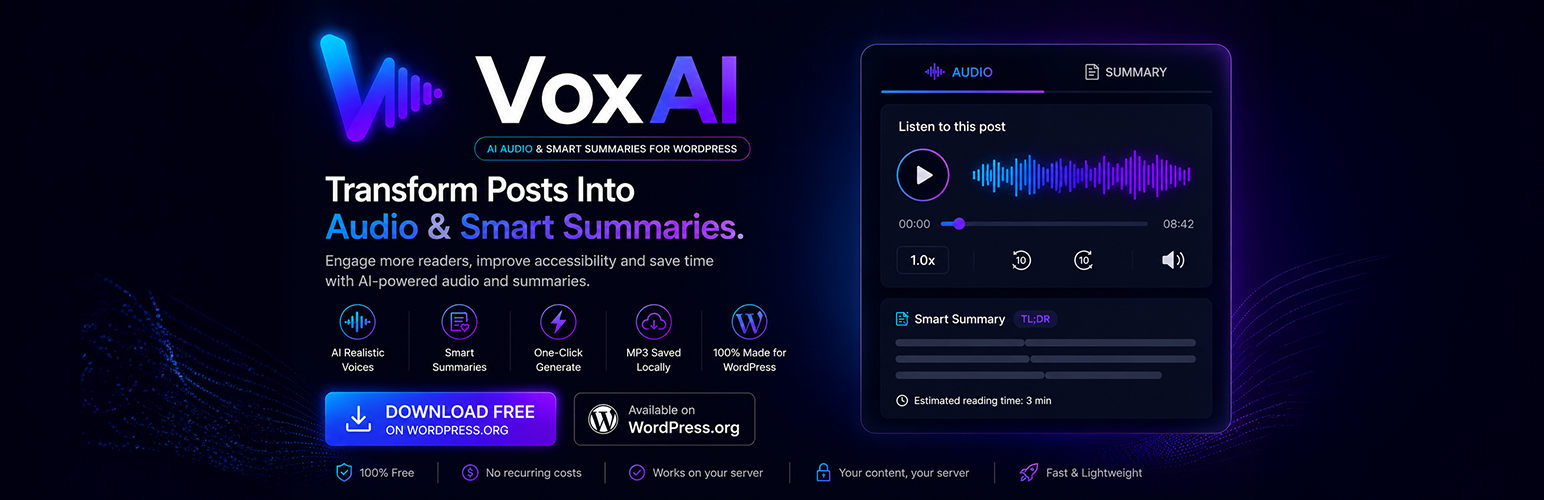
VoxAI – AI Audio & Summary for Posts transforms your content into a richer, more accessible experience. With a single click, your posts get a professional audio narration and an AI-written summary — no recording equipment, no manual editing.

Readers stay longer. Bounce rates drop. Your content becomes accessible to audiences who prefer to listen.

✨ Key Features

AI Summary Generator
Uses OpenAI GPT-4o Mini to read your article and write a concise, accurate summary. The summary appears in a collapsible panel inside your post — clean, discreet, and on-brand.

Text-to-Speech Audio Player
Converts your full article into natural-sounding audio using OpenAI’s TTS engine. Six high-quality voices available (Alloy, Echo, Fable, Onyx, Nova, Shimmer). The MP3 is saved to your server — no recurring API call for playback.

Reading Time Estimator
Automatically calculates and displays the estimated reading time for every post. Configurable and translatable.

Smart Positioning
Choose to inject the AI Reader widget before the content, after the content, or disable injection entirely and use the shortcodes manually.

Shortcodes for Full Control
[voxaiau_summary] — Displays the AI Summary panel.
[voxaiau_tts] — Displays the AI Audio player.

🔧 Zero configuration required to start

Paste your OpenAI API key in Settings AI Audio & Summary, choose which post types to activate it on, and you’re done. The widget renders automatically.

🌐 Languages

  • English (default)
  • Português do Brasil (pt_BR) — fully translated

🔒 Privacy & External Services

This plugin sends post content to the OpenAI API only when you explicitly request a summary or audio generation. No data is sent automatically without user action.

This plugin uses the OpenAI API. By using this plugin, you agree to:
OpenAI Terms of Service
OpenAI Privacy Policy

No data is stored on our servers. The generated MP3 is saved locally on your WordPress install.

Automatic Installation (Recommended)

  1. Go to Plugins Add New in your WordPress dashboard.
  2. Search for VoxAI – AI Audio & Summary.
  3. Click Install Now, then Activate.
  4. Go to Settings AI Audio & Summary and paste your OpenAI API key.

Manual Installation

  1. Download the plugin zip file.
  2. Go to Plugins Add New Upload Plugin.
  3. Upload the zip, click Install Now, then Activate.
  4. Go to Settings AI Audio & Summary and paste your OpenAI API key.

Getting your OpenAI API Key

  1. Create an account at platform.openai.com.
  2. Navigate to API Keys and click Create new secret key.
  3. Copy the key and paste it in Settings AI Audio & Summary.

سوالات متداول

Do I need an OpenAI account?

Yes. This plugin uses the OpenAI API to generate summaries and audio. You need an OpenAI account with a valid API key and available credits.

Does it send my content to OpenAI automatically?

No — content is only sent to OpenAI when requested via the “Generate Summary” or “Generate Audio” buttons inside the post editor, or when a user views a post without a cached summary.

How much does it cost to use?

The plugin itself is free. You pay OpenAI directly for API usage. A typical article summary (GPT-4o Mini) costs less than $0.001 USD. A full audio narration (1000 words, tts-1 model) costs approximately $0.02–$0.04 USD.

Is the audio file stored on my server?

Yes. Once generated, the MP3 file is saved securely on your own WordPress server inside the uploads directory. Playback never calls the OpenAI API again.

Does it work with Gutenberg and Classic Editor?

Yes. VoxAI has full support for both the Classic Editor (metabox) and the Gutenberg block editor (sidebar panels).

×
نظری برای این آیتم موجود نیست.
0 0 رای ها
امتیازدهی
اشتراک در
اطلاع از
0 نظرات
قدیمی‌ترین
تازه‌ترین بیشترین رأی
نسخه حجم فایل SHA256 تغییرات دانلود
1.0.3 73 کیلوبایت -
دانلود
×
بدون امتیاز

قیمت:

رایگان

نگارش

1.0.3

آخرین انتشار

1 خرداد 1405

آخرین بروزرسانی

3 ماه پیش

نصب های فعال

-

نگارش وردپرس

وردپرس 6.0+

تست شده از نسخه

وردپرس 6.9.4

نگارش PHP

PHP 7.4+

نسخه ها

1 نسخه




