
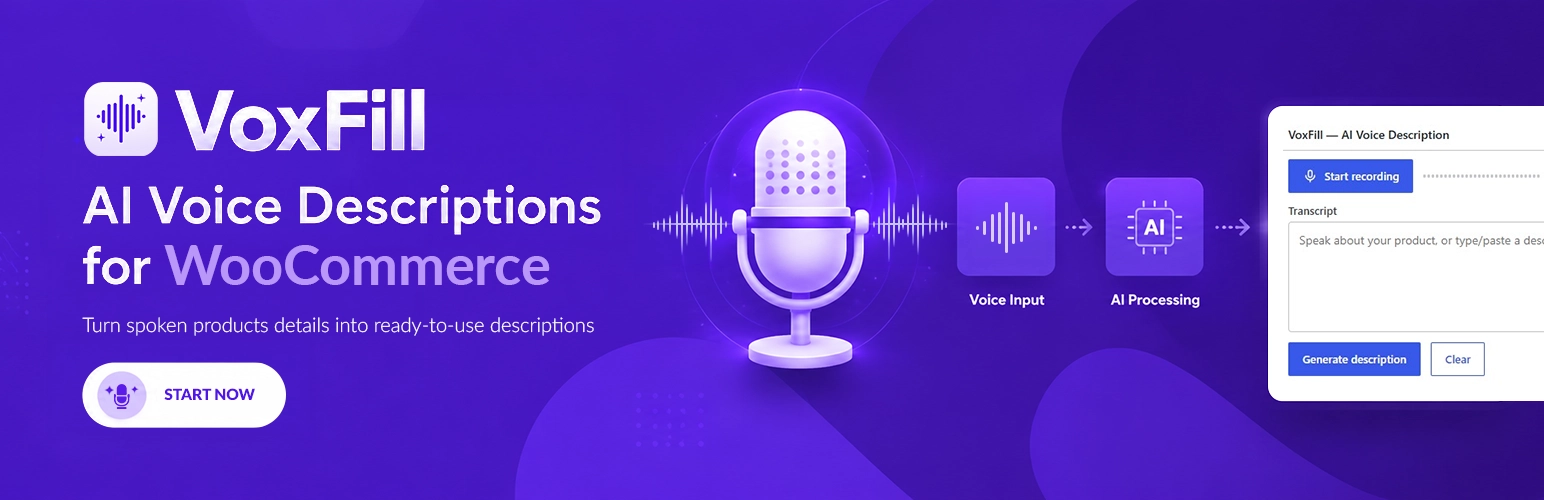

VoxFill adds a voice-recording toolbar to the WooCommerce product editor. Speak naturally about your product; the plugin transcribes the audio, sends the transcript to your chosen AI provider (Anthropic Claude, OpenAI, or Groq), and fills in:
- Product title
- Short description
- Full description
- Key features list
- SEO meta description (Yoast SEO, RankMath, or AIOSEO)
- Product tags
You bring your own API key from Anthropic, OpenAI, or Groq. Groq offers a generous free tier — no credit card needed to start. There is no premium tier and no usage limit imposed by VoxFill — only a self-managed daily budget you can configure or disable.
Why VoxFill
- Native WooCommerce workflow. The toolbar lives inside the product editor meta box. Click record, talk, generate — fields fill in instantly.
- Bring your own key. Pay your AI provider directly. No middlemen, no markup.
- Multilingual. Speak in any of 10 supported languages, including Arabic and English. The transcript is sent to the AI in the same language as your store.
- Free in-browser transcription. Uses the built-in Web Speech API in Chrome, Edge, and Safari — no extra account, no extra API calls.
- No tracking. Nothing is transmitted until you click Generate. No analytics, no pixels, no offloaded assets.
How it works
- Install VoxFill and activate it. Open VoxFill Settings under WooCommerce.
- Paste your Anthropic or OpenAI API key. Pick a tone, language, and which fields to fill.
- Open any product. The VoxFill toolbar sits inside the product editor. Click the microphone, describe your product, and click Generate.
- Review the AI-generated copy and publish.
AI disclaimer
AI-generated content may require editing. VoxFill does not guarantee accuracy, uniqueness, or legal compliance of generated text. Always review output before publishing.
Third-Party Services
This plugin connects to the following external services to generate product descriptions.
Data is only sent when a logged-in user with edit_products capability clicks
“Generate Description” in the product editor.
Anthropic Claude
- Purpose: AI-powered product description generation
- Data sent: the product transcript you record or type (plain text, no personal data)
- Service terms: https://www.anthropic.com/legal/commercial-terms
- Privacy policy: https://www.anthropic.com/legal/privacy
OpenAI
- Purpose: AI-powered product description generation (optional, selected in settings)
- Data sent: the product transcript you record or type (plain text, no personal data)
- Service terms: https://openai.com/policies/usage-policies
- Privacy policy: https://openai.com/policies/privacy-policy
Groq
- Purpose: AI-powered product description generation (optional, selected in settings)
- Data sent: the product transcript you record or type (plain text, no personal data)
- Service terms: https://groq.com/terms-of-use/
- Privacy policy: https://groq.com/privacy-policy/
- Note: Groq runs open-source models (Llama 3.x, GPT-OSS) and offers a free developer tier. Review Groq’s terms regarding data handling on the free tier before sending product copy.
No data is transmitted on plugin activation, page load, or at any time other than
when you explicitly click the Generate button. Speech-to-text runs locally in the
browser using the Web Speech API — audio never leaves the device. Your API key is
stored in your own WordPress database and is never transmitted to any party other
than the selected provider.






