
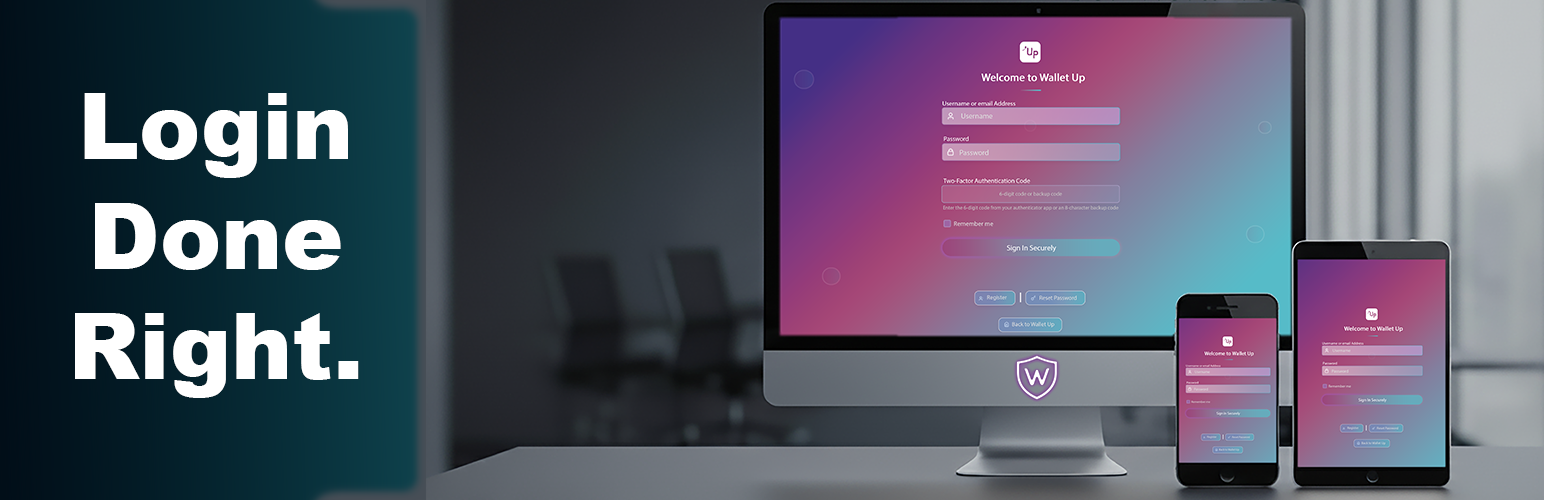

Wallet Up Premium Login Customizer transforms your WordPress login page into a modern, secure, and beautiful authentication portal. Built with enterprise security standards and featuring a stunning interactive design, this plugin provides comprehensive protection while delivering an exceptional user experience.
🎨 Beautiful Login Interface
- Modern gradient design with customizable colors
- Smooth animations and interactive elements
- AJAX-powered login without page refresh
- Custom logo support with smart sizing
- Mobile-responsive design
- Loading animations with customizable messages
🔒 Enterprise Security Features
- Rate Limiting: Intelligent brute-force protection with memory-efficient implementation
- Login Attempt Monitoring: Track and block suspicious activity
- Custom Login URL: Hide wp-login.php from attackers
- Security Headers: XSS, clickjacking, and MIME-type protection
- Session Management: Automatic timeout via WordPress auth cookies
- Honeypot Protection: Invisible bot detection
- Force Login: Require authentication for entire site
- Account Lockout: Temporary lockout after failed attempts
🚀 Advanced Features
- Dashboard Replacement: Redirect users to Wallet Up dashboard
- Role-Based Exemptions: Exclude administrators from restrictions
- Conflict Detection: Automatic detection of incompatible plugins
- Emergency Recovery: Built-in recovery mode for troubleshooting
- Admin Synchronization: Real-time settings sync across components
- Safe Activation: Gradual feature enablement with rollback
🛡️ Security Enhancements
- Prevention of user enumeration
- Protection against timing attacks
- Sanitization of all error messages
- CSRF protection on all forms
- Secure AJAX communication
- Input validation and sanitization (60-character username limit)
- Memory-optimized rate limiting
- Global rate limiting to prevent botnet attacks
🔧 Developer Features
- Extensive hook system for customization
- Clean, documented codebase
- PSR-4 compliant architecture
- Comprehensive error handling
- Debug mode for development
- Translation-ready with full i18n support
System Requirements
- WordPress 5.6 or higher
- PHP 7.4 or higher
- MySQL 5.7 or higher / MariaDB 10.2 or higher
- HTTPS recommended for security features
- 10MB available disk space
- Modern browser for admin interface
Privacy Policy
This plugin:
* Does not collect personal data
* Does not communicate with external services
* Stores login attempts locally in database
* Does not use browser localStorage or sessionStorage
* All data remains on your server
Support
- Documentation: https://walletup.app/docs/login-plugin
- Support Forum: WordPress.org Support | https://wordpress.org/support/plugin/wallet-up-login-customizer/
- GitHub: https://github.com/WalletUpLLC/wallet-up-login-customizer
- Email: help@walletup.app
Credits
Developed by the Wallet Up team.
Special thanks to:
* Security agents for vulnerability reports
* Beta testers for extensive testing
* Translators for internationalization
* Inputs contributors
License
This plugin is licensed under GPL v2 or later.
Copyright (C) 2025 Wallet Up






