
Warder Cookie Consent

Warder Cookie Consent

توسط

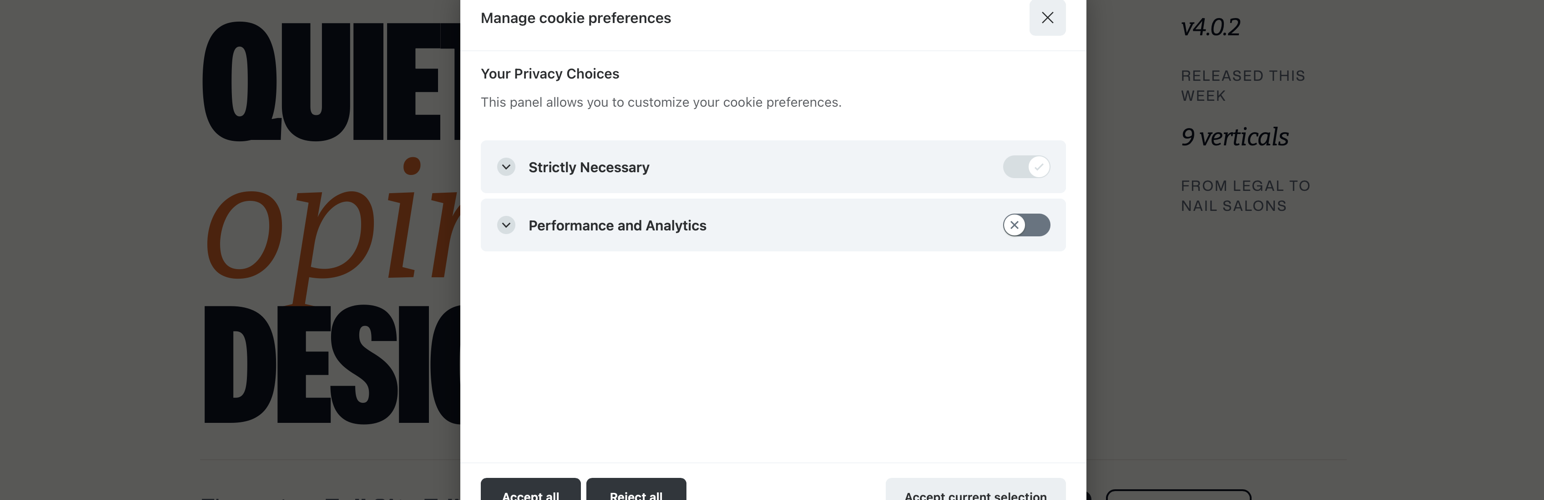
Warder Cookie Consent provides an easy way to add GDPR-compliant cookie consent banners to your WordPress website. The plugin uses the lightweight CookieConsent v3 library and offers full customization through the WordPress admin interface.

Features

  • Lightweight and fast performance
  • Multi-language support (English, French, German, Spanish, Italian, Dutch)
  • Customizable banner appearance and text
  • Cookie category management (Necessary, Analytics, etc.)
  • Automatic cookie blocking and clearing
  • Floating preferences toggle button — lets users revisit consent choices at any time
  • Fully responsive design
  • No external dependencies

Source Code

This plugin ships no obfuscated or minified-only code. The only compiled asset is dist/cookieconsent.bundle.js, bundled from human-readable source with webpack. Its first lines are a comment banner pointing back to the source. The uncompressed source (src/index.js and webpack.config.js) is included in the plugin download, and the full development repository is public:

https://github.com/imagewize/warder-cookie-consent

src/index.js imports the [vanilla-cookieconsent v3](https://github.com/orestbida/cookieconsent) library. To build from source: run `npm install`, then `npx webpack` (or `npx webpack --watch` during development).
  1. Upload the plugin folder to /wp-content/plugins/
  2. Activate the plugin through the WordPress admin panel
  3. Configure settings at Settings > Cookie Consent

سوالات متداول

How do I add custom cookie categories?

Go to Settings > Cookie Consent and use the “Add New Category” section at the bottom of the page.

Can I block specific scripts until consent is given?

Yes, add a data-category attribute to your script tags (e.g. data-category="analytics"). Scripts with this attribute are managed by the cookie consent library based on user consent.

Which cookies are blocked by default?

The plugin pre-configures an analytics category covering Google Analytics cookies (_ga, _gid, _gat). You can add, remove, or modify cookie patterns in the admin settings.

Is the plugin compatible with caching plugins?

Yes. Settings are versioned via a timestamp that is appended to the script URL, so cached pages always load the correct configuration.

×
نظری برای این آیتم موجود نیست.
0 0 رای ها
امتیازدهی
اشتراک در
اطلاع از
0 نظرات
قدیمی‌ترین
تازه‌ترین بیشترین رأی
بازخورد (Feedback) های اینلاین
مشاهده همه دیدگاه ها
هیچ نسخه‌ای برای این آیتم موجود نیست.
بدون امتیاز

قیمت:

رایگان

نگارش

آخرین انتشار

21 خرداد 1405

آخرین بروزرسانی

6 روز پیش

نصب های فعال

-

نگارش وردپرس

وردپرس 5.0+

تست شده از نسخه

وردپرس 7.0

نگارش PHP

PHP 8.0+

نسخه ها

0 نسخه




