
Watso – Basic Help Chat Button

Watso – Basic Help Chat Button

توسط

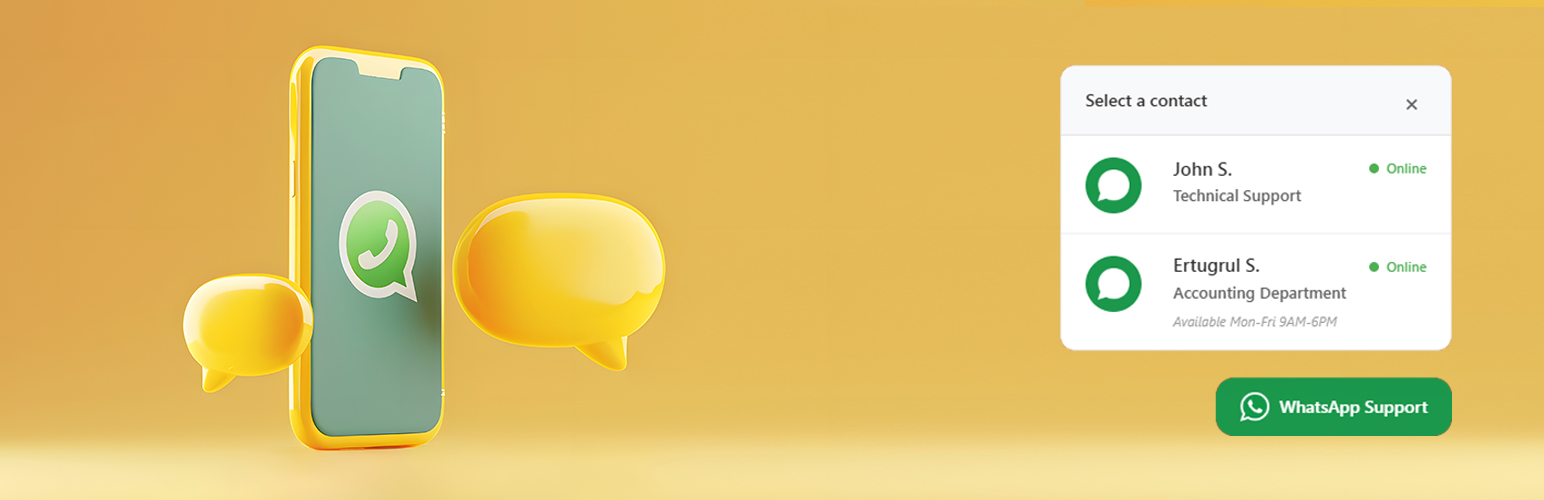
Watso is a high-performance, lightweight WhatsApp chat button plugin designed for modern WordPress websites. It provides a seamless way for your visitors to contact you or your team directly through WhatsApp, boosting your conversion rates and customer satisfaction.

🎥 Video Tutorial

🌟 Why Choose Watso?

  • ✔️ Clean design & seamless integration – Matches any theme perfectly.
  • ✔️ No coding required – Simple and intuitive setup.
  • ✔️ 100% free – No premium versions or hidden fees.
  • ✔️ GDPR & SEO friendly – Follows all modern standards and best practices.
  • ✔️ Cache-compatible – Works perfectly with all major caching plugins.

🔢 Core Features

  • Multiple WhatsApp Accounts – Add unlimited numbers for teams or departments.
  • UTM & Analytics Ready – Track clicks with Google Analytics & Meta.
  • Dark Mode Detection – Automatically adapts to user’s theme preference.
  • Smart Placement – 4 screen positions, fully responsive design.
  • Full Customization – Colors, icons, borders, labels, and more.
  • Schedule Visibility – Set working hours or hide on holidays.
  • Lightning Fast – Minimal JavaScript, optimized for performance.
  • Accessibility Built-in – Keyboard-friendly and WCAG compliant.

🌍 Languages & Localization

Watso is translation-ready and currently supports:
* 🇬🇧 English (Default)
* 🇹🇷 Türkçe (Turkish)
* 🇫🇷 Français (French)
* 🇩🇪 Deutsch (German)

Support

For support and documentation, please visit:
* Hosteva Support
* Documentation

  1. Upload the plugin files to the /wp-content/plugins/watso-basic-chat/ directory.
  2. Activate the plugin through the ‘Plugins’ screen in WordPress.
  3. Use the Settings > Watso Chat screen to configure the plugin.
  4. Add your WhatsApp number(s) and customize the appearance.

سوالات متداول

Is this plugin completely free?

Yes, Watso is 100% free with no premium versions or hidden fees.

Can I add multiple WhatsApp numbers?

Yes! You can add unlimited WhatsApp numbers. If you have more than one number, a dropdown menu will appear for visitors to choose from.

Is it compatible with caching plugins?

Yes, Watso is fully compatible with all major caching plugins including WP Rocket, W3 Total Cache, and WP Super Cache.

Does it support dark mode?

Absolutely! The plugin automatically detects the visitor’s system preference and adapts the UI accordingly.

Can I customize the button design?

Absolutely! You can customize colors, icons, border radius, positions, and much more through the admin panel.

×
نظری برای این آیتم موجود نیست.
0 0 رای ها
امتیازدهی
اشتراک در
اطلاع از
0 نظرات
قدیمی‌ترین
تازه‌ترین بیشترین رأی
هیچ نسخه‌ای برای این آیتم موجود نیست.
★★★★★
★★★★★
5.0 /5 (1 نظر)

قیمت:

رایگان

نگارش

آخرین انتشار

17 اردیبهشت 1405

آخرین بروزرسانی

3 ماه پیش

نصب های فعال

100+

نگارش وردپرس

وردپرس 4.9+

تست شده از نسخه

وردپرس 6.7.5

نگارش PHP

PHP 5.6+

نسخه ها

0 نسخه




